



How do I do it?
Software, SEO, web automation, and digital tool usage step-by-step guides. Practical manuals prepared to solve technical issues you encounter and optimize your projects.
Sort Category Content
Re-list the articles in this category according to the most recent or most viewed content.
## Technical Solutions and Step-by-Step Implementation Guides
The fastest way to overcome technical obstacles encountered in the digital world is to follow clear and proven steps. Our "How To" category is a practical solution hub brought together for everyone from developers to business owners to use web technologies, automation tools, and software infrastructure in the most efficient way.
### Breaking Down Complex Processes into Steps
A web application’s installation, server optimization, or API integrations may seem complex from the outside. However, with the right methodology, even the toughest processes can be solved easily when they are organized into a logical sequence. In our guides, we adopt a narrative style that eliminates error by focusing directly on code blocks, terminal commands, and screen configurations, avoiding theoretical explanations.
### Performance, Security, and Optimization Practices
Knowing how a system is set up is not enough in modern web standards. The system must be SEO-friendly, perform well in Core Web Vitals scores, and be protected against GDPR/security vulnerabilities. In the guides we publish on Zertucha.com, we share every step you’ll take through a technical optimization lens. Here you can find the best practices for critical processes such as running software tools at full capacity, database cleanup, or configuring automation scripts.
Articles in This Category

Can You Use Docker on Windows Without Being a Developer? Installation Guide with WSL 2
You hear the name Docker frequently, especially in the software world. But many people: “Do you need a Linux compute...

When Giving Your Phone to Someone, Don't Give the Whole Phone: Fix the Screen on Android
You gave the phone to your child. You opened YouTube. Then somehow the child said: Entered messages. He looked at th...

Don't Write the Text from the Photo on iPhone One by One: Copy it with Live Text
A photo contains a long phone number, address, IBAN, sign or text. What do we normally do? We look at the photo and wr...

Typing Wi-Fi Password in Windows Becomes History: Connect in One Move with QR Code
Writing a long and complex Wi-Fi password into a computer is a test of patience. Specifically the password: HomeWifi_2...

To Really Hide Photos on iPhone, Don't Just Delete them from the Album
Just moving a private photo to another album on iPhone does not mean to hide. Apple's Photos app specifically for this ...

Double Tap on the Back of iPhone and It's Done: How to Set Up Back Tap?
Did you know that you can initiate an action by double or triple tapping the back of iPhone? Apple's Back Tap feature c...

Your Windows Computer Can Connect to the Phone's Internet Without Asking for a Password: Instant Hotspot
You are out. Laptop cannot connect to the internet. There is mobile internet on your phone. Normally: Turn on the ph...

You Can Turn on Rain Sound on Your iPhone and Focus: How to Use Background Sounds?
If outside sounds distract you while working on your phone, iPhone has a separate feature for this. Apple's Background ...

Know This Before Controlling a Computer Remotely: How to Use Windows Quick Assist?
There is a problem with your mother, father, friend or customer's computer. By phone: “Now go to Settings, from ther...
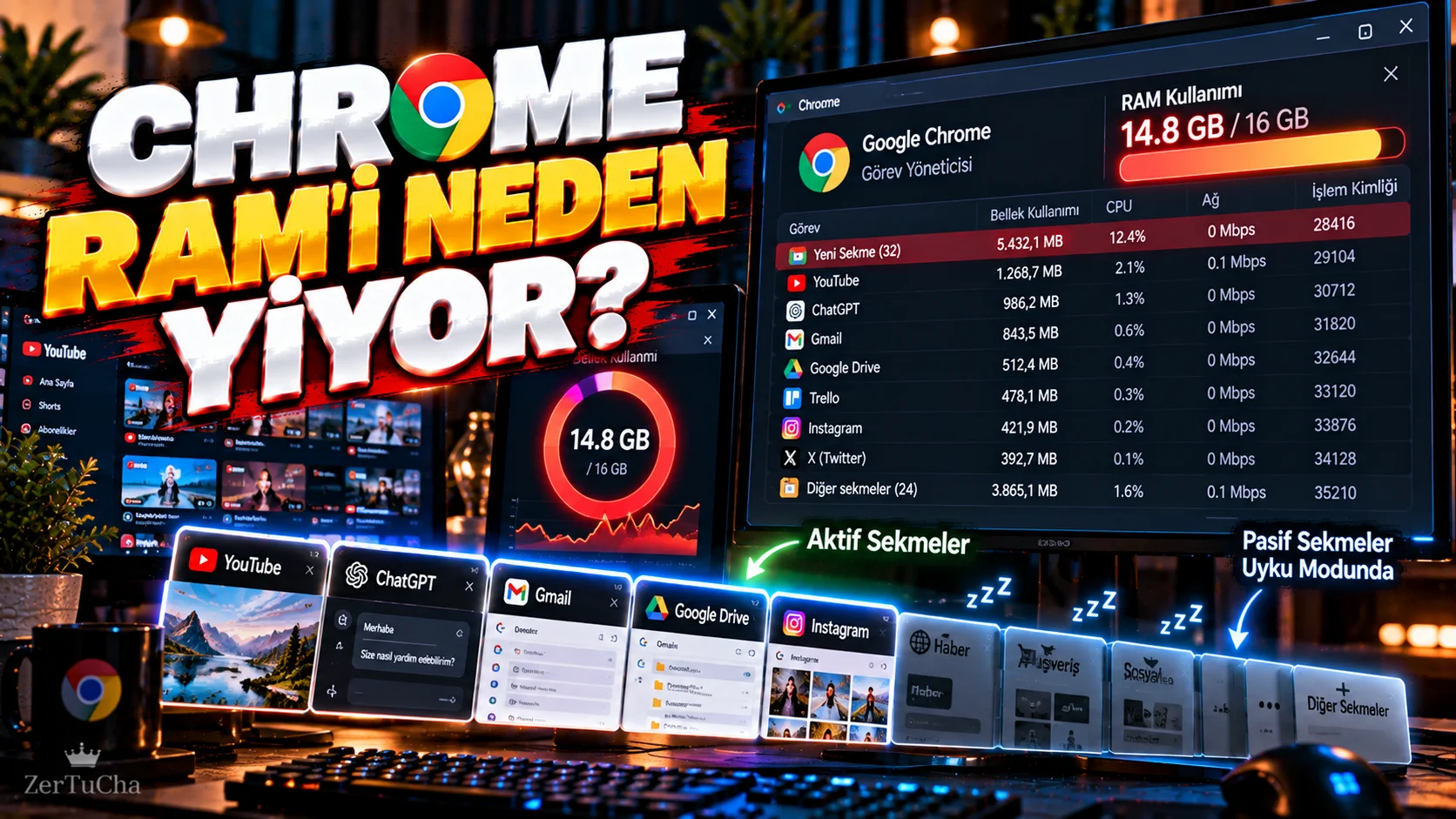
Check This Setting If Chrome Eats RAM and Slows Down Your Computer
If your computer becomes sluggish after opening 20–30 tabs in Chrome, the problem may not only be the amount of RAM of y...

What Happens If You Accidentally Post the API Key to GitHub? This Protection Could Stop You
One of the most dangerous mistakes when developing software is: Writing an API key or access secret into the code. Aft...

You Can Bring Back Lost Notification on Your Phone: Android Notification History
You received a notification on your phone. You scrolled by mistake. After: “I wonder what it said?” . On supported ...
