

Double Tap on the Back of iPhone and It's Done: How to Set Up Back Tap?
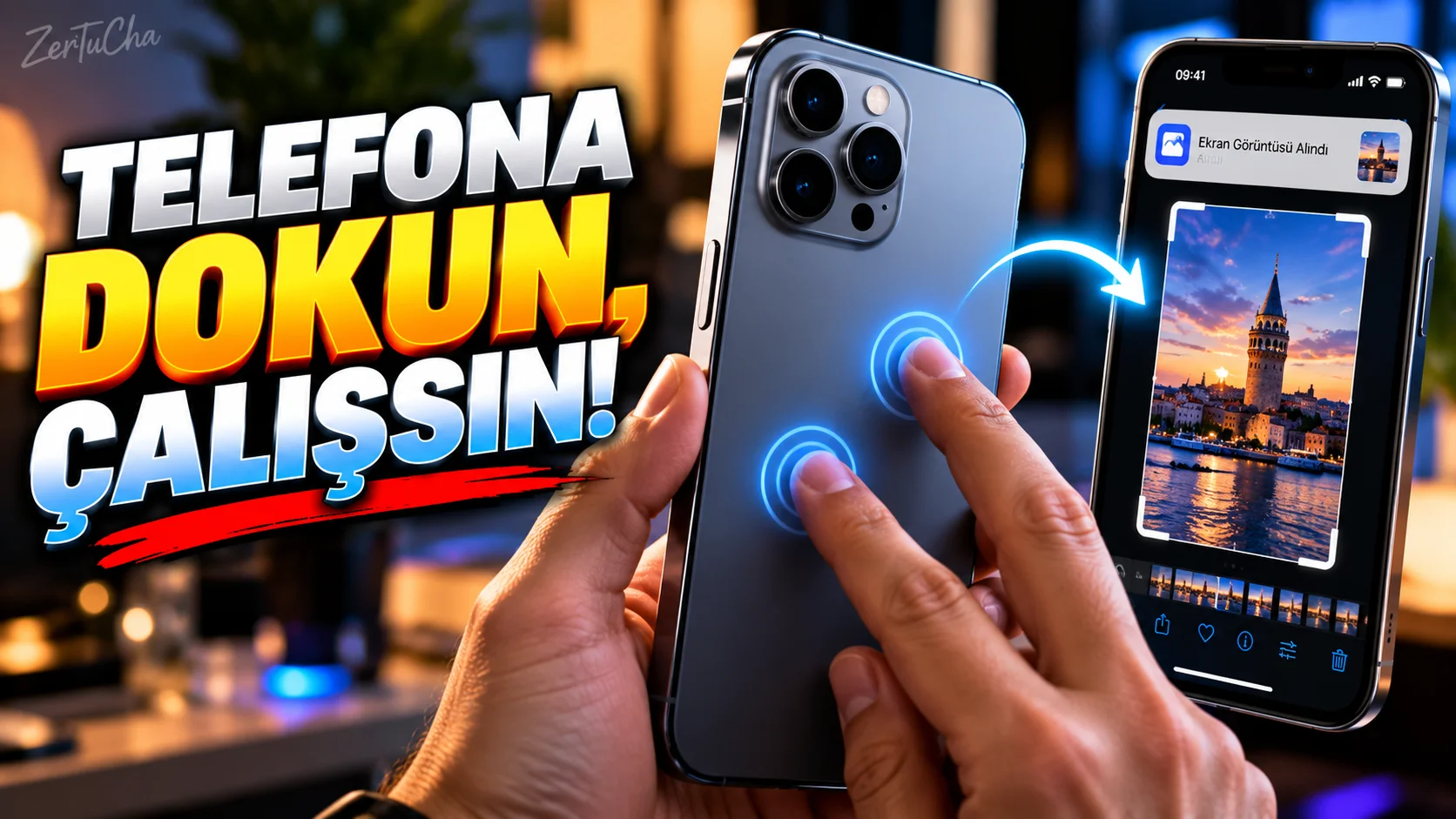
Did you know that you can initiate an action by double or triple tapping the back of iPhone?
Apple's Back Tap feature can be used on iPhone 8 and above models and iOS 14 and later versions.
What can Back Tap do?
To the back:
Double tap
or
Three taps
motion.
For example:
-
Taking a screenshot
-
Opening Control Center
-
Opening Magnifier
-
Enable accessibility
-
Short start
can be performed.
How to open?
On iPhone:
-
Settings.
-
Accessibility.
-
Do not touch.
-
Scroll down.
-
Back Touch.
Here:
Double Tap
and
Three Tap
options.
Assign screenshot to double tap
-
Back Touch
-
Double Tap
-
Screenshot
select.
You can now take a screenshot by double-tapping the back of the phone.
You can assign another action to three taps
For example:
Three-Tap → Magnifier
, triple-tap on the back of the phone will open Magnifier.
Running a shortcut is more powerful
According to Apple's Shortcuts documentation, Back Tap is a direct Shortcut can also be assigned.
This creates more interesting uses.
For example:
Double tap → Shortcut → run specific action
.
Is it working accidentally?
Some users may accidentally trigger Back Tap when touching the back of the phone.
In this case:
-
Assign double-tap to a less frequently used function.
-
Use three-tap.
-
Turn the feature off completely.
Can the phone case cause problems?
Since Apple's official documents do not guarantee a specific case thickness, it would not be correct to say that it "will definitely work with every case".
Detection performance may vary with very thick or shock-resistant cases.
Therefore, it is best to test it with your own case when using the feature.
Best usage recommendations
If it were me:
Double tap → Screenshot
Three-tap → Shortcut
.
Because screenshot is a frequently used operation in daily life.
It makes more sense to separate triple tap into a more specific automation.



Henüz yorum yapılmamış. İlk yorumu siz yapın!
Bir Yorum Bırakın