

Check This Setting If Chrome Eats RAM and Slows Down Your Computer
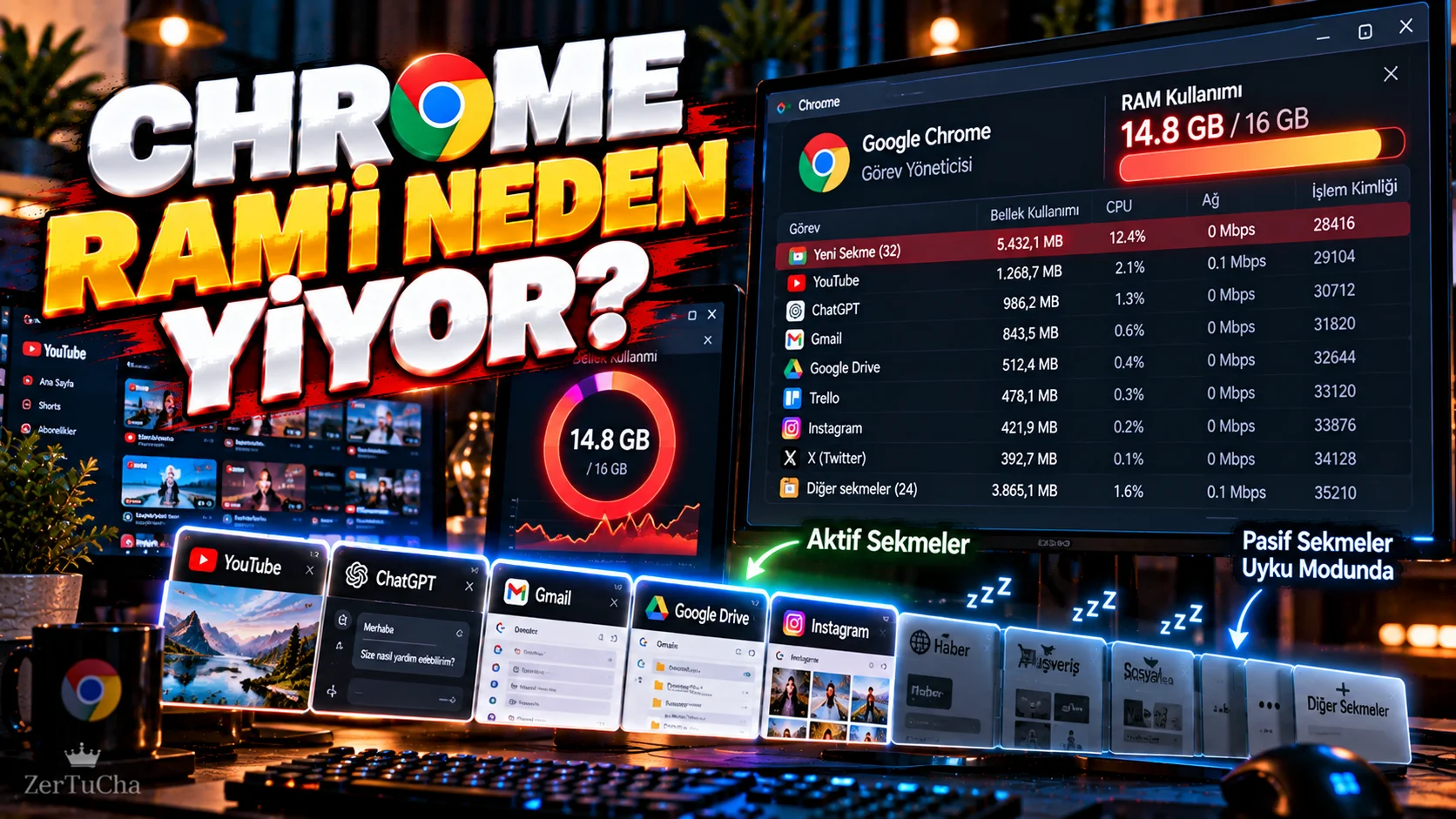
If your computer becomes sluggish after opening 20–30 tabs in Chrome, the problem may not only be the amount of RAM of your computer.
Open tabs in the browser, and especially active web applications, can use significant amounts of memory.
Chrome therefore Memory Saver.
This feature aims to disable unused tabs, leaving more memory for active tabs.
Where is Memory Saver?
In Chrome:
-
Top right ellipsis menu.
-
Settings section.
-
Performance.
-
Memory Saver.
You can enable the feature from here.
What happens to unused tabs?
With Memory Saving enabled, Chrome may disable tabs that haven't been used in a while.
When you return to the tab, Chrome reactivates the page.
Purpose:
Unused tab → do not take up unnecessary space in RAM → leave more memory for active tabs
logic.
Is the tab closing?
No.
This is important.
The purpose of Memory Saver is not to close the tab in the normal sense, but to reduce the active memory usage of the unused tab.
So you can return to the tab later.
Which sites can you exclude?
On some websites, you may want the tab to remain active all the time.
For example:
-
Live broadcast
-
Web-based study application
-
Always open dashboard
-
Live chat
-
Web-based music application
.
There is an option in Chrome's Performance settings to always keep certain sites active.
Why is RAM usage increasing so much?
Modern websites are no longer just simple text.
In browser:
-
Video
-
Animation
-
JavaScript
-
Web applications
-
Live data
-
Image editors
-
Artificial intelligence applications
can work.
Therefore, opening 30 tabs does not mean opening 30 simple web pages.
Does Memory Saver speed up the computer?
It is not possible to give the same result on every computer.
However, on systems experiencing RAM pressure, reducing the memory usage of unused tabs may leave more resources for active applications.
Specifically:
Chrome + Photoshop + Premiere + YouTube + dozens of tabs
memory management becomes more important.
Good solution for those who do not want to close the tabs completely
If you are doing research:
-
10 sources
-
5 news
-
4 documentation pages
-
3 videos
-
2 web applications
may be open.
You can reduce the active memory consumption of unused tabs by using Memory Saver instead of closing them all.
But don't expect a miracle
Memory Saving:
“Chrome will no longer use any RAM.”
does not mean.
Active tabs still use RAM.
Other optimizations may also be needed on very heavy web applications or on computers with low RAM.
Therefore:
Saver Memory + closing unnecessary tabs + reducing unnecessary browser add-ons
together a more logical approach.




Henüz yorum yapılmamış. İlk yorumu siz yapın!
Bir Yorum Bırakın