



How do I do it?
Software, SEO, web automation, and digital tool usage step-by-step guides. Practical manuals prepared to solve technical issues you encounter and optimize your projects.
Sort Category Content
Re-list the articles in this category according to the most recent or most viewed content.
## Technical Solutions and Step-by-Step Implementation Guides
The fastest way to overcome technical obstacles encountered in the digital world is to follow clear and proven steps. Our "How To" category is a practical solution hub brought together for everyone from developers to business owners to use web technologies, automation tools, and software infrastructure in the most efficient way.
### Breaking Down Complex Processes into Steps
A web application’s installation, server optimization, or API integrations may seem complex from the outside. However, with the right methodology, even the toughest processes can be solved easily when they are organized into a logical sequence. In our guides, we adopt a narrative style that eliminates error by focusing directly on code blocks, terminal commands, and screen configurations, avoiding theoretical explanations.
### Performance, Security, and Optimization Practices
Knowing how a system is set up is not enough in modern web standards. The system must be SEO-friendly, perform well in Core Web Vitals scores, and be protected against GDPR/security vulnerabilities. In the guides we publish on Zertucha.com, we share every step you’ll take through a technical optimization lens. Here you can find the best practices for critical processes such as running software tools at full capacity, database cleanup, or configuring automation scripts.
Articles in This Category

Point the iPhone Camera at Something and It Tells What It Is: How to Use Visual Intelligence?
Point your phone camera at an object and say: “What is this?” it's no longer science fiction to ask. In Apple's curre...

If Your Windows Disk Is Filling Up Without Any Reason, Turn On This Feature: It Cleans Files By Its Own
Is the free space of the C: drive constantly decreasing even though you think you haven't downloaded anything on your co...

Protect Your GitHub Account with Only a Password: How to Set Up 2FA and a Security Key
The account of a developer who uses a GitHub account does not only store code. Via account: Private warehouses ...

You Don't Have to Say the Wi-Fi Password on iPhone: Share It with a Single Tap
It is quite unnecessary to tell the Wi-Fi password letter by letter when a guest comes to the house. According to Apple...

The Linux 'sudo' Command Has Arrived on Windows 11: Here’s How to Use It for Administrative Tasks
Well known to Linux users sudo command is now available in Windows 11. According to Microsoft's current documentation s...
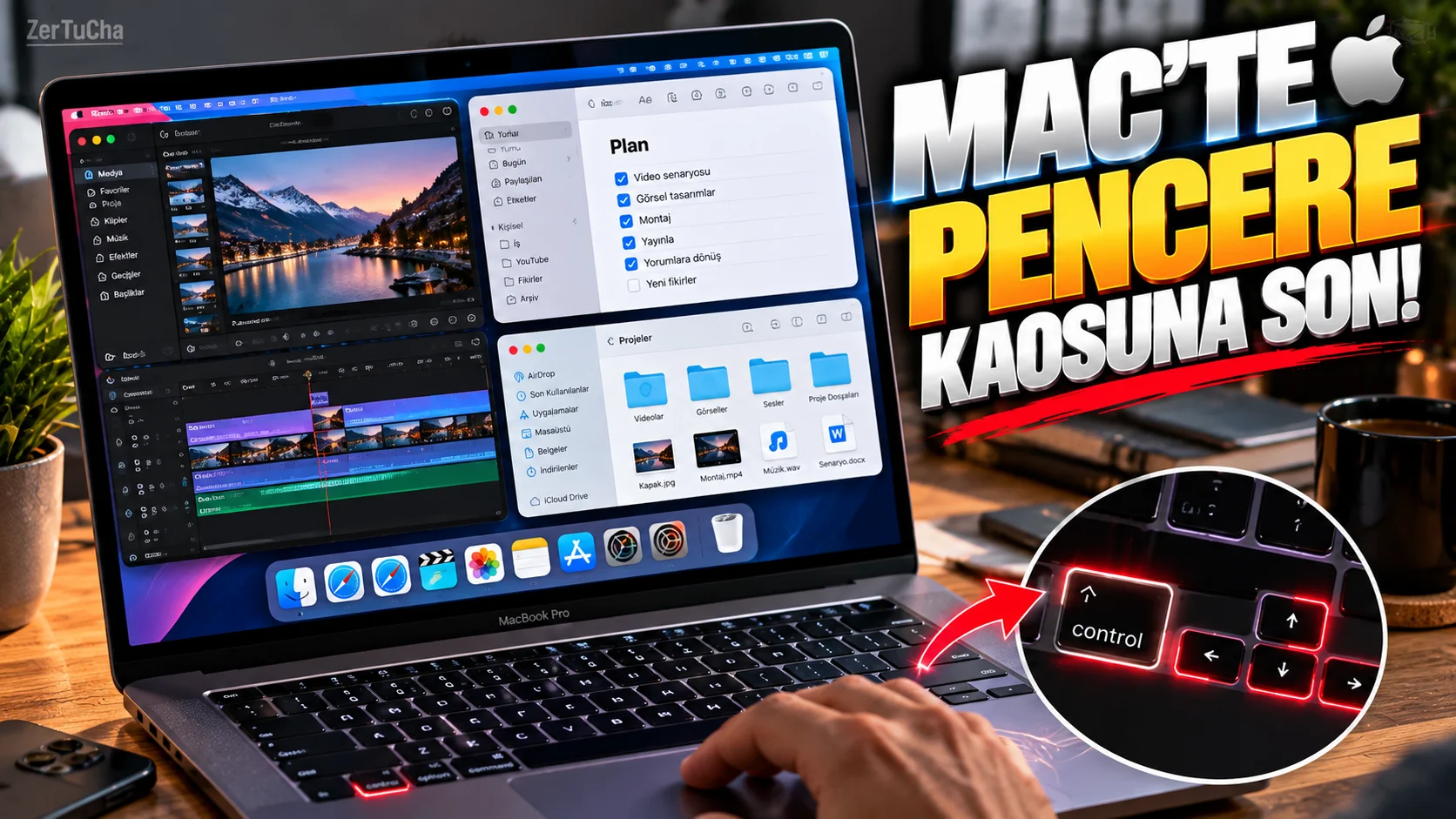
Organize Windows on Mac Without Fumbling with the Mouse: New Window Tiling Shortcuts
If you're working with two or three applications at the same time on a Mac, constantly dragging windows with the mouse c...

If Your Windows Laptop Battery Drains Quickly, Check This Setting: Hidden Power Tips
You may not need to search for dozens of settings one by one to extend battery life on laptops using Windows 11. Micros...

Turn This On When Giving Your Phone to Someone Else: How to Use Hidden App Space on Android?
When you give your phone to someone else, you may not want some of your applications or personal information to be visib...

It is Possible to Login to the Account Without Writing a Password: How to Use Passkey in Chrome?
Continuous when opening an account online: “What was my password?” is slowly becoming an old habit. Instead Passkey ...

Stop Uploading to WhatsApp and Downloading Back: How to Send Files Wirelessly from Computer to Computer in Windows
To send a file between two Windows computers, each time: USB memory WhatsApp Email Google Drive OneDrive . Wi...

You Can Stop Writing Code and Give Tasks to Artificial Intelligence: GitHub Copilot Can Now Work on the Project
Writing code with artificial intelligence is now just: “Write me some Python code.” . GitHub's current Copilot Cloud ...

Phone Call Recording Feature Arrived on iPhone, But Why Is It Not Available in Türkiye?
One of the features that iPhone users are curious about is the ability to record phone calls directly on the device. Ap...
