Protect Your GitHub Account with Only a Password: How to Set Up 2FA and a Security Key
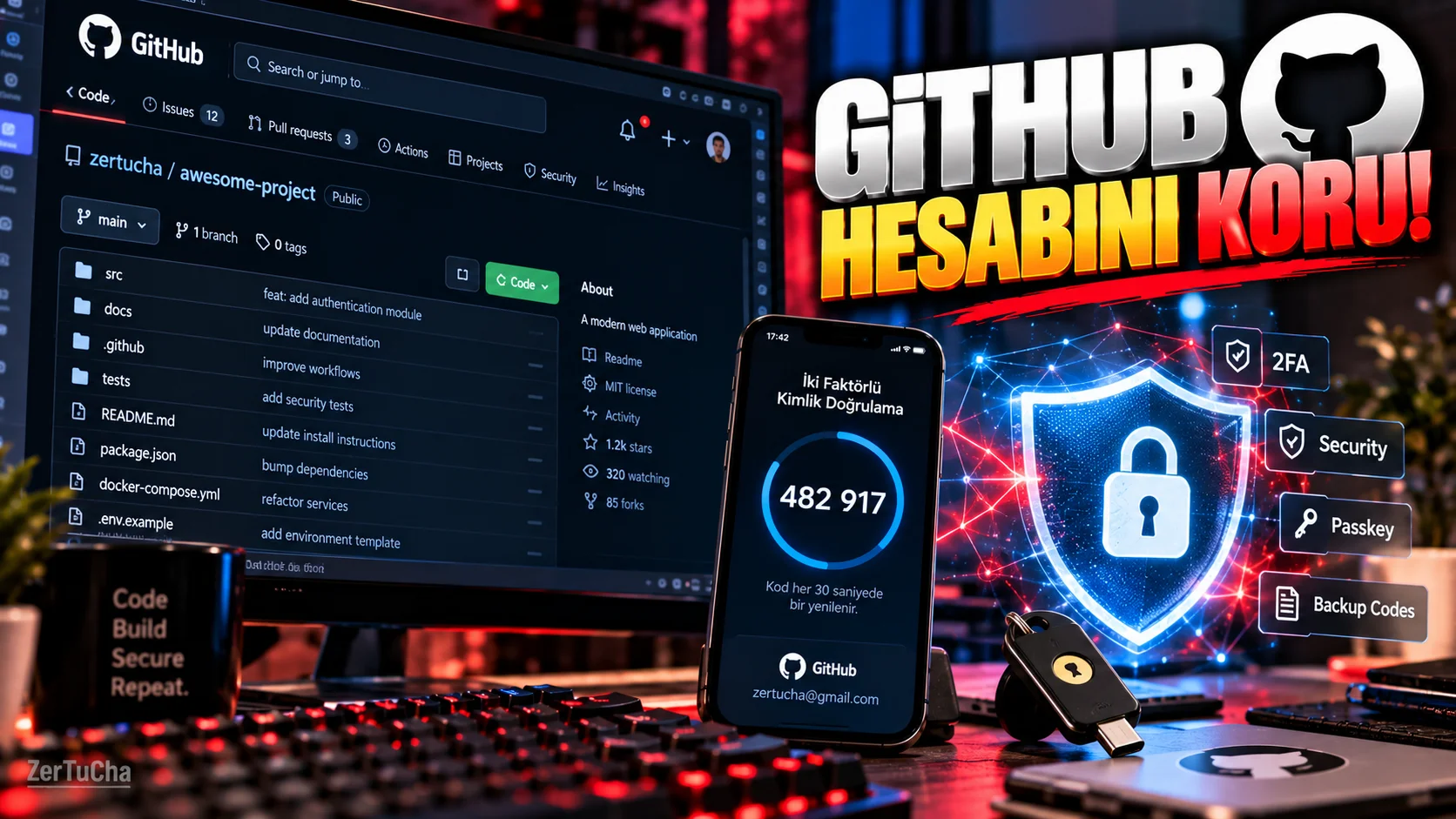
GitHub hesabı kullanan bir yazılımcının hesabı yalnızca kod depolamıyor.
Hesap üzerinden:
-
Özel depolar
-
Kodlar
-
GitHub Actions
-
Kişisel erişim belirteçleri
-
Uygulama erişimleri
-
İş projeleri
gibi kritik kaynaklara erişilebiliyor.
Bu nedenle GitHub hesabında ek güvenlik katmanı kullanmak önemli.
GitHub'ın güncel belgelerine göre iki faktörlü kimlik doğrulama yani 2FA için TOTP uygulaması, güvenlik anahtarı ve passkey gibi seçenekler bulunuyor. GitHub ayrıca TOTP'yi birincil yöntem olarak önerirken passkey veya güvenlik anahtarının yedek yöntem olarak eklenmesini tavsiye ediyor.
GitHub'da 2FA nasıl açılır?
Öncelikle GitHub hesabınıza giriş yapın.
Ardından:
-
Sağ üstteki profil fotoğrafınıza tıklayın.
-
Settings / Ayarlar bölümünü açın.
-
Password and authentication bölümüne girin.
-
İki faktörlü kimlik doğrulama bölümünden uygun yöntemi kurun.
GitHub'ın güncel dokümantasyonunda TOTP tabanlı doğrulama ve diğer yöntemler ayrıntılı şekilde destekleniyor.
TOTP nedir?
TOTP, telefonunuzdaki kimlik doğrulama uygulamasının belirli aralıklarla ürettiği tek kullanımlık kod sistemidir.
Giriş yaparken:
Şifre + doğrulama kodu
gibi iki aşamalı bir kontrol oluşur.
Güvenlik anahtarı nedir?
Fiziksel bir güvenlik anahtarı, hesabınıza fiziksel bir cihazla ikinci doğrulama katmanı ekler.
GitHub'ın belgelerine göre WebAuthn uyumlu güvenlik anahtarları ikinci faktör olarak kaydedilebilir.
Passkey ile güvenlik anahtarı aynı şey mi?
Hayır.
GitHub'ın belgelerinde bu iki yöntem birbirinden ayrılıyor.
Güvenlik anahtarı, WebAuthn kimlik bilgisi olarak ikinci faktör görevinde kullanılabilir.
Passkey ise desteklenen senaryolarda hem parola hem de 2FA gereksinimini tek adımda karşılayabilir.
GitHub'a passkey nasıl eklenir?
GitHub'da:
-
Profil fotoğrafınıza tıklayın.
-
Settings bölümüne girin.
-
Password and authentication bölümünü açın.
-
Passkeys alanını bulun.
-
Add a passkey seçeneğine tıklayın.
-
Sistem sizden doğrulama isterse mevcut kimlik doğrulama yönteminizle doğrulayın.
-
Passkey sağlayıcısının talimatlarını tamamlayın.
Windows Hello, Face ID veya Touch ID gibi platform kimlik doğrulayıcıları da passkey olarak kaydedilebiliyor.
Kurtarma kodlarını unutmayın
Bu bölüm çok önemli.
2FA'yı açtıktan sonra hesabınıza erişiminizi kaybederseniz alternatif kurtarma yöntemine ihtiyacınız olabilir.
GitHub'ın güvenlik anahtarı kurulum belgelerinde kurtarma kodlarının indirilip güvenli bir yerde saklanması özellikle belirtiliyor.
Kurtarma kodlarını:
-
Herkese açık bir klasöre
-
GitHub deposuna
-
Kod dosyasına
-
Herkesin erişebildiği bulut klasörüne
koymayın.
En mantıklı güvenlik düzeni ne?
GitHub'ın güncel önerisini temel alırsak:
TOTP uygulaması → ana 2FA yöntemi
Passkey veya güvenlik anahtarı → yedek yöntem
şeklinde bir yapı kurulabilir.
Neden SMS'e güvenip bırakmamak gerekiyor?
GitHub, SMS'in birçok ülkede kullanılabilir olduğunu ancak belirli güvenlik riskleri taşıdığını belirtiyor.
Bu yüzden özellikle ciddi yazılım projeleri bulunan hesaplarda daha güçlü doğrulama seçeneklerini değerlendirmek mantıklı.