Stop Uploading to WhatsApp and Downloading Back: How to Send Files Wirelessly from Computer to Computer in Windows
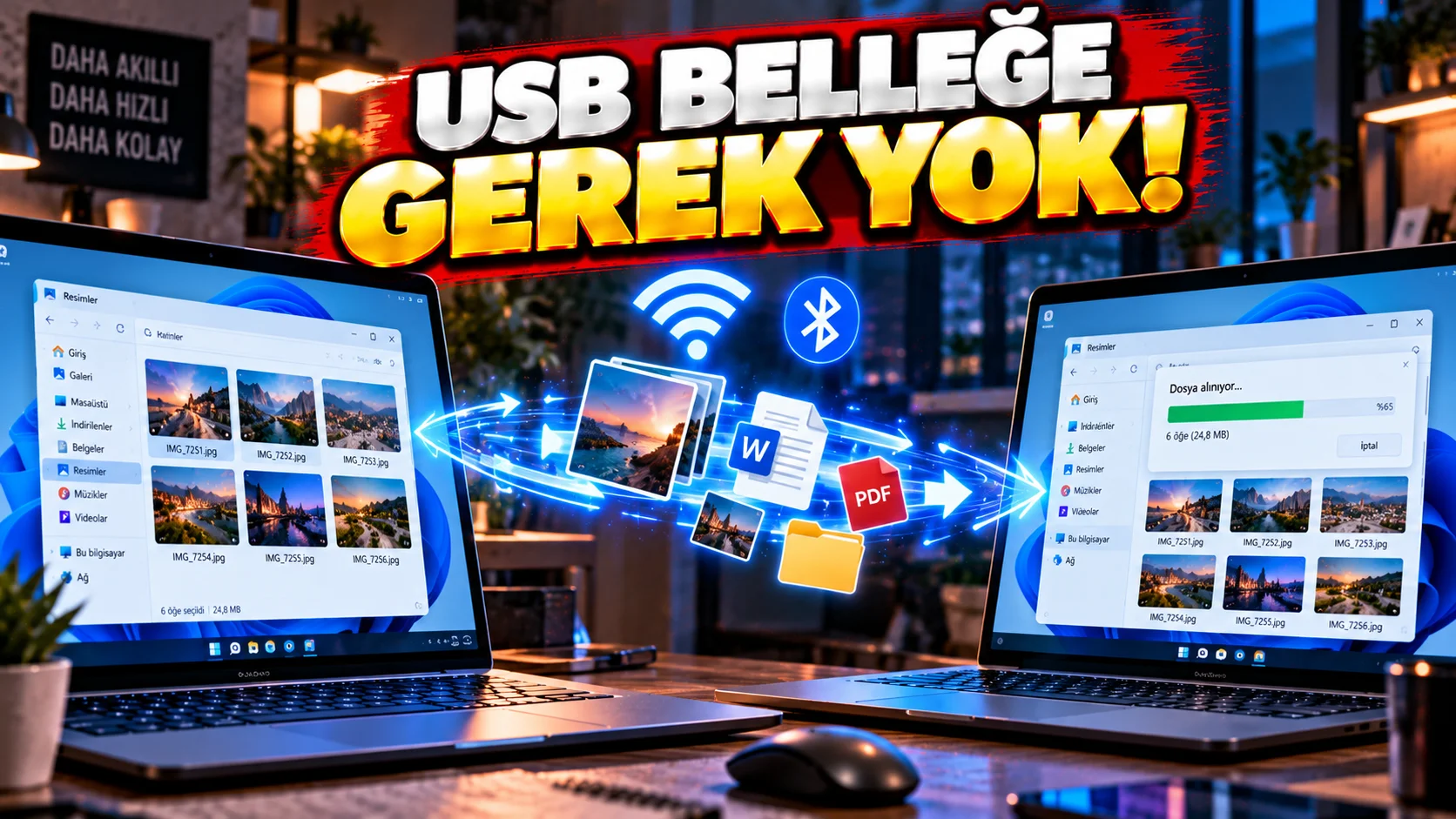
To send a file between two Windows computers, each time:
- USB memory
- Google Drive
- OneDrive
.
Windows Nearby Sharing feature lets you send files, photos, and links to nearby supported Windows devices.
According to Microsoft, Nearby Sharing can work over Bluetooth or Wi-Fi. In current Windows 11 scenarios, sharing can be done via Wi-Fi between devices on the same private Wi-Fi network.
How to open?
On computers to be shared:
- Settings section.
- System > Nearby sharing settings.
- Enable the feature.
You can also turn on the Nearby Sharing feature from the quick settings section of Windows.
How to send the file?
- File Explorer.
- Find the file you want to send.
- Right click on the file.
- Share.
- Select the other computer in the nearby devices list.
- Accept the request from the other computer.
Microsoft's current documentation states that photos, documents and web links can also be shared with nearby devices.
Does it use Bluetooth or Wi-Fi?
Both can be used depending on the situation.
According to Microsoft's statement, the computer using the current version of Windows 11 is the same as the Windows 10/11 computer with which it will share files. to private Wi-Fi network can share over Wi-Fi if connected. Otherwise, Bluetooth can be used.
If two computers cannot see each other
Check these:
- Is Nearby Sharing turned on on both computers?
- Are the devices close to each other?
- Is Wi-Fi on?
- Is Bluetooth turned on?
- Are they connected to the same private Wi-Fi network?
- Are Windows' sharing settings correct?
- Is incoming sharing notification on the other computer blocked?
Important detail about Windows 10
Microsoft's current support page states that Windows 10 support Expires on 14 October 2025 is stated.
Therefore, even if it is technically possible to use the feature on old Windows 10 computers, it is necessary to separately evaluate the security support status of the operating system.
What can it be best used for?
For example:
Computer 1 → Computer 2
of:
- Photo
- Word file
- Small video
- Project file
- Web link
.
Very practical, especially for those who use two computers in the same house or office.