



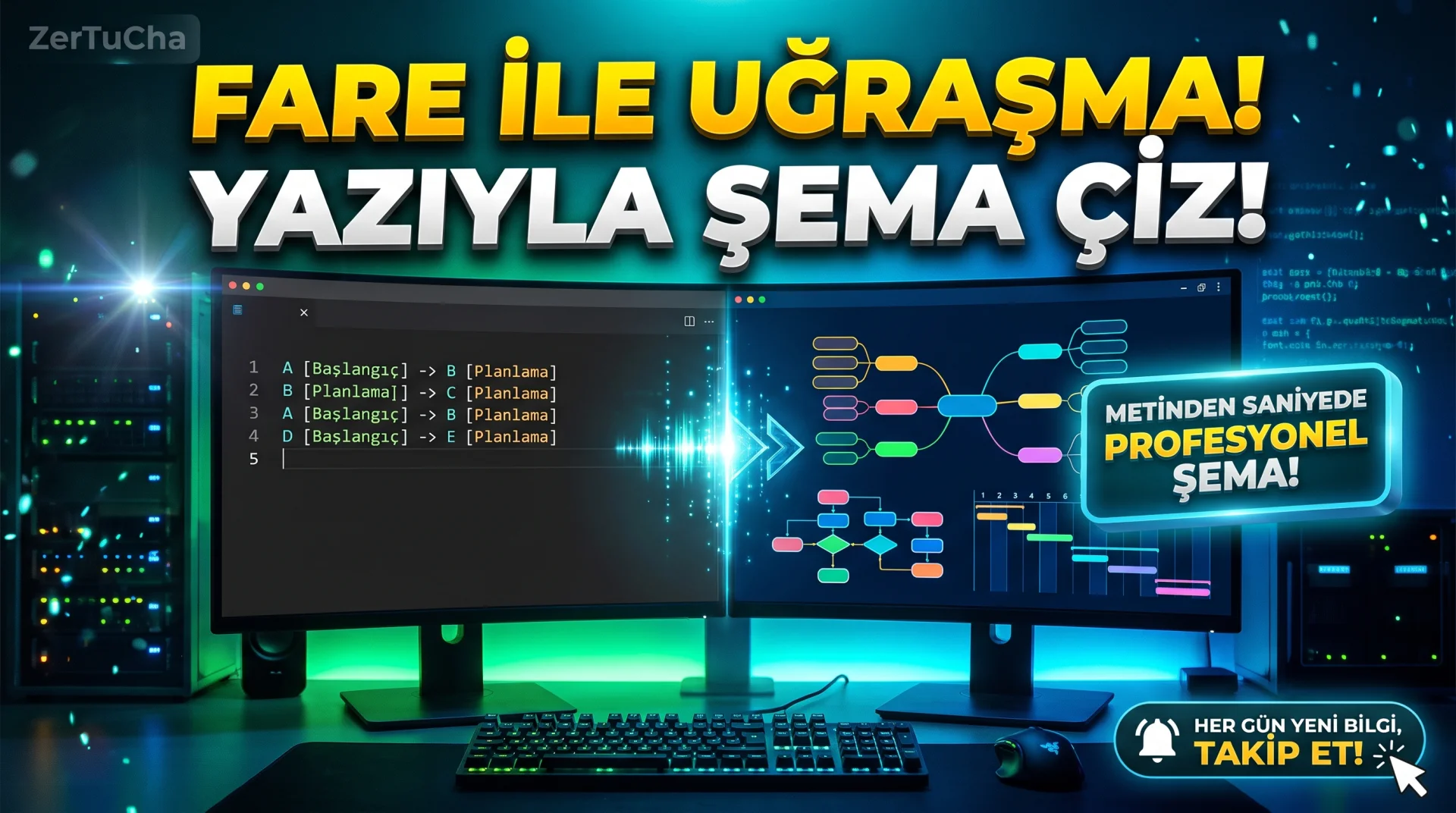
When you want to visualize a business process, project timeline (Gantt chart), database relationship or training flow, drawing boxes with the mouse for hours in classic diagramming programs, correcting the corners of arrows and re-aligning the entire diagram every time a single new step is added is a time trap! Moreover, when you want to have these images drawn by an artificial intelligence (ChatGPT, Gemini, Claude), the artificial intelligence can give you not a plain photo, but an instantly editable diagram language — as long as you know the open source studio that instantly converts that language into glassy high-resolution PNG and SVG diagrams! Well just by typing 5 lines of simple text (or copying from the AI) without any mouse box alignment free tool that produces flawless flowcharts, mind maps, and timelines in seconds? Just below!
Brief Summary: Mermaid Live Editor (mermaid.live) is a free open source web studio that produces flowcharts, Gantt project calendars, mind maps, and database
Leave a Comment to Read the Rest of the Article
Did you find our content useful? We are curious about your thoughts on the subject.
diagrams with just a few lines of plain text, without the need for box and arrow alignment with the mouse.
What is Mermaid and How to Use it with Artificial Intelligence?
Mermaid is an open source visualization language that uses the "Diagram as Code" approach. You can only access A[Start] --> B[Confirmation]; The system automatically draws boxes, colors, and arrow alignments to the millimeter.
The most powerful usage scenario today is ChatGPT, Gemini or Claude: Give any complex PDF or meeting notes to AI and "Export this to me as Mermaid diagram code", the code you get is mermaid.live screen, you will have your vector SVG/PNG schema ready for presentation in 2 seconds.
Basic Diagram Types That Can Be Produced with Mermaid
In the table below you can see the most commonly used Mermaid schema types in business and education life.
| Diagram Type | Start Command | Ideal Area of Use |
|---|---|---|
| Flowchart | flowchart TD |
Business processes, decision trees, customer flows |
| Timeline (Gantt) | gantt |
Project delivery schedules and team planning |
| Mindmap | mindmap |
Brainstorming, lesson summaries, content map |
| Sequence Diagram | sequenceDiagram |
API, payment system and software communication flows |
Mermaid Live Editor Step by Step User Guide
Follow these steps to create and download your first professional diagram in 60 seconds:
- From your browser https://mermaid.live/ (No membership or login required).
- At the top left of the screen "Sample Diagrams"tab, you can create a ready-made template (for exampleFlowchart or Mindmap) to see the structure.
- Replace the texts in the left code box with your own Turkish process steps (or directly paste the Mermaid block you got from an AI); You'll see that the diagram on the right updates live as you type.
- Top Theme setting.
- "Actions" section, you can download your schematic with a transparent background PNG or infinitely expandable vector SVG!
Privacy, Benefits and Limitations
Mermaid Live Editor renders drawings with JavaScript directly in your own browser; The drawing data is not saved in a database on the server (the code itself is compressed and embedded into the URL when you create a share link). Therefore, it is safest to download your sensitive company schemas only as local PNG/SVG without sharing them via link. GitHub, Notion and Obsidian documents greatly speed up technical documentation because they show the Mermaid code directly as an image.
Frequently Asked Questions
Can I draw a Mermaid diagram without knowing software or code?
Yes. Simply explain your process in Turkish to any artificial intelligence chat tool and say "Write the Mermaid flowchart code for this" and paste the resulting text into mermaid.live.
Are the PNG and SVG diagrams I downloaded with Mermaid Live royalty-free?
Yes, MIT is open source licensed; You can use the diagrams you create in your blog posts, books and corporate presentations, free of charge and without watermark.
Do Turkish letters appear properly in Mermaid diagrams?
Yes. When you type box texts in quotes or square brackets ğ, ü, ş, ı, ö, ç are displayed perfectly.




No comments yet. Be the first to comment!
Leave a Comment