



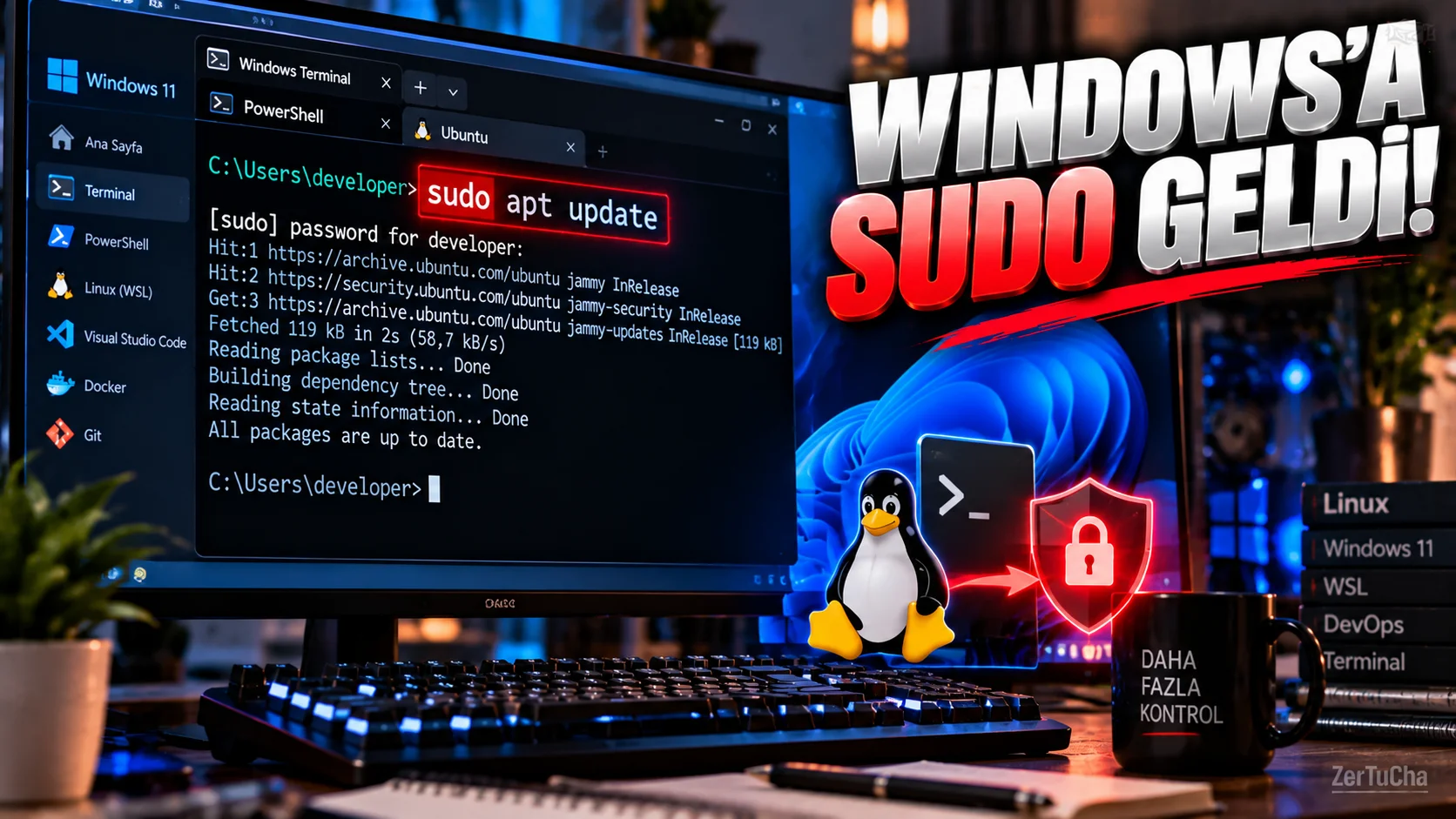
Well known to Linux users sudo command is now available in Windows 11.
According to Microsoft's current documentation sudo for Windows allows running a command with administrative privileges through a console opened with normal privileges.
Feature Windows 11 version 24H2 or newer versions.
What does sudo do?
Normally, for some operations in Windows Terminal or Command Prompt, restart the terminal:
Run as administrator
.
Sudo allows you to run the supported command with elevated privilege.
Logically:
normal terminal → sudo command → admin privilege
.
How to turn on sudo in Windows 11?
According to Microsoft's current guidance:
-
Settings.
-
System.
-
Advanced open settings.
-
Enable sudo.
-
Feature On.
How to check Windows version?
Feature for Windows 11 24H2 or newer is required.
To check your version:
-
Settings.
-
System > About.
-
Check Windows features and version information.
How to use sudo?
After the feature is enabled, start the command in a supported terminal environment:
sudo
can be added.
For example, general usage logic:
Leave a Comment to Read the Rest of the Article
Did you find our content useful? We are curious about your thoughts on the subject.
sudo <command>
.
The point that needs particular attention here is:
Sudo does not magically make the command safe.
Only allows the command to be executed with higher privileges.
Why should we pay attention?
An incorrect command running with administrator privileges can perform changes that do not work with normal user privileges.
Therefore, a command you copied from the internet:
“Let me put sudo in front of it and it will work.”
logic.
First you need to understand what the command does.
Why is it interesting for those who know Linux?
Windows Terminal can create a familiar command line experience for developers using PowerShell and Linux tools together.
Specifically:
-
Software developers
-
System administrators
-
Those who use Linux tools on Windows
-
Terminal-oriented users
.
Is opening a terminal as an administrator the same thing as using sudo?
Not quite the same experience.
Microsoft's Sudo for Windows provides an approach to running the elevated command from a normal non-elevated terminal session.
Therefore obsolete:
“Close terminal → reopen as administrator”
may be replaced by a more practical method in some usage scenarios.




No comments yet. Be the first to comment!
Leave a Comment