

Snagit → ShareX
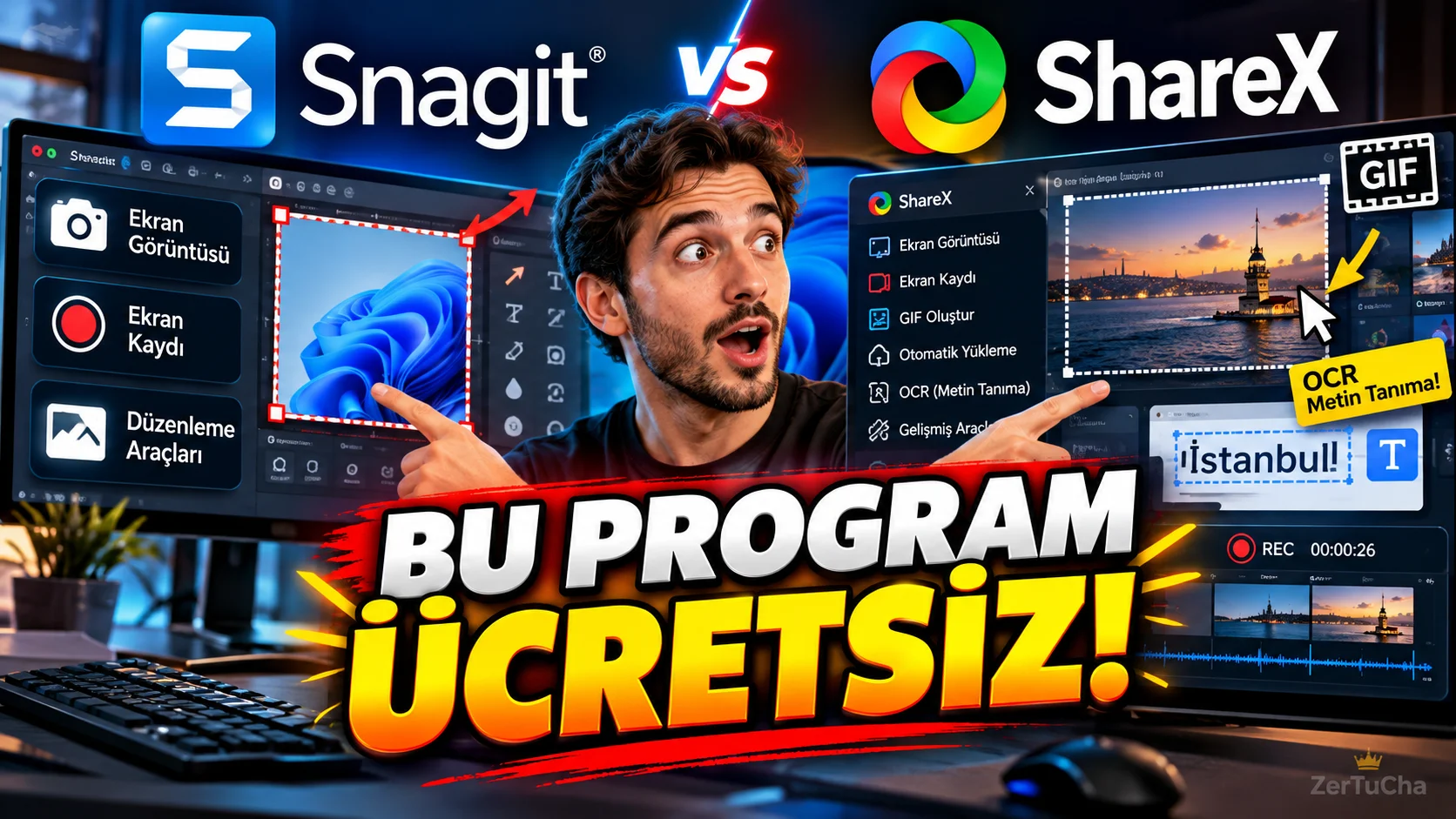
Main Program / Application
Snagit
Recommended Alternative
ShareX
Supported Systems
Windows.
ShareX's official site describes the application as a free and open-source screen capture, screen recording, file sharing and productivity tool for Windows. (getsharex.com)
Fee Status
Completely free and open source.
According to the official website, there are no ads and there is no account requirement for use. (getsharex.com)
What Does It Do?
It is used to take screenshots, record screens, create GIFs, annotate images, recognize text in images with OCR and perform various automations.
“If you constantly take screenshots on your computer, listen carefully here.
There is a program called ShareX.
And this program doesn't just take screenshots.
You can capture the entire screen.
You can capture a region.
You can capture an entire long web page.
You can record screen.
You can create GIF.
You can draw an arrow on the screenshot.
You can add text.
You can even recognize the text in the image with the OCR feature.
And I say all this is free.
And open source.
Now I'm not saying that it does everything Snagit does with the exact same interface.
But ShareX is really powerful, especially for those who use Windows and say 'I don't want to use separate programs to take screenshots'.
And the best part is that you can customize the shortcuts as you wish.
So you press a button, select the screen, the image is recorded automatically.
Your workflow is speeding up.
I think especially content creators and technical support people should give this a try.”
Advantages
It is free and open source. It offers screenshot, screen recording, GIF, OCR, image editing and automation tools. (getsharex.com)
Disadvantages
Focused on Windows only. Since it has many features, first-time users may find its menus complicated.
Why Use?
For Windows users who want to combine screenshots and screen recording in one free tool.
Better for Whom?
YouTubers, developers, tech support teams, teachers, students, and Windows users who take screenshots frequently.


Henüz yorum yapılmamış. İlk yorumu siz yapın!
Bir Yorum Bırakın