

Collect Netflix, Disney+ and YouTube Videos in One Program! What Can Pazu StreamGet Do?
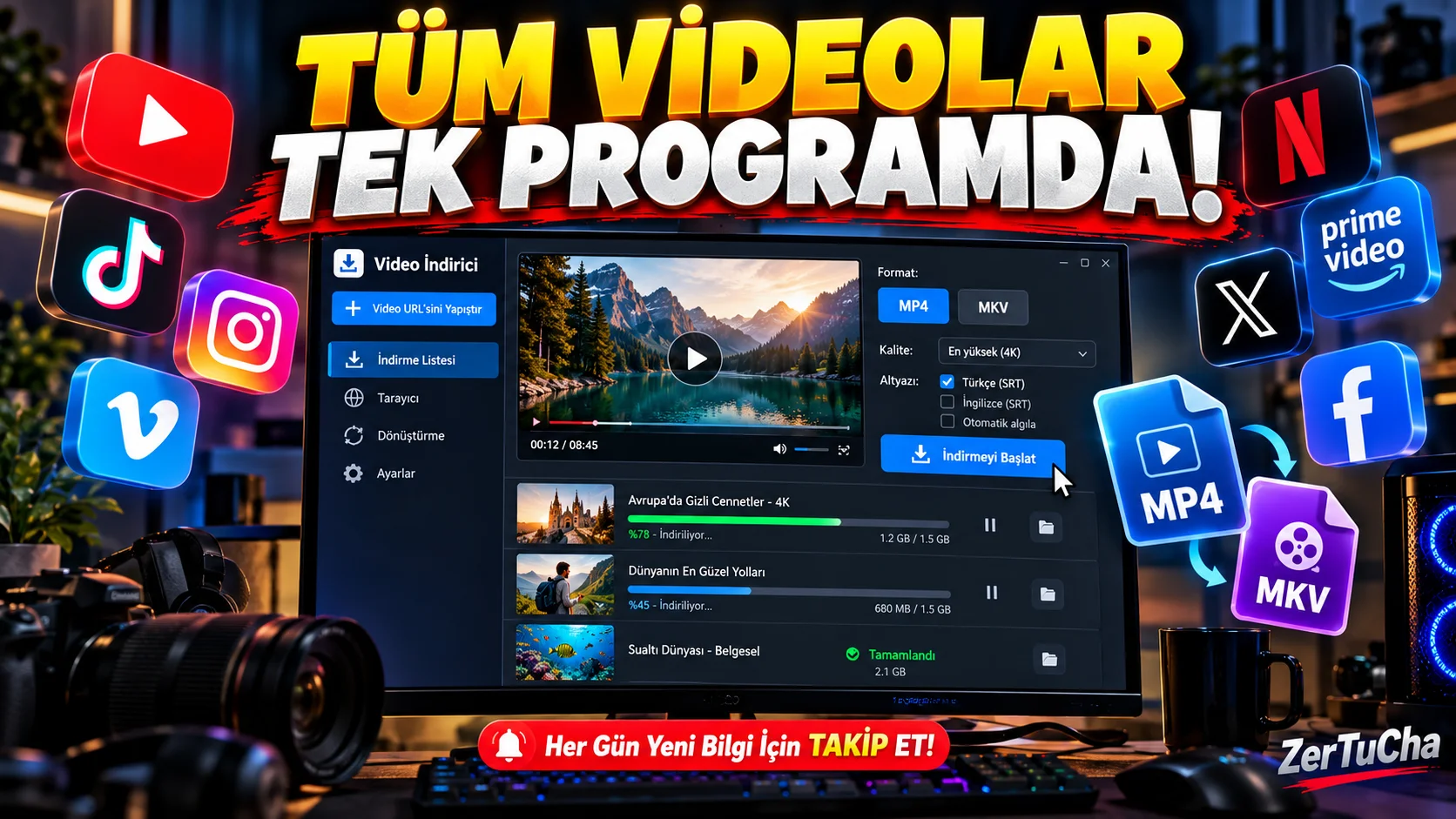
Multiple platforms, one program!
Imagine a situation like this: You want to save a movie you watched on Netflix, a video you found on YouTube, or a content you came across on Instagram on your computer.
You have to search for a separate program for each platform, go to different websites or constantly deal with different tools.
What if you could do all this from a single desktop program?
Pazu StreamGet All-In-One Video Downloader, which we will talk about today, is a software that focuses exactly on this need.
And it's not just limited to YouTube videos. It aims to bring together different platforms such as Netflix, Disney +, Amazon Prime Video, Max, Hulu, Apple TV +, Paramount +, TikTok, Instagram and Facebook in a single application.
What exactly does Pazu StreamGet do?
The most important difference here is that it gathers tools for different video platforms in a single program.
Normally, you may need to use separate software to download videos from one platform and a different tool for another platform. StreamGet, on the other hand, allows you to manage the services it supports from the same interface.
So what are the prominent features of the program?
1. Supports multiple video platforms
The most striking feature of the program is its platform diversity.
Supported services include:
-
Netflix
-
Amazon Prime Video
-
Disney+
-
Max
-
Hulu
-
Apple TV+
-
Paramount+
-
YouTube
-
TikTok
-
Instagram
-
Facebook
-
X (Twitter)
Thus, you can manage supported content from different platforms through a single application.
But there is an important detail: It is not guaranteed that every video on every platform can be downloaded. Regional access, content rights, account type and platform updates may affect the outcome.
2. It can save videos in MP4 and MKV format
I think this is one of the most useful features of the program.
Pazu StreamGet offers the option to save supported content in MP4 or MKV format.
So why is this important?
Because MP4 is a video format compatible with computers, phones, tablets and many media players.
MKV is especially useful for those who want to store multiple audio and subtitle tracks in the same file.
So it not only saves the video, but also gives you options on how to store the content.
3. 1080p image quality support
Pazu's official product page states that it supports video quality between 720p and 1080p.
This is especially important for those who want to watch high-definition content on their computer or television.
However, there is a point to note here: 1080p support does not mean that every content on every platform can be downloaded in 1080p. Source content, platform and download conditions are decisive.
Also, those who want 4K and HDR archiving should keep their expectations low. It is not correct to consider this software as a 4K archiving solution.
4. Ability to select subtitle and audio languages
This feature may be of particular interest to those who watch content in foreign languages.
The program allows you to select audio tracks and subtitles available in supported content.
For example, when downloading a series, you can choose Turkish subtitles, original voice-over or other available audio options.
There are also options to store subtitles in three different ways:
-
Embedded subtitle: The subtitle is embroidered on the video image.
-
Separate subtitle: Subtitle is stored independently of the video file.
-
Soft captioning: It is included in the video file, but you can turn it on or off while playing.
In this way, you can use the video you downloaded in different players more flexibly. Of course, the options depend on the audio and subtitles offered by the source.
5. Ability to download multiple videos and TV series episodes
Let's say you want to keep the entire season of a TV series neatly on your computer.
Instead of downloading episodes one by one, you can select seasons and episodes from supported content and queue multiple downloads.
Pazu also highlights simultaneous downloading and multi-tasking features.
The company's statement also claims up to 8 times download speed. However, this is not a guaranteed speed on every computer and every internet connection.
6. Internal browser feature
There is also a built-in browser in the program.
In this way, you can access supported platforms from within the program, log in with your account and search for content.
So you don't have to constantly switch between different browser windows for each action.
Pazu's user guide also describes a workflow such as choosing a platform, logging in with an account and searching for content.
Advantages — Why can Pazu StreamGet be preferred?
Multiple platforms in one place
Reduces the need to use separate software for different video services.
MP4 and MKV support
It becomes easier to use downloaded content on different devices and players.
Audio and subtitle options
Provides flexibility for those who consume content in different languages.
Bulk download
Helps manage supported series and videos more regularly.
Windows and macOS support
It can be used on both Windows computers and Mac devices.
Disadvantages — What you need to know before buying
Like every program, Pazu StreamGet has some cons.
1. It is not a free program.
Although there is a trial version, you need to purchase a license to benefit from full features.
2. It is not suitable for those who expect 4K and HDR.
The officially stated quality limit is 1080p. Especially those who want to create high-resolution archives on their 4K televisions should consider other options.
3. Platform support may break down from time to time.
When Netflix, Disney+ and other streaming platforms update their infrastructure, problems may arise in their download software.
Pazu's release notes include published fixes for Netflix, HBO Max, Paramount+ and Instagram download issues. This shows why it is important to constantly update the software.
4. Not every content can be downloaded under warranty.
Just because a platform is on the list does not mean that all movies and TV series on that platform can be downloaded under all conditions.
5. It is necessary to examine the license information carefully.
Especially those who want to use it on more than one computer need to check the device limit. There may be a single computer limit under the offered license conditions.
Is there a fee? Is it available for free?
Pazu StreamGet All-In-One
Windows 10/11 and macOS
$159.90
Lifetime license price listed on the official purchase page.
-
Single computer license.
-
Lifetime use option.
-
Free technical support and update information.
-
Taxes may also apply.
Prices and campaigns are subject to change. Since different prices are listed in different periods, rely on the final amount on the purchase screen.
So what about the free trial version?
You can try the program before purchasing it. However, independent reviews state that the trial version only records the first 6 minutes of downloaded videos. Therefore, you can use it to check the interface, audio options and subtitle features before purchasing.
Who is it suitable for?
|
User group |
Compliance |
|---|---|
|
Video archivers |
High |
|
Frequent travelers |
Medium-high |
|
Those who watch content in foreign languages |
High |
|
Content creators |
For contents with usage rights |
|
4K video archivers |
Low |
|
Only YouTube viewers |
Alternative free solutions may be sufficient |
Important legal notice: Broadcast platforms have terms of use regarding content downloading, copying and DRM protection. Having a subscription does not give you the right to copy or distribute every content in any way you wish. You should only use content where you have the necessary permissions and legal rights. Sharing the content you download without permission or using it for commercial purposes may cause separate legal problems.
Is Pazu StreamGet worth the money?
My assessment is this:
Pazu StreamGet's most powerful aspect is that it combines different video platforms in a single desktop application. MP4 and MKV support, subtitle options and bulk download features also provide ease of use.
However, the lifetime license price of $159.90 is not an insignificant figure. Moreover, the lack of 4K support and operational problems due to platform updates should also be taken into account when making the decision.
What would I do?
I would use the free trial version first and check if it actually works on the platforms I need it for. It doesn't make sense to pay that much money just to download a few YouTube videos. However, if I have a regular video archiving workflow with different supported services, I would consider it.
In short, Pazu StreamGet is not a program that everyone should have on their computer; A special tool developed for users with a specific need.


Henüz yorum yapılmamış. İlk yorumu siz yapın!
Bir Yorum Bırakın