



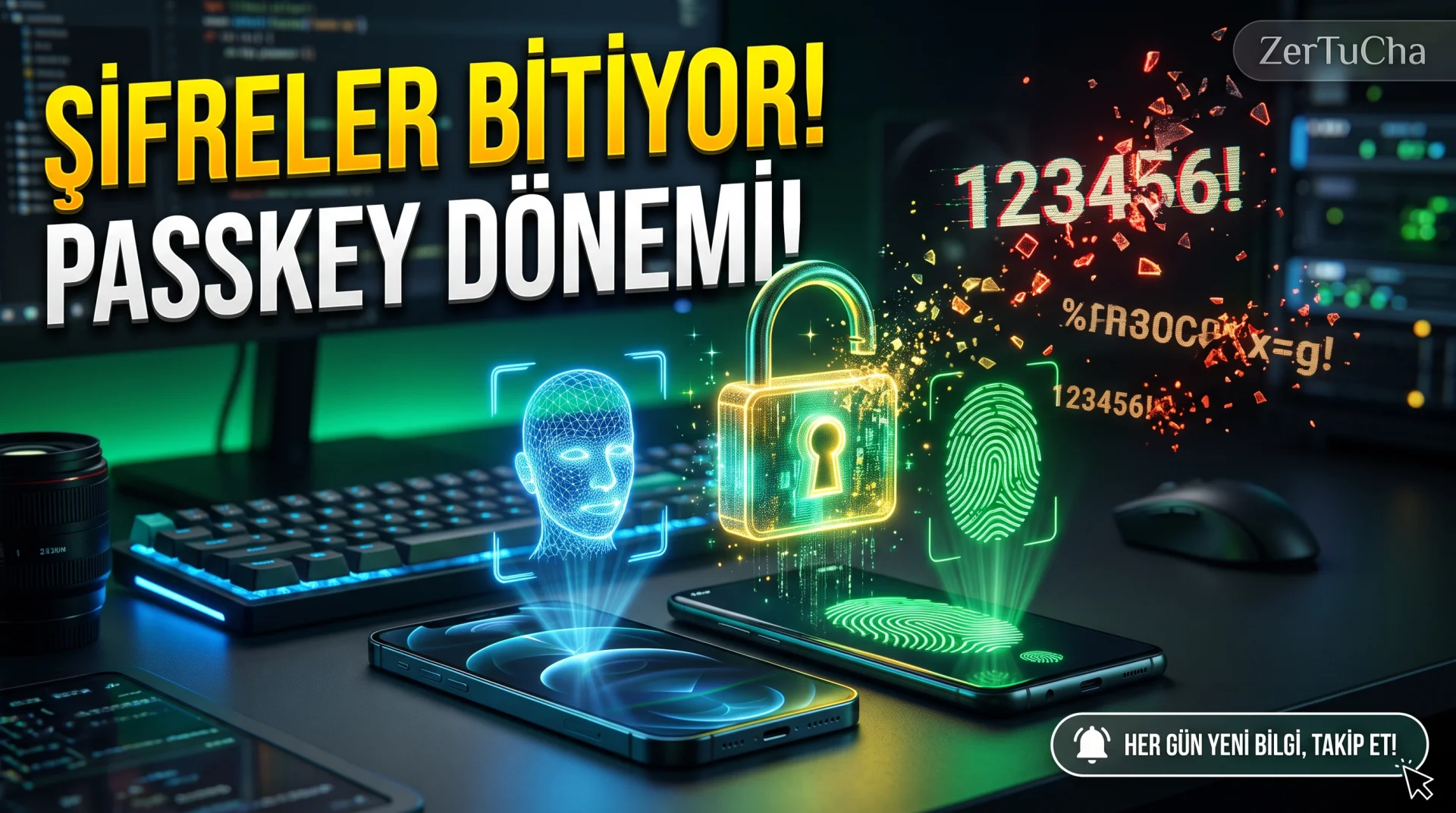
You still try to remember complex passwords when accessing dozens of different applications and websites on your iPhone or Android phone every day, If you keep waiting for the SMS verification code and pressing the "Forgot My Password" button, you are missing out on a major digital transformation! No matter how long classical passwords are, Your account can be compromised the second you accidentally type on a fake phishing site. Here's Apple, The new generation jointly developed by Google and Microsoft Passkey standard, makes passwords a thing of the past, creating a mathematically unbreakable login period against fake sites with just the facial recognition (Face ID) or fingerprint on your phone! However, the question most asked by users is: "Which of the banks, social media and shopping applications I use already support this passwordless technology?" The global directory and installation steps listing all supporting platforms on one screen are right below!
Brief Summary: Passkey is the
Leave a Comment to Read the Rest of the Article
Did you find our content useful? We are curious about your thoughts on the subject.
new anti-phishing login standard that replaces classic passwords and works only with biometric authentication (Face ID / Fingerprint) on your phone. passkeys.directory and switch to password-free security.
What is a Passkey and How Does It Work?
Passkey is a cryptographic authentication method based on FIDO2 and WebAuthn standards that eliminates the need to type a password. When a private digital key stored on your phone matches the public key on the website, you log in in seconds with just facial recognition or fingerprint.
The biggest difference from classical passwords is its immunity against phishing attacks. Even if a fraudster sends an exact copy login page via email or SMS, it will never work on the fake site and will not share your information, as it mathematically verifies the Passkey domain name on your phone.
Differences Between Classic Password and Passkey
In the table below you can see the technical and security differences between traditional password and SMS verification and the modern Passkey system in daily use.
| Feature | Classic Password + SMS Code | Passkey |
|---|---|---|
| Phishing Protection | Low (Can be written to fake site) | Very High (Cryptographically locked to domain) |
| Input Speed | 15–30 seconds (Writing + SMS waiting) | 2 seconds (Face ID or Fingerprint) |
| Data Leak Risk | Password digest can be stolen from server | Private key never leaves the device |
| Cross-Device Sync | Requires additional password manager | automatically with iCloud Keychain and Google Password Manager |
Step by Step Control and Installation with Passkeys Directory
To activate the Passkey feature in the popular services you use, simply check the support status and then create the key from the account security settings.
- From your browser https://passkeys.directory/ and enter the name of the platform you are using in the search bar (e.g. Google, Apple, WhatsApp, X, GitHub, Amazon, Microsoft, PlayStation).
- On the card Sign in (Direct login without password) or MFA (Second step verification) label.
- The Account Settings → Security → Passkeys.
- "Create New Passkey" button; Confirm Face ID on iPhone and fingerprint on Android.
- Now, when you want to log out and log in again, verify that you have logged in directly with the biometric confirmation screen without typing a password.
Importance for Users and Websites in Türkiye
In Türkiye, the classical password model is no longer sufficient, especially due to SMS delays, SIM swap (SIM card copying) frauds and fake advertising sites. As the Zertucha software team, the new generation our web and mobile software development services We recommend the WebAuthn / Passkey infrastructure as a modern security standard in projects that contain member logins.
Privacy, Benefits and Limitations
Your biometric data (your face map or fingerprint) is not sent to any website or cloud server; It is only authenticated locally on your phone's hardware security chip (Secure Enclave / Titan M). The only thing to keep in mind is to keep your iCloud or Google account recovery options up to date in case you lose your phone.
Frequently Asked Questions
What happens to my Passkey-protected accounts if my phone is lost?
Your Passkeys are backed up end-to-end encrypted via iCloud Keychain (Apple) or Google Password Manager (Android); When you log in to your own account on your new device, all your passkeys will automatically return.
Is there a fee to use Passkey? Is it necessary to install an additional application?
No, it's completely free. It works built into the operating system itself on current iOS (16 and above) and Android (9 and above) devices.
Can I sign in to a Windows computer with Passkey on my iPhone?
Yes. When you scan the QR code on the login screen on a Windows computer with your iPhone camera and confirm Face ID, you can log in without a password with Bluetooth proximity verification.


No comments yet. Be the first to comment!
Leave a Comment