

Broadcast Your Music Wirelessly to Multiple People at the Same Time!
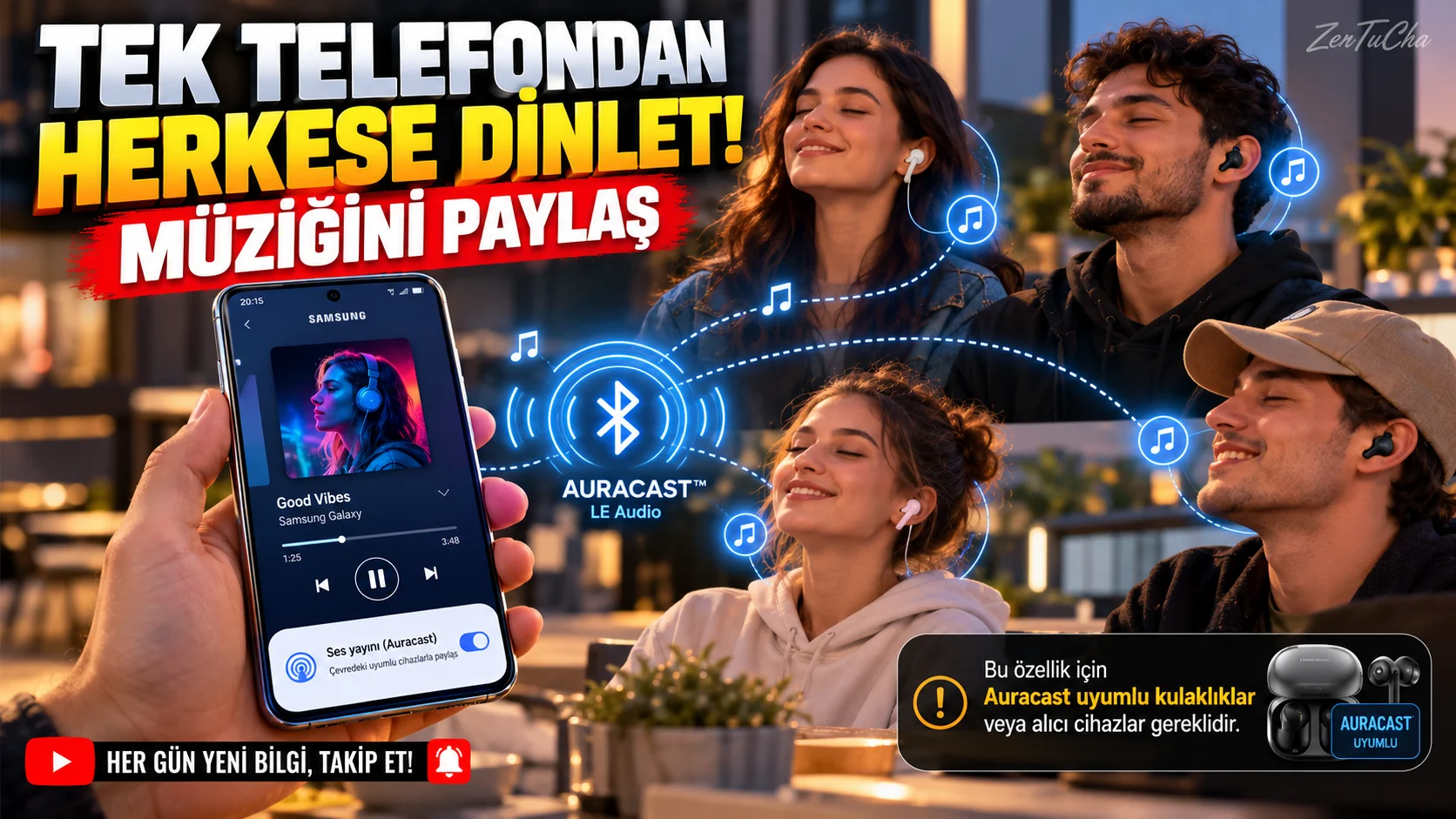
Don't you want to have to share a single headset when you want to listen to music with a friend?
Available on supported Samsung Galaxy devices Auracast based audio streaming allows you to stream audio from your phone to nearby compatible headphones or other supported audio devices.
Samsung's support document dated 2026 states that media audio or audio broadcasting from the phone's microphone can be started from Galaxy phones. Listeners need compatible devices that support Bluetooth LE Audio. Samsung pl
How to do it step by step?
1. Make sure your phone is compatible.
Auracast support is not the same on every Galaxy device. Samsung's support documentation has details on compatible models and One UI versions.
Check if the feature is available on your phone.
2. Turn on Bluetooth.
Go to Settings → Connections → Bluetooth.
3. Find the audio streaming option.
On supported models, try:
Settings → Connections → Bluetooth → More options → Audio streaming via Auracast
On some new Galaxy devices, this feature is available in the quick settings panel Audio broadcast. Menu path may vary depending on One UI version. Samsung pl
4. Set broadcast information.
You can edit the broadcast name and set a password in the supported interface.
Using a password helps you limit who can join your stream.
5. Start streaming.
Start broadcast or the corresponding broadcast start button.
Open your music or podcast app to stream your phone's media audio. New supported interfaces may also include the option to broadcast audio from the phone microphone. Samsung pl
6. Get others to join the broadcast.
Listeners must have a compatible Auracast receiver or headset.
On supported devices, they can find and select the nearby broadcast, and if a password is required, they can connect by entering the password.
7. Stop streaming when you're done.
Return to the broadcast screen and Stop broadcast.
Where can it be used?
- Listening to the same music with your friends.
- When sharing audio within a group.
- When listening to compatible broadcasts with supported hearing aids or headphones.
- Creating a shared audio experience at events with appropriate equipment.
Does it work with any Bluetooth headset?
No. A traditional Bluetooth connection is not the same as Auracast streaming. The listening device requires Bluetooth LE Audio/Auracast support. Samsung also notes that there are differences depending on the model and software version. Samsung pl
Official sources:

Henüz yorum yapılmamış. İlk yorumu siz yapın!
Bir Yorum Bırakın