

Samsung My FanCam: Creates a clip focusing on a single person from a crowded video
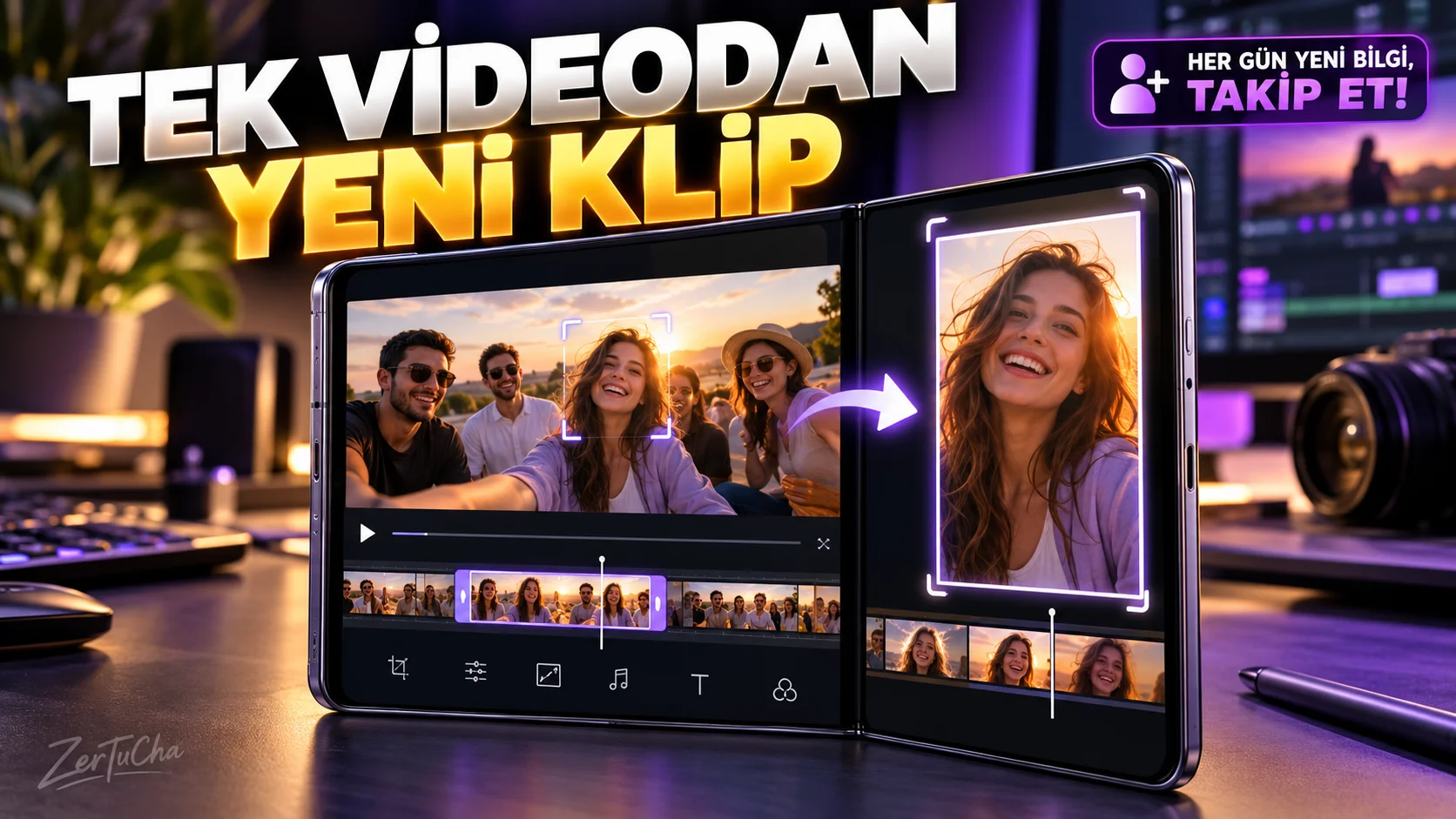
You shot the event with a wide angle, but you want to show only one person in the video
You recorded a concert, school play, dance event, or large gathering. Video is good, but for Instagram Reels or YouTube Shorts you need to focus on one person.
Samsung's My FanCam feature can automatically reframe the image by following the person you select in supported videos. This way, you can produce new clips from the same footage, focusing on different people and different screen ratios. Samsung au
Step by step usage
1. Open the Gallery app.
Go to Gallery on your Samsung Galaxy phone and select the video you want to edit.
2. Open Galaxy AI menu.
On the video editing screen, tap the Galaxy AI icon.
3. Select My FanCam feature.
My FanCam icon. The system detects people in the video and helps you make selections.
4. Identify the person you want to focus on.
On the screen + and select the person you want to follow in the video.
5. Set aspect ratio.
Select appropriate rate according to target platform. For example, you can choose a ratio such as 9:16 for a vertical short video and 1:1 for square content; Check that the options are available in the version on your device.
6. Tap the Follow button.
The system processes the video and creates a new frame following the person you selected.
7. Preview and save separate copy.
Check the result from the play icon. If it looks like what you want Save copy option.
Expected result
From a single wide shot, you can create multiple clips that feature different people or suit different social media formats.
What should you do if it doesn't work?
- If My FanCam is not visible, check the device and One UI version.
- If people are not detected, make sure that the people in the image are not too small and distinguishable from each other.
- Samsung's support document states that the feature may not work for videos with a resolution below 720 × 720 pixels and some difficult tracking conditions. Samsung au
- If the operation fails, keep the original video and try with a different recording.
Privacy, licensing and data loss
Feature requires Samsung account. The accuracy of the re-framing created by AI is not guaranteed. Save copy allows you to create a separate result rather than overwriting the original footage. Pay attention to the privacy and sharing permission of the people in the video. Samsung au
Official sources:



Henüz yorum yapılmamış. İlk yorumu siz yapın!
Bir Yorum Bırakın