



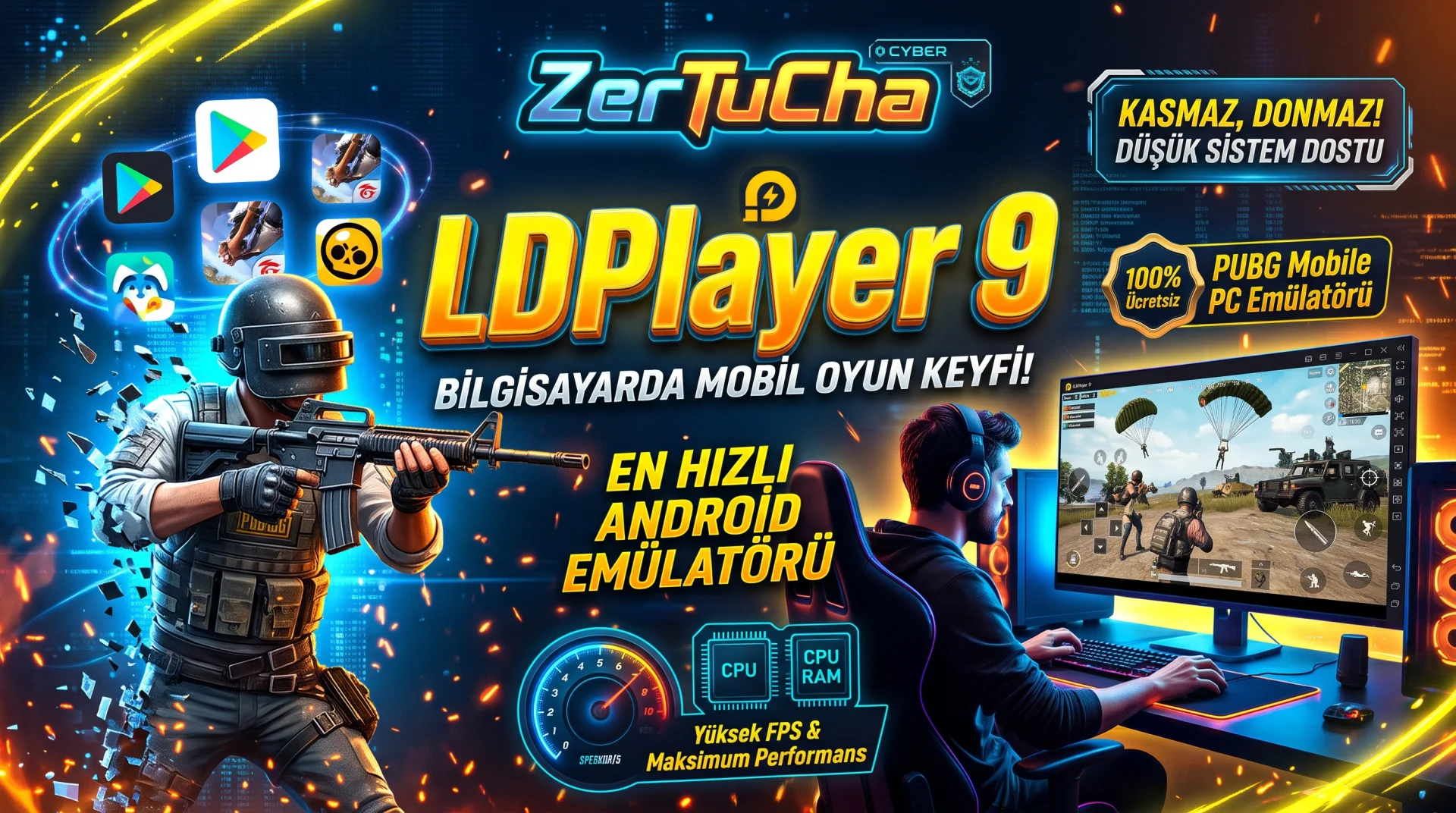
Plays Mobile Games Fluently at 120 FPS Even on Old Computers! Legendary Emulator that Destroys Its Competitors: LDPlayer!
Aren't you tired of playing games with your fingers intertwined on the tiny screen of your phone, or having your phone heat up like fire and run out of battery right in the middle of a conflict? If you say "Let me install an Android emulator on the computer so I can play with keyboard and mouse comfortably" and other heavy emulators wreak havoc on your computer, you are in the right place! Meet the legendary software focused on speed and performance that makes mobile games run like butter even on low and mid-range computers: LDPlayer!
LDPlayer is is a performance-oriented Android emulator.
Thanks to this program, which has been optimized from scratch especially for gamers, you can play all mobile games and applications on the Google Play Store (PUBG Mobile, Brawl Stars, Free Fire, You can run Genshin Impact, Clash of Clans (even TikTok and Instagram) on your giant computer
Leave a Comment to Read the Rest of the Article
Did you find our content useful? We are curious about your thoughts on the subject.
screen using a keyboard, mouse or gamepad!
The biggest weapons that distinguish LDPlayer from ordinary emulators are:
-
Smart Keymapping: Keyboard and mouse settings come ready as soon as you install popular games! Walks with WASD keys just like you are playing an original PC game on the computer, you aim and shoot with the mouse. If you want, you can create your own custom key sequence in seconds.
-
Multiple Session (LDMultiplayer): 2, You can open 3 or even 10 different Android screens! A gold mine for those who want to gain or "Reroll" more than one account at the same time in strategy and RPG games!
-
Synchronizer Tool: Allows you to simultaneously control 5 different emulator windows you have open with a single mouse click; Wherever you click on one screen, you click on the same place on the other 4 screens!
-
Macro and Combo Recorder: You can save once the boring missions or complex hit combos that you have to repeat in games and you can have the program do it automatically for you by pressing a single button.
Advantages (Why Should You Use It?)
-
Feather Light and Fast: It uses the processor and RAM much more efficiently compared to its competitors in the market (especially the heavy old emulators). Boot time takes seconds.
-
120 FPS and High Graphics Support: It exceeds the 60 FPS limit in supporting games and provides an ultra-smooth gaming experience up to 120 FPS.
-
Direct APK Installation: If you downloaded an app or game that is not on the Google Play Store, It is enough to hold the APK file with the mouse and drag and drop it into the LDPlayer screen to install it.
-
Virtual Location (GPS) and Screen Recording: It comes with a built-in screen video recording tool and a virtual GPS feature that can show your location anywhere in the world.
-
Fully Turkish Interface: Every menu has full Turkish support, from installation to the finest performance settings.
Disadvantages (What Can Upset Us?)
-
Sponsored Offers During Installation: While installing the program, click "Next, If you blindly click "Next", may try to install additional sponsored software such as antivirus or browser. Additional offers appearing on the installation screen "Reject" (Reject/Decline)!
-
Game Ads on Home Screen: Since it is a free platform, the emulator's main menu includes promotional icons of popular mobile games (It does not affect game performance, but it may look visually crowded).
-
Requirement to Enable Virtualization (VT) from BIOS: For full performance and zero lag, adjust your computer's BIOS settings Virtualization Technology (VT) feature must be turned on (This is actually a rule for all emulators).
-
No Official macOS Version: Developed only for computers with Windows operating system; It does not work on Mac computers.
Who is it suitable for?
-
Mobile games gamers who want to play on the big screen with the advantage of keyboard and mouse, without worrying about heating and running out of battery,
-
Not having very high system features low to mid-range laptop/desktop owners,
-
Having to manage multiple game accounts at the same time strategy and MMORPG enthusiasts,
-
Wants to quickly test mobile applications on the computer or use them on the computer without holding their phone content creators and developers!
Paid or Free?
Great news: LDPlayer 100% FREE is software! Official website ldplayer.net without paying a single penny and get all FPS, macro and multi-screen features unlimitedly. (There is a small optional VIP option for those who only want to remove small advertising banners on the home screen, but you do not need to pay as it has no effect on performance).


No comments yet. Be the first to comment!
Leave a Comment