



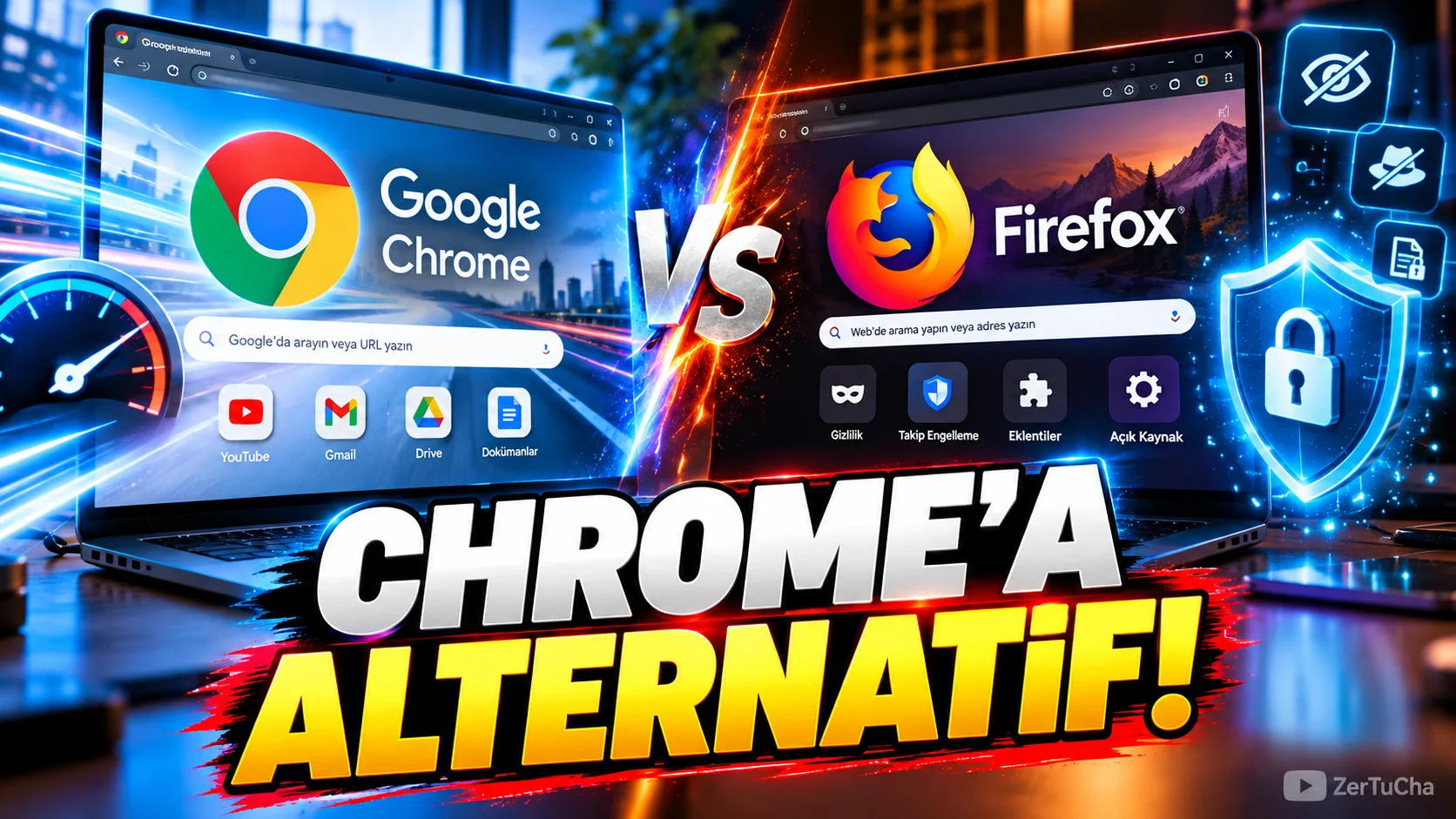
Main Program / Application
Google Chrome
Recommended Alternative
Mozilla Firefox
Supported Systems
Windows, macOS, Linux, Android and iOS. Mozilla states that Firefox is available on these platforms and is free.
Fee Status
Free.
What Does It Do?
A web browser used to browse the Internet, open tabs, use web applications, manage bookmarks, and maintain the web experience on different devices.
Firefox attracts the attention of users who want to be an alternative to Chrome, especially with its privacy-oriented features. Mozilla states that Firefox offers protection features that automatically block a significant portion of ad tracking codes.
“Now I will show an alternative to those who use Chrome.
I'm not saying Chrome is bad. It is already one of the most common browsers in the world.
But if you say 'I want to try another browser', Firefox is definitely one of the options to look at.
Because it's not just about opening the pages.
Firefox offers a stronger approach, especially on the privacy side.
For example,
Leave a Comment to Read the Rest of the Article
Did you find our content useful? We are curious about your thoughts on the subject.
it has features such as automatically blocking ad tracking codes used to follow you on some sites.
Another good thing is this: If you are using Windows, you do not have to look for a separate program, or if you are using a Mac, you do not have to look for a separate program. It's available on Linux, it's available on Android, it's also available on iPhone.
So you don't have to use Firefox on the computer and use another browser on the phone.
Now I'm not saying 'delete Chrome and switch to Firefox immediately'.
Use both side by side.
Try it for a week.
Especially if you like the control it gives regarding privacy, you will understand why people use Firefox.”
Advantages
Wide platform support. It offers privacy-focused protection tools. It's free.
Disadvantages
Some Chrome-centric web services and enterprise workflows may work more seamlessly with Chrome. Additionally, due to user habits, it may be necessary to get used to the interface and plugin layout again.
Why Use?
A powerful alternative for users who say, “I am thinking of changing my browser, but I do not want to pay a fee.”
Better for Whom?
Those who care about privacy, those who want to try different browsers, Linux users and users who are close to the open source ecosystem.



No comments yet. Be the first to comment!
Leave a Comment