

Big Change in Linux Desktop: KDE Plasma 6.8 Drops X11 Support
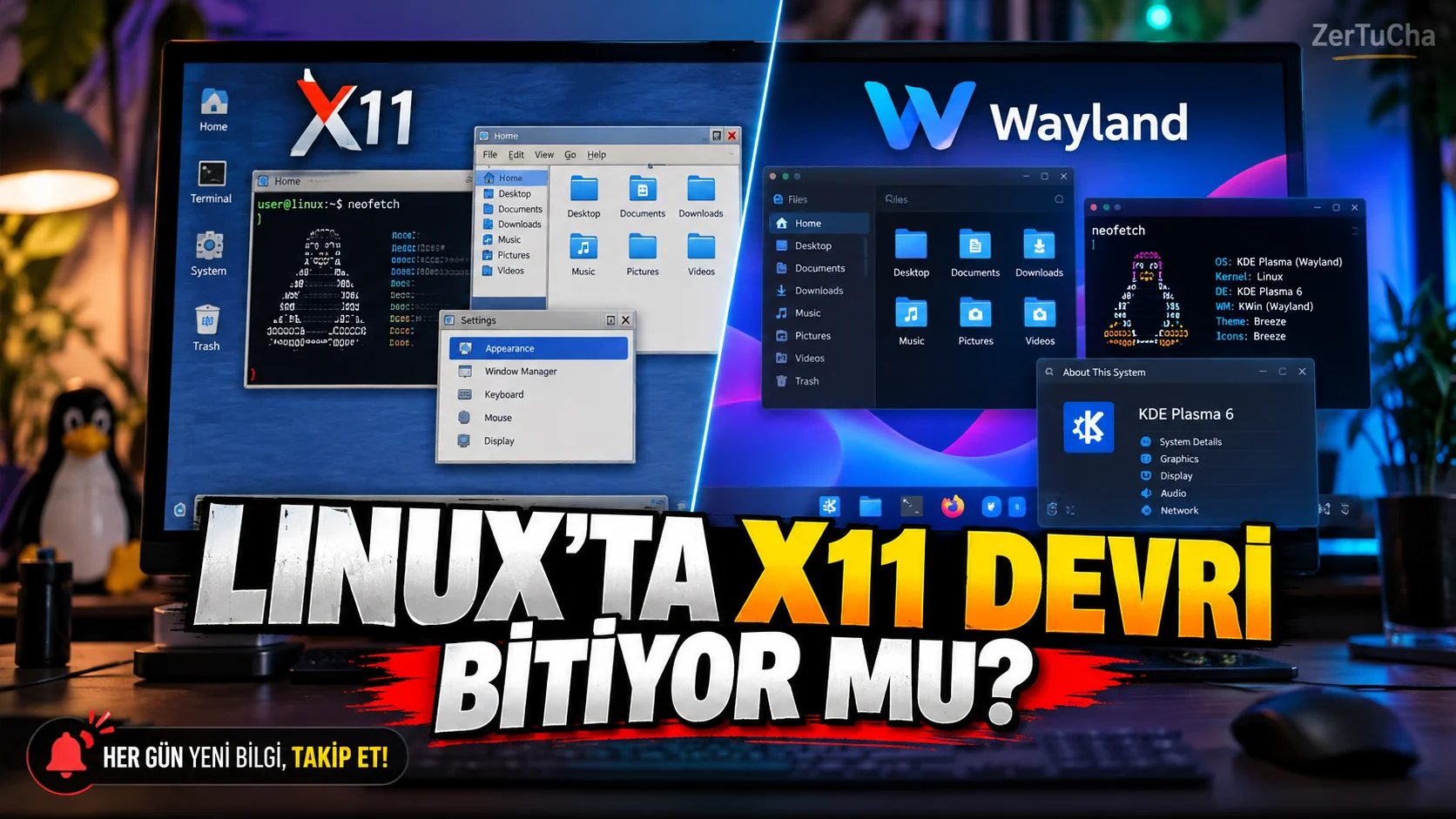
A technology that the Linux desktop has used for years is entering a new era
If you use Linux, you may have seen the KDE Plasma desktop environment. KDE; An open source environment that combines window management, taskbar, system tray and desktop applications.
According to Ars Technica, while celebrating its 30th anniversary on October 14, 2026, KDE announced Plasma 6.8 and dropped native X11 session support.
This change is an important step in the process of replacing the legacy display server architecture in Linux with the modern Wayland approach.
What is the difference between X11 and Wayland?
X11 is a display protocol that has been used on Linux and Unix desktops for many years. It manages tasks such as allowing applications to create windows, interact with input devices, and produce screen output.
Wayland is a newer protocol used by modern desktop architectures. The way window management and display responsibilities are organized is different.
Moving to Wayland doesn't just change the appearance of the desktop. Screen sharing can also cause differences in issues such as higher resolution displays, different scaling rates, and applications' access to input events.
However, one detail should not be missed here: Removing X11 support from the KDE Plasma session does not mean that all old X11 applications will instantly become inoperable.
According to Ars Technica, the XWayland compatibility layer continues to help traditional X11 applications run in the Wayland session.
What should you do on your current Linux computer?
If you are considering switching to Plasma 6.8, the following checklist may be useful.
-
Learn your distribution. Check the KDE Plasma edition and which version of the Linux distribution you are using.
-
Verify session type. Check whether you're using Wayland or X11 in your system settings or on the login screen.
-
Test your important apps. Check compatibility, especially if you're working with screen recording, remote desktop, screen sharing, and legacy graphics applications.
-
Read the update notes. Find out what changes your distribution offers in the Plasma 6.8 package.
-
Make a backup. Back up your important files and user configurations before major desktop updates.
-
Update with your distribution's package manager. Use the official update channel instead of unknown installation scripts or random repositories.
-
Test input and screen sharing. After the update, check that applications open, screen recording and external monitors work properly.
Menu names may vary depending on distribution. For example, KDE neon, Fedora KDE and Arch Linux may upgrade to the same version at different times. Therefore, the Plasma 6.8 announcement does not mean that all Linux computers will be updated at the same time.
Will old applications become completely inoperable?
No, it would not be right to draw such a general conclusion. XWayland helps X11 based applications run in Wayland session. However, application-specific behavior may vary.
Particularly older tools that attempt to capture the screen directly, some input automations and window positioning methods may behave differently under Wayland.
Quick conclusion: KDE Plasma 6.8 accelerates the move away from the legacy X11 session on the Linux desktop. The best approach for the user is not to blindly postpone the update or install it immediately; checking the applications you use and the support status of your distribution.



Henüz yorum yapılmamış. İlk yorumu siz yapın!
Bir Yorum Bırakın