



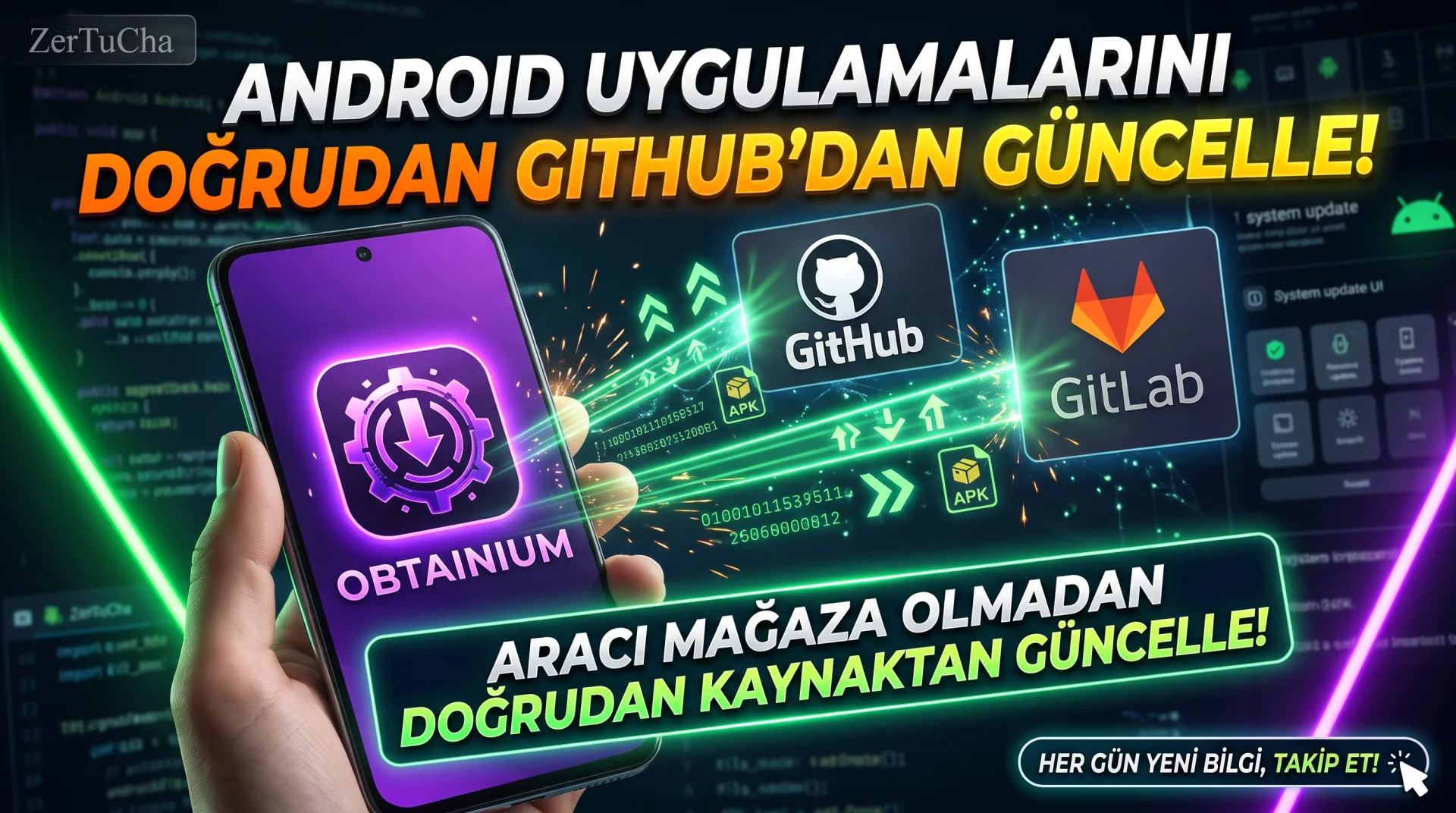
What is the biggest problem you encounter when you install an open source application (for example, an ad blocker, file transfer tool, system manager or media player) on your Android phone outside of the Google Play Store, directly from the developer's official GitHub or GitLab page? You download and install the app once, but you never know when the developer releases a critical security patch or new feature 2 weeks later! It is a pain to open the browser every time and go through the source pages of 10 different applications one by one and look for the new APK file; If the tool is in open source stores, it may take days for new versions to be compiled and approved. Well, you can cut out all these middleman stores and download your favorite open source Android applications automatically follows the official release page of its developer and the open source new generation manager that updates your phone with a single click the second the new version is released? Installation and usage guide
Leave a Comment to Read the Rest of the Article
Did you find our content useful? We are curious about your thoughts on the subject.
is right below!
Brief Summary: Obtainium (obtainium.imranr.dev) is a free and open-source update manager that downloads and automatically updates open-source Android applications directly from the developer's official GitHub, GitLab, Codeberg or web page, without waiting for an intermediary store.
What is Obtainium and How is it Different from Standard App Stores?
Obtainium is a tool that periodically checks the source URLs of open source applications installed on your Android device in the background and allows you to directly download and install the original APK file signed by the developer when the new version is released.
While it is necessary to follow the updates manually in classic non-store APK installations, thanks to Obtainium LocalSend, Ente Auth, Shizuku, KeePassDX, Syncthing will be sent to your phone as a notification the minute the developer releases the new version.
Google Play, F-Droid and Obtainium Comparison Chart
The differences in speed and resource transparency of application installation and update methods on Android are listed in the table below.
| Feature | Google Play Store | F-Droid | Obtainium |
|---|---|---|---|
| Update Rate | Fast (Subject to store review) | May be delayed by 2–7 days due to build order | Snapshot (Direct from developer feed) |
| Account / Membership Condition | Google account required | Not required | Not required |
| APK Source | Google servers | F-Droid build servers | Direct GitHub / GitLab / Official site |
| Supported Application Pool | Commercial applications | Only in F-Droid repository | Every Android APK published on GitHub/GitLab |
How to Install and Use Obtainium in 5 Steps?
Follow these steps to automatically update open source applications on your Android phone from a single center:
- Official from your Android phone https://obtainium.imranr.dev/ (or GitHub Releases) page and download and install the latest Obtainium APK file.
- Open the application and confirm battery optimization and notification permissions so that new version checks can be made regularly on your phone.
- "Add App" tab and enter the GitHub URL of the open source project you want to follow (for example
https://github.com/localsend/localsend) and "Add" button. - If you don't want to search individually for which URL to add, you can use the community directory https://apps.obtainium.imranr.dev/ page.
- Safely update the app directly from the original source by tapping the notification when a new version is available!
Security Evaluation and Limits
Obtainium itself is open source and ad-free; but the security of the application is directly depending on the reliability of the source link you added depends. That's why you should only include links to official, highly-starred, and verified developer repositories. Does not work on Apple iOS devices; For Android (8.0 and above) only.
Frequently Asked Questions
Do I need to root my Android phone to use Obtainium?
No, it absolutely does not require Root. Optionally, when connected with Shizuku, which we reviewed previously, it can install updates even faster in the background without a confirmation window.
How to update new versions of Obtainium application itself?
Obtainium automatically follows its official GitHub repository and updates itself with a single tap when a new version is released.
Is Obtainium used to download paid Play Store applications for free?
No. It is not a hacking tool; It only tracks Android applications that its developer has published legally and free of charge on GitHub, GitLab or the official site.




No comments yet. Be the first to comment!
Leave a Comment