

You Can Learn Terminal Commands Without a Computer: Termux
Application name and official links
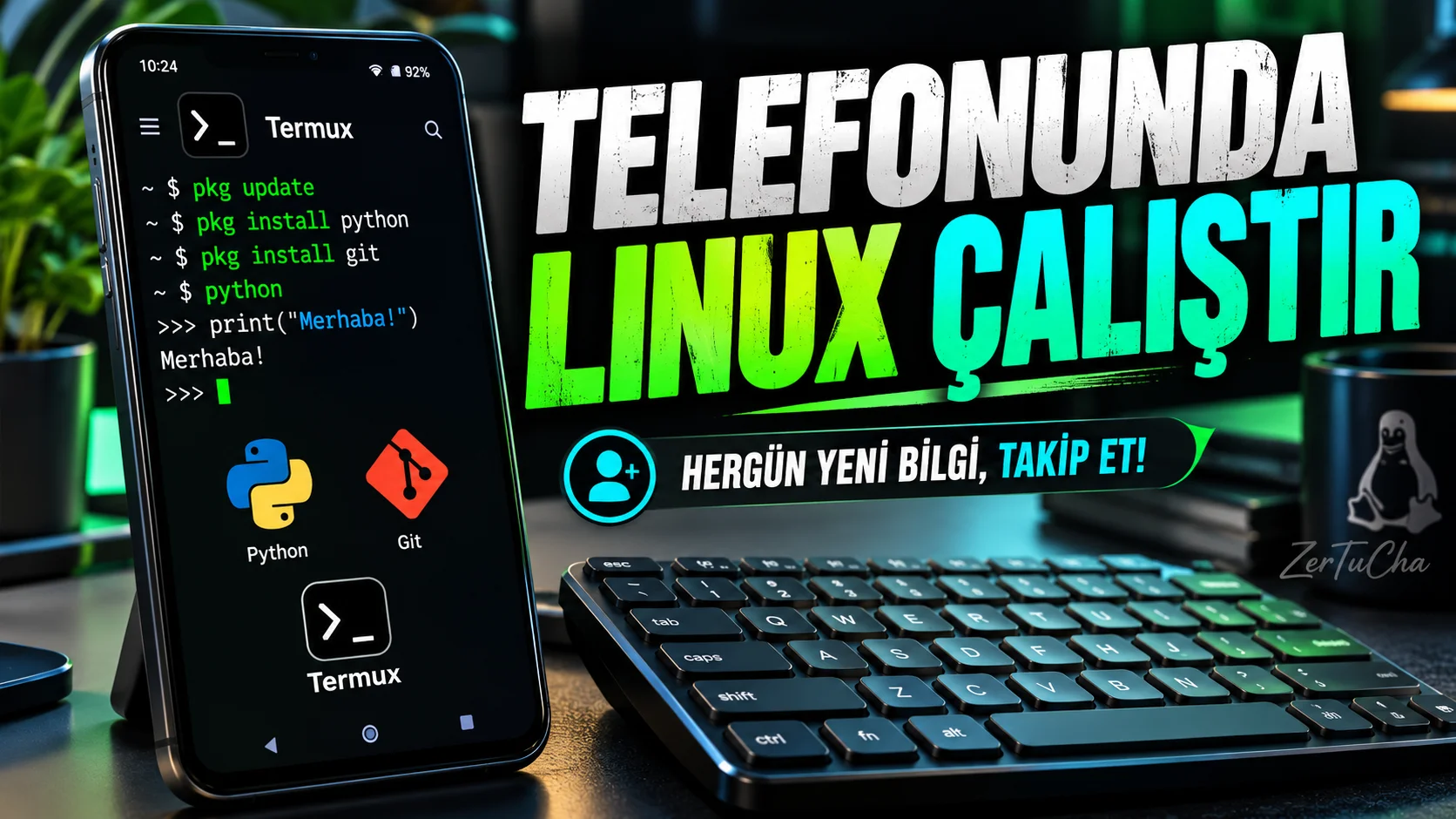
Termux is an open source application that offers a terminal interface and a Linux-like command line environment on Android.
You don't have to just text or watch videos on your phone. With Termux, you can try terminal commands and some Linux tools directly on Android.
When you open the application, you see a terminal screen. From here you can work with tools like package management, Python, Git, and SSH.
For example, if you are learning software, you can make small Python experiments or establish an SSH connection to your own server. It will be more comfortable to type commands if you use an external keyboard.
But there's a caveat: Termux is a technical tool. A wrong script may modify or delete files. Also, the date of the last stable version I confirmed is May 2025; so be sure to check the installation source and version.
If you are interested in learning terminals, you can turn your phone into a small practice laboratory.
You want to learn terminal commands, run Python, or connect to your own server via SSH. However, you may not always be in front of the computer.
Termux helps you do some of this right on your Android phone with supported packages.
Concrete features
- Working with shells such as bash, fish or Zsh.
- Installing tools with APT-like package management.
- Using Python, Git and some programming tools.
- Connecting to remote server via SSH.
- File operations and working with command line tools.
- Compiling and testing some projects.
These features are explained on Termux's official site. Termux
Why is it worth trying?
You can use the phone not just as a device to run applications, but as a portable environment where you can learn basic command line skills.
But Termux does not automatically provide all the features of a full Linux desktop computer.
Advantages and disadvantages
Advantages
- Free and open source.
- Can be used without requiring root access.
- Suitable for command line and programming practice.
- Use with an external keyboard may be more comfortable.
Disadvantages
- Requires command line knowledge.
- Android app and file access limits apply.
- Update check is important because the release date of the last stable version is old.
Who is it suitable for?
Suitable for those who want to learn terminal, those who want to try Python or Git commands, and technical users who want to connect to their own servers.
It may be unnecessarily complicated for people who can do their job with applications with visual interfaces and do not want to learn terminal.
First steps after installation
- Get Termux from official project channels.
- Check whether the version you installed is stable or beta.
- Open terminal and try basic commands.
- Check out the official documentation on package management.
- Install a tool like Python or Git only from official Termux package sources.
- Make your first attempts in the test folder, not on important files.
Safety note: Using older Google Play versions; Termux developers have warned that the Play Store distribution was out of support in the past. Check the current installation source from the official documentation. Termux
Permissions, privacy and offline working
It is possible for Termux to work offline for basic terminal functions. However, a network is required to download packages, connect to internet servers, or perform updates.
Storage access and some integrations may require additional permissions. Since the commands can directly modify files, do not copy and run commands that you do not know what they do.



Henüz yorum yapılmamış. İlk yorumu siz yapın!
Bir Yorum Bırakın