



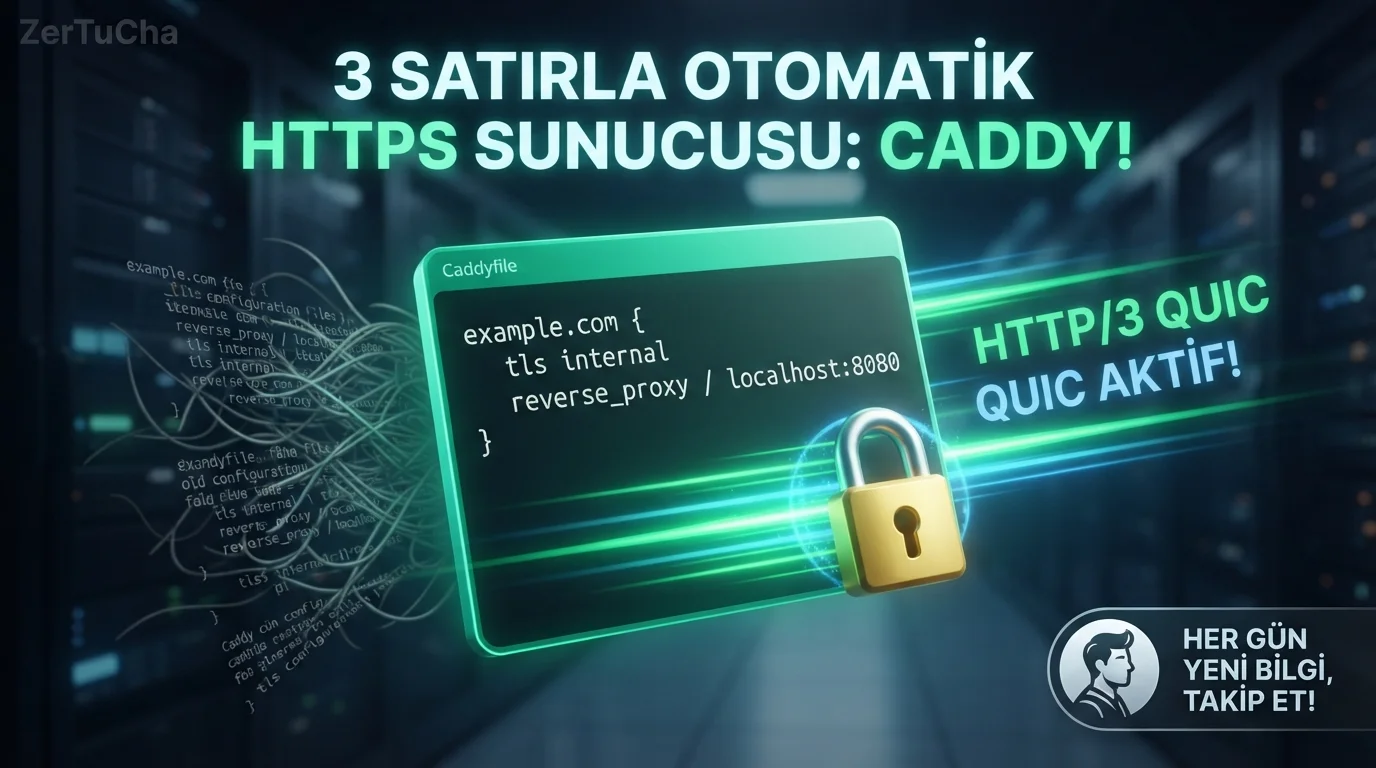
What is the most boring job that consumes hours of almost every developer and system administrator when renting a Linux server (VPS) and installing your website, API service or Docker applications on it? Writing 60 lines of complex rules in Nginx or Apache configuration files, then installing Certbot and trying to get a Let's Encrypt SSL certificate, and watching the site get a red "Your Connection is Not Private" error 90 days later when the auto-renewal (cron) breaks! Moreover, the new generation HTTP/3 (QUIC) speed protocol smoothly on classic web servers requires special expertise. Well just With a 3-line readable configuration file is an open source modern web server that automatically obtains the SSL certificate for your site, automatically renews its duration, and works with HTTP/3 speed by default? Installation and Nginx comparison is right below!
Brief Summary: Caddy (caddyserver.com), developed with Go language, for all domain names without requiring external Certbot installation
Leave a Comment to Read the Rest of the Article
Did you find our content useful? We are curious about your thoughts on the subject.
Automatic HTTPS (SSL) and HTTP/3 is a new generation open source web server and reverse proxy software that supports
What is Caddy Web Server and How is it Different from Nginx?
Caddy is a modern web server that comes in a single executable with zero dependencies and manages its own security settings (TLS 1.3, Let's Encrypt/ZeroSSL renewal, HTTP to HTTPS redirect) by default.
Run a Docker application on Nginx (e.g. localhost:3000) While dozens of lines of proxy headers and separate Certbot scripts are required to open to the internet with SSL, in Caddy you only need to write the domain name and destination port; Caddy does the rest in seconds.
Nginx and Caddy Technical Comparison Table
Below are the differences between two popular web servers in terms of server management speed and modern protocols.
| Feature | Classic Nginx | Caddy Web Server |
|---|---|---|
| Auto SSL (HTTPS) | Requires external Certbot + Cron installation | Built-in (Auto receives and refreshes with zero setting) |
| HTTP/3 (QUIC) Support | Requests additional configuration and version setting | Active by default |
| Configuration Complexity | 40–80 lines (nginx.conf) |
3 lines (Caddyfile) |
| Memory Security | C language based | Go language based (Memory safe modern architecture) |
Automatic HTTPS Reverse Proxy Setup in 5 Steps with Caddy
Follow these steps to publish a Node.js, Python or Docker application on your Ubuntu Linux server with HTTPS in 2 minutes:
- Your domain name
APoint the DNS record to your server's IP address and80to443ports are open. - https://caddyserver.com/docs/install guide:
sudo apt install caddy sudo nano /etc/caddy/Caddyfileand just write the following 3 lines and save.sudo systemctl reload caddycommand.- From your browser
https://uygulama.siteniz.com; See Caddy automatically obtain the Let's Encrypt certificate and open the HTTP/3 connection in seconds!
3 Line Sample Caddyfile Configuration
application.yoursite.com {
    reverse_proxy localhost:3000
}
Zertucha Field Experience and Usage Limits
As Zertucha Creative Studio, we actively use the Caddy architecture (and the Caddy-based Coolify infrastructure) to reset certificate renewal crashes on modern Linux servers where we host microservices, n8n, Dify and custom SaaS software. For custom software and server optimization Zertucha system services. The only caveat is traditional Apache .htaccess rules need to be adapted to Caddyfile syntax.
Frequently Asked Questions
Is Caddy fast enough on high-traffic websites?
Yes. With the concurrency power of the Go language and built-in HTTP/3 + Zstd/Gzip compression support, it seamlessly handles thousands of requests per second.
Can automatic SSL be obtained for all subdomains (*.yoursite.com) with Caddy?
Yes. When the Caddy DNS module of Cloudflare or the relevant DNS provider is added, wildcard certificates are obtained and renewed completely automatically.
Can Caddy be used free of charge on commercial company servers?
Yes, Apache 2.0 is licensed as open source; It can be used completely free of charge on both individual and corporate commercial servers.




No comments yet. Be the first to comment!
Leave a Comment