



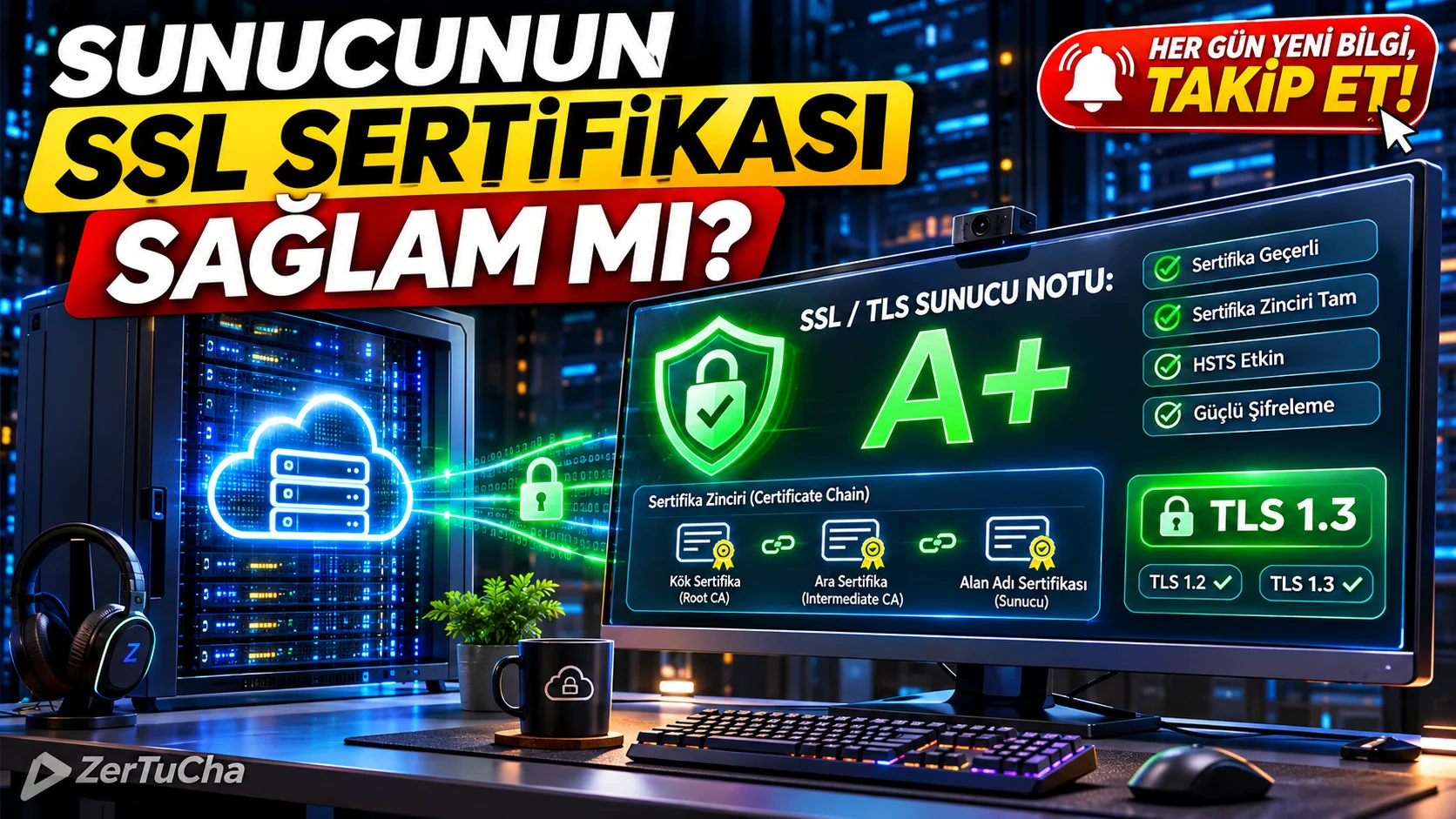
When you install Let's Encrypt or a commercial SSL certificate on a VPS, cloud server, or cPanel, you may see the lock icon in your desktop browser and think you're done. But after a few days some mobile users or payment/webhook services "Your connection is not private / SSL Handshake Failed" error! This is usually due to server Intermediate Certificate Chain incomplete, outdated and unsafe TLS 1.0 / 1.1 protocols are forgotten or weak encryption packages (Cipher Suites) remain active. Here is Qualys SSL Labs can x-ray your server's encryption infrastructure in approximately 60 seconds A+ to F gives report card!
The difference from ordinary "SSL or not" sites is that you really with dozens of different operating system and browser versions (Android versions, iOS Safari, Windows, Java, OpenSSL, Python/cURL clients) is to list which devices will receive errors when connecting to your server by performing a Handshake Simulation test!
Leave a Comment to Read the Rest of the Article
Did you find our content useful? We are curious about your thoughts on the subject.
SITE NAME AND LINKS:
-
Site Name: Qualys SSL Labs – SSL Server Test
-
Official URL: https://www.ssllabs.com/ssltest/
-
Origin / Service Language: USA (Qualys, Inc. – Foster City, California) / English
-
Rating Guide and Privacy Policy: https://www.ssllabs.com/projects/rating-guide/ and https://www.qualys.com/company/privacy/
-
STEP BY STEP USE:
-
From your browser https://www.ssllabs.com/ssltest/ (No membership or login required).
-
"Hostname" box, enter the domain name of the server you want to test (for example
yoursite.comorapi.yoursite.com). -
If you do not want your test result to be publicly visible in the "Recently Scanned Sites" list on the home page, "Do not show the results on the boards" box and "Submit" button!
-
Wait for the progress bar on the screen until the analysis is complete (if your server has IPv4 and IPv6, it will take approximately 1–2 minutes as it scans both separately).
-
In the resulting report, your overall grade (A+, A, B, C or T/F); by scrolling down the page "Certificate #1 → Chain issues"on the line"Incomplete" (missing chain) warning, "Protocols" only TLS 1.2 and TLS 1.3 is on and "Handshake Simulation" table!
-
-
REQUIREMENTS AND LIMITS: No membership or fees required. Port 443 (it does not scan internal servers running on private ports or e-mail SMTP ports through this screen).
-
PRIVACY AND SECURITY: Testing is done entirely through the server's public TLS handshake and certificate responses; server password or private key (
private.key) is definitely not desired. "Do not show the results on the boards" box, your domain name and the security rating it receives may be listed in the public panel on the site; It is important to check this box, especially on new servers that are likely to receive low scores. -
ADVANTAGES, DISADVANTAGES AND WHOM IT IS SUITABLE FOR:
-
Advantages: Accurately catches incomplete certificate chain error, 40+ real device/browser handshake simulations, shows weak encryption protocols at a glance, free and ad-free.
-
Disadvantages: Scanning time takes 60–120 seconds because it performs in-depth testing; The terms interface and cryptography are in English.
-
Who is it suitable for: Cloud and Linux/Windows server administrators, Nginx/Apache/Cloudflare configuring developers, e-commerce and SaaS infrastructure managers.
-
-
BRIEF CONCLUSION: When you set up a new server or subdomain, before going live
[ssllabs.com/ssltest/](https://ssllabs.com/ssltest/)on"Do not show on boards" box and scan; prevent certificate chain errors and protect your server A+ standard!



No comments yet. Be the first to comment!
Leave a Comment