



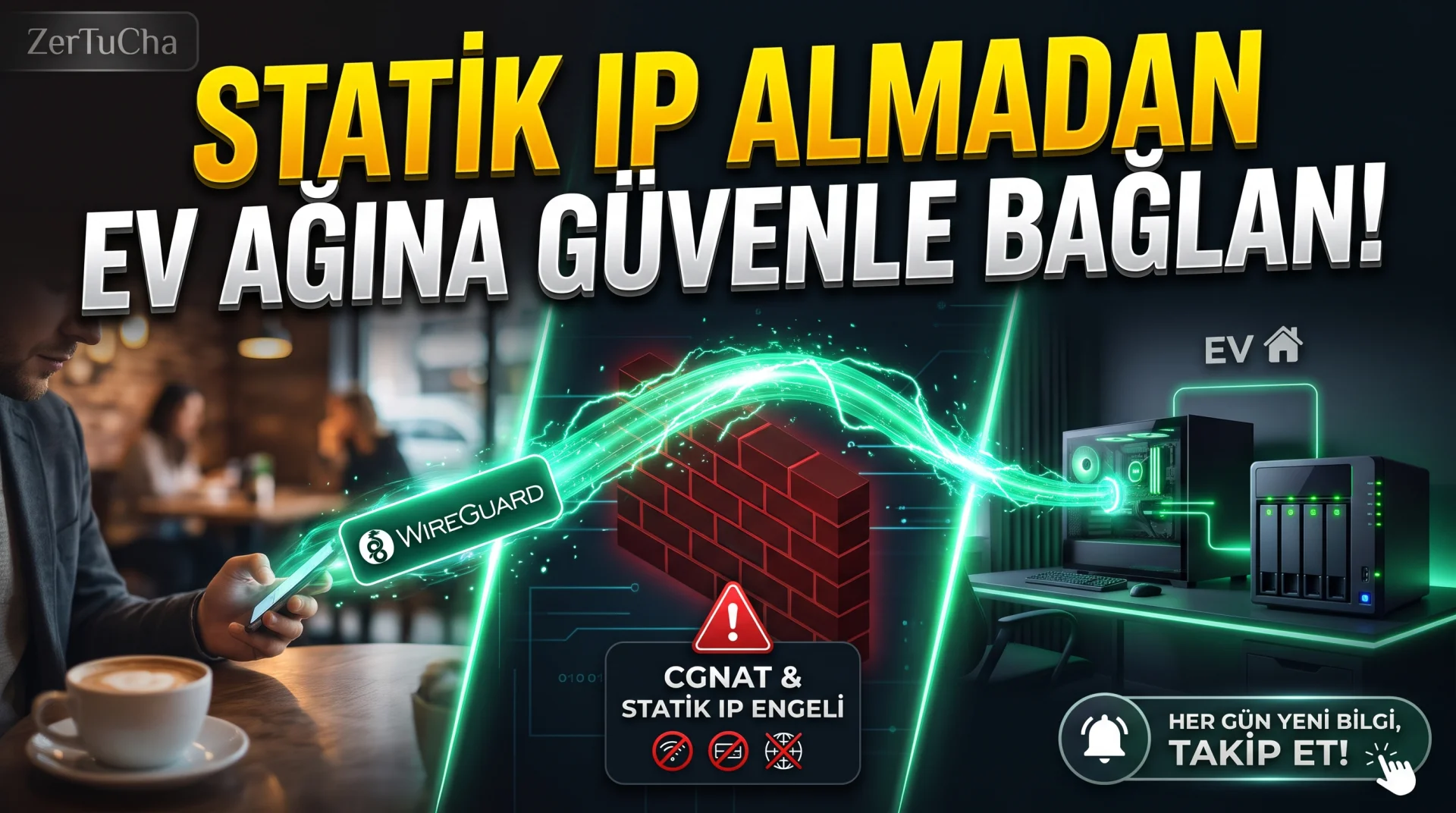
To your home computer, to your office file server, When you want to connect to your security camera or self-installed media/backup system from your mobile phone while you are out and about, you run into a hidden wall implemented by internet service providers (ISPs) in Türkiye: CGNAT pool! Even if you do port forwarding on the modem interface for hours, Since you are not given a special external IP, you cannot access your home network from the outside and operators will charge you extra Static IP fee requests. Moreover, leaving the port from the modem open to the outside world is an invitation to cyber attackers! Well, did you know about the new generation network that combines your home computer, phone and cloud server in a single military-grade encrypted private network and works for free for up to 100 devices, without paying a single penny for Static IP or without opening a single port on the modem? The details of this technology, which takes 2 minutes to install, are right below!
Leave a Comment to Read the Rest of the Article
Did you find our content useful? We are curious about your thoughts on the subject.
Brief Summary: Tailscale is a free Mesh VPN network based on WireGuard protocol, connecting all your computers, phones and servers behind CGNAT without opening a port on the modem or purchasing a Static IP. Works for free on up to 100 devices on the individual plan.
What is Tailscale and How to Overcome CGNAT Blockage?
Tailscale is a zero-configuration VPN solution that establishes an end-to-end encrypted private network (Tailnet) directly between your devices. It allows your devices to talk directly as if they were connected to a single modem in the same room, using the NAT traversal technique, without having to encounter the CGNAT obstacle used by internet operators in Türkiye.
Unlike traditional VPNs, it does not pass all your internet traffic through a slow central server. Your data flows directly between your home computer and your mobile phone in the shortest way possible; In this way, you get both high speed and low latency.
Tailscale Comparison with Static IP and Port Forwarding
You can review the cost and security comparison of remote access methods to home or small office systems in the table below.
| Criteria | Static IP + Modem Port Open | Tailscale (Free Plan) |
|---|---|---|
| Monthly Cost | ISP Static IP fee (Continuously increasing) | 0 TL (free for up to 100 devices) |
| CGNAT Compliance | Does Not Work (Static IP required) | Fully Compatible (No port opening required) |
| Security Surface | Open ports are subject to bot scanning | Zero open port to external internet |
| Setup Time | 30–60 minutes (Router + Firewall setting) | 2 minutes (Install app and log in) |
Tailscale Step-by-Step Installation Guide
Follow these 5 steps to combine your Windows, macOS, Linux, iOS and Android devices into one secure network:
- From your browser https://tailscale.com/ and sign in for free with your Google, Microsoft, Apple or GitHub account.
- Download and install the Tailscale application on your home or office computer (Windows/Mac/Linux) and log in with the same account.
- When you install the free Tailscale application from the App Store or Google Play on your mobile phone and log in, you can see
100.x.y.zformat. - To connect to your home computer's remote desktop (RDP/SSH) or local web panel when you're away on mobile data, use this
100.x.y.z. - If you want, you can use your home computer Exit Node, you can pass all your internet traffic encrypted over your own home internet on insecure public Wi-Fi networks in cafes.
Zertucha Field Experience: Where Do Businesses Use It?
As Zertucha, in businesses where we develop special software and automation projects, we completely close the SSH and database management ports of customer servers to the outside world and open access only through the Tailscale network. For enterprise infrastructure and custom automation installations our software products and our special project proposal page.
Privacy, Security and Restrictions
Tailscale, open source WireGuard encryption; The company only manages the coordination keys that allow devices to find each other, it cannot see the content of the data packets being transferred. The free plan has a limit of 3 users and 100 devices; This capacity is more than enough for individual users and small teams.
Frequently Asked Questions
Will my normal internet speed slow down when Tailscale is turned on?
No. Unless you specifically turn on the Exit Node feature, Tailscale only moves traffic between your own devices; YouTube or your regular web browsing continues at full speed directly from your own internet.
Does it work on Türk Telekom, Superonline or TurkNet lines with CGNAT?
Yes. Tailscale is designed to bypass modems directly behind CGNAT and dual NAT; It works without any additional static IP.
Is the Tailscale free plan trial or permanent?
Personal plan is not a limited trial, it is a permanent free plan for up to 3 users and 100 devices.


No comments yet. Be the first to comment!
Leave a Comment