



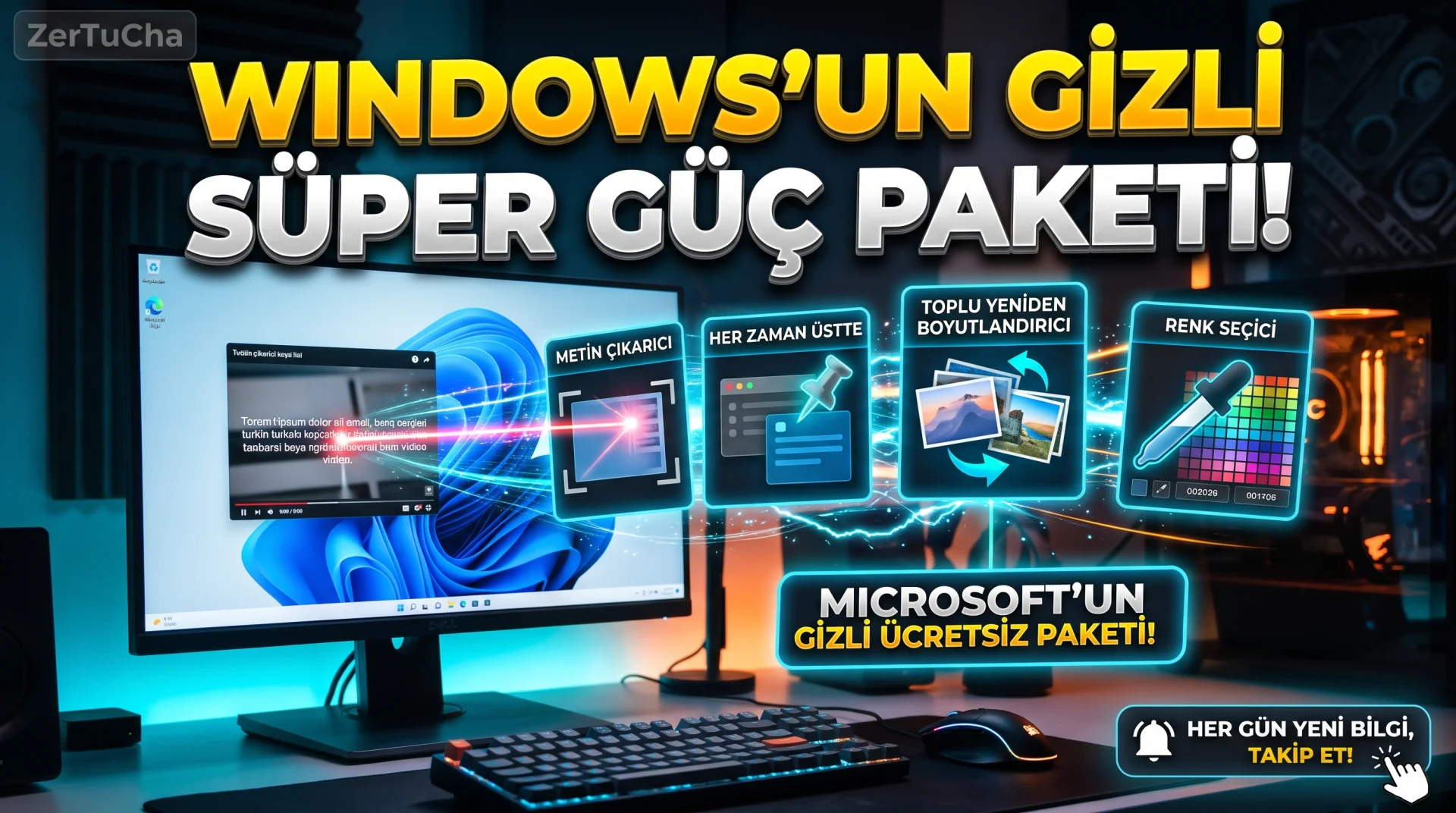
When you want to copy the text in a YouTube video or the IBAN on an uncopied photo on your Windows 10 or Windows 11 computer, right-click and reduce the size of 50 photos in a single second, find the HEX code of any color on your screen, or keep a window fixed at the top of all other windows, if you are looking for one by one ad-supported and unsafe programs on the internet, stop immediately! Because developed by Microsoft's own engineers as open source and 100% free, but there is a huge suite of official tools that 85% of Windows users don't even know exists! The installation and 5 most surprising features of this official Microsoft package, which contains more than 25 life-saving features, does not show any ads and turns your computer into a super station, are right below!
Brief Summary: Microsoft PowerToys is a free and open-source productivity suite developed by Microsoft for Windows 10 and 11. It offers more than 25 tools under one roof, such as copying text from any image on the screen
Leave a Comment to Read the Rest of the Article
Did you find our content useful? We are curious about your thoughts on the subject.
(Text Extractor), batch image reduction (Image Resizer), window pinning and smart screen splitting.
What is Microsoft PowerToys and Why Should It Be Installed?
Microsoft PowerToys is an official, open-source utility software package that adds advanced desktop tools to your computer that are not available in the standard Windows operating system. Instead of installing 10 different suspicious programs from outside, it speeds up your daily computer work with a single secure Microsoft software.
All modules in the package are optional; You can keep RAM usage to a minimum by turning off the tools you are not using with a single key.
The 5 Most Life-Saving Features in PowerToys
The 5 basic modules and their shortcuts that are most useful to daily users, students and content producers are listed in the table below.
| PowerToys Module | Keyboard Shortcut | Solved Daily Problem |
|---|---|---|
| Text Extractor | Win + Shift + T |
Copies uncopied text in a video, photo or PDF in 1 second |
| Always on Top | Win + Ctrl + T |
Pins the calculator, note, or video on top of all other windows |
| Image Resizer | Right Click Menu | Reduces the 50 photos you choose to the desired pixel size with one click |
| Color Picker | Win + Shift + C |
Instantly returns the HEX/RGB color code of any pixel on the screen |
| FancyZones | Win + Shift + " |
Divides the large monitor into custom grids and perfectly aligns the windows |
Microsoft PowerToys Step by Step Installation and Usage
Follow these steps to safely install this official tool on your computer and activate its first features:
- From your computer Microsoft Store and "Microsoft PowerToys" and "Install" button (or official page https://learn.microsoft.com/tr-tr/windows/powertoys/).
- When you open PowerToys, the interface is completely Turkish coming; Text Extractor tab and make sure the switch is on.
- Pause a YouTube video or open a photo to test it immediately;
Win + Shift + Tand draw around the text with your mouse and openCtrl + V! - Select 20 photos in a folder, right click and "Resize images" option.
- To prevent a window from disappearing while taking notes, click on the window and
Win + Ctrl + Tshortcut.
Privacy, Security and System Impact
PowerToys is digitally signed directly by Microsoft and available under an MIT open source license. Text Extractor (OCR) feature uses Windows' own native language package, the texts you read on the screen are not sent to any external cloud server; It works 100% offline. On older computers, it is best to leave only the 4–5 modules you actually use open and turn off the others for system performance.
Frequently Asked Questions
Does Microsoft PowerToys slow down the computer in the background?
When you turn off modules you are not using from the settings, memory consumption is very low and does not noticeably affect daily performance.
Does Text Extractor copy Turkish letters correctly?
Yes. If Turkish language pack is installed on your Windows ğ, ü, ş, ı, ö, ç with high accuracy.
Can Microsoft PowerToys be installed on Mac computers?
No, only for Windows 10 and Windows 11. macOS users can open source similar window splitting and productivity functions Rectangle and Raycast tools.



No comments yet. Be the first to comment!
Leave a Comment