Open Android Phone's Files Without Cable in Windows 11: This is How You Can Use the New Feature
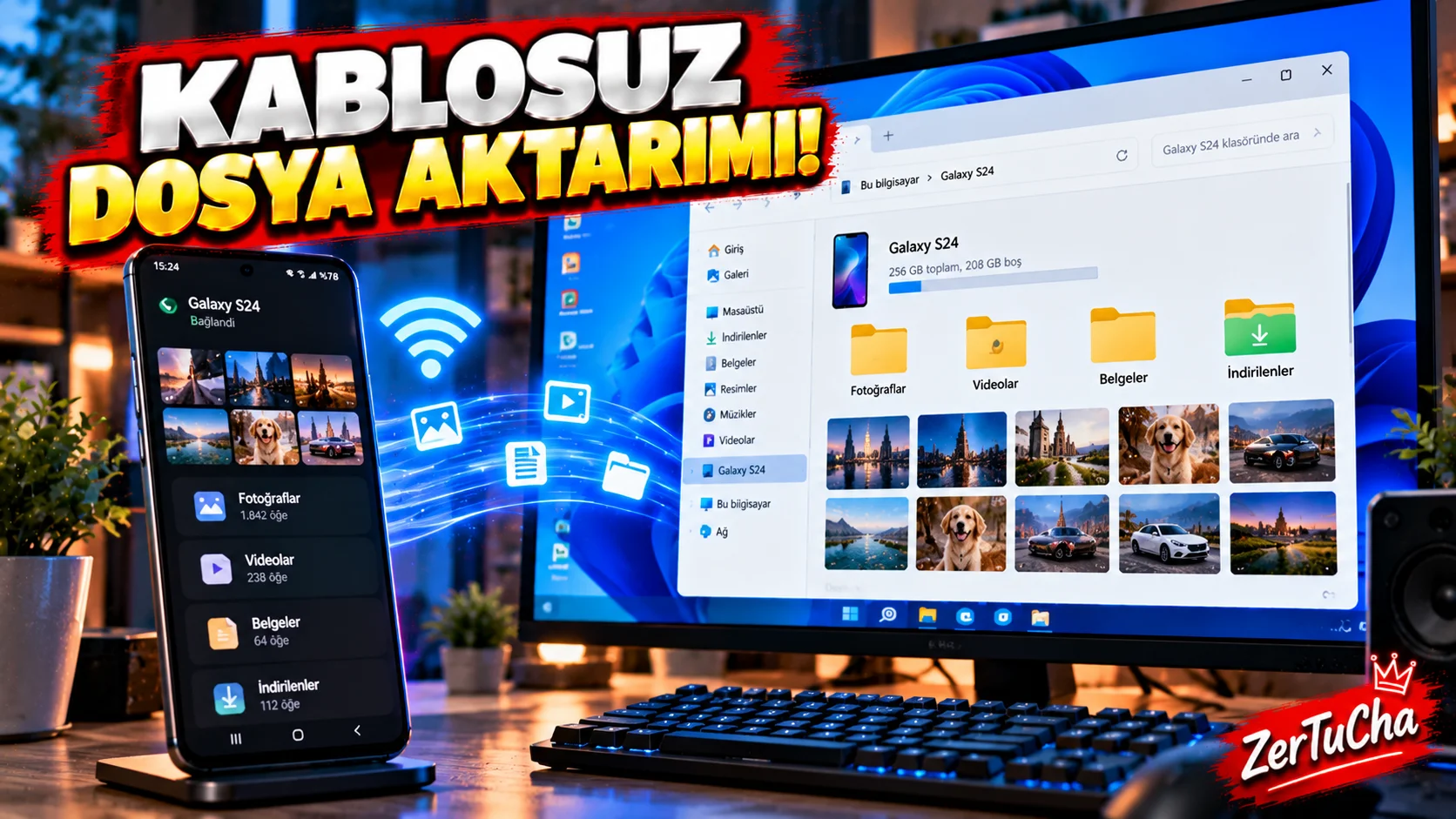
You don't have to constantly look for a USB cable when transferring photos or files between the phone and the computer.
Windows 11 up to date Phone Link features, you can directly access the files of the supported Android phone File Explorer.
According to Microsoft's current documentation, for this feature:
- Windows 11 computer
- Android 11 or above phone
- Required version of Windows Link on Android side
- The phone is paired with the computer
required.
How to open?
- On your Windows 11 computer Settings.
- Bluetooth and devices.
- Mobile devices.
- Manage devices.
- Connect/pair your Android phone to the computer.
- When the phone appears Show mobile device in File Explorer.
- Now open Windows File Explorer.
- You can see your phone in the section on the left.
- You can examine the files by entering the phone's folders.
According to Microsoft, with this method, not only camera photos but also other folders and media files on the phone can be accessed.
How to copy the file to the computer?
For example, to import a photo from the phone to the computer:
- Open your phone in File Explorer.
- Enter the folder where the photo is located.
- Select photo.
- Ctrl+C.
- Move to the desired folder on the computer.
- Ctrl+V.
You can also use the drag-and-drop method.
Very important: Be careful when deleting the file!
There is a critical detail here.
Microsoft states that accessing files on the phone via File Explorer works with online access logic in some cases.
Therefore, you can download a file from the phone to the computer make sure you really want to delete before deleting.
If you want to save the file on the computer, first:
Copy → Paste to the folder on the computer
.
What to do if the phone is not visible?
Check these:
- Is the phone Android 11 or above?
- Do you use Windows 11?
- Is the Link to Windows app up to date?
- Is the phone paired with the computer?
- Have the necessary permissions been granted?
- Is the phone and computer connection working properly?
Why is it useful?
Specifically:
- YouTube creators
- Photographers
- Those who prepare videos on the phone
- Those who download files from WhatsApp to the computer
- Those who constantly carry files between their phone and computer
.
Instead of searching for the USB cable, you can use Windows' own File Explorer.