



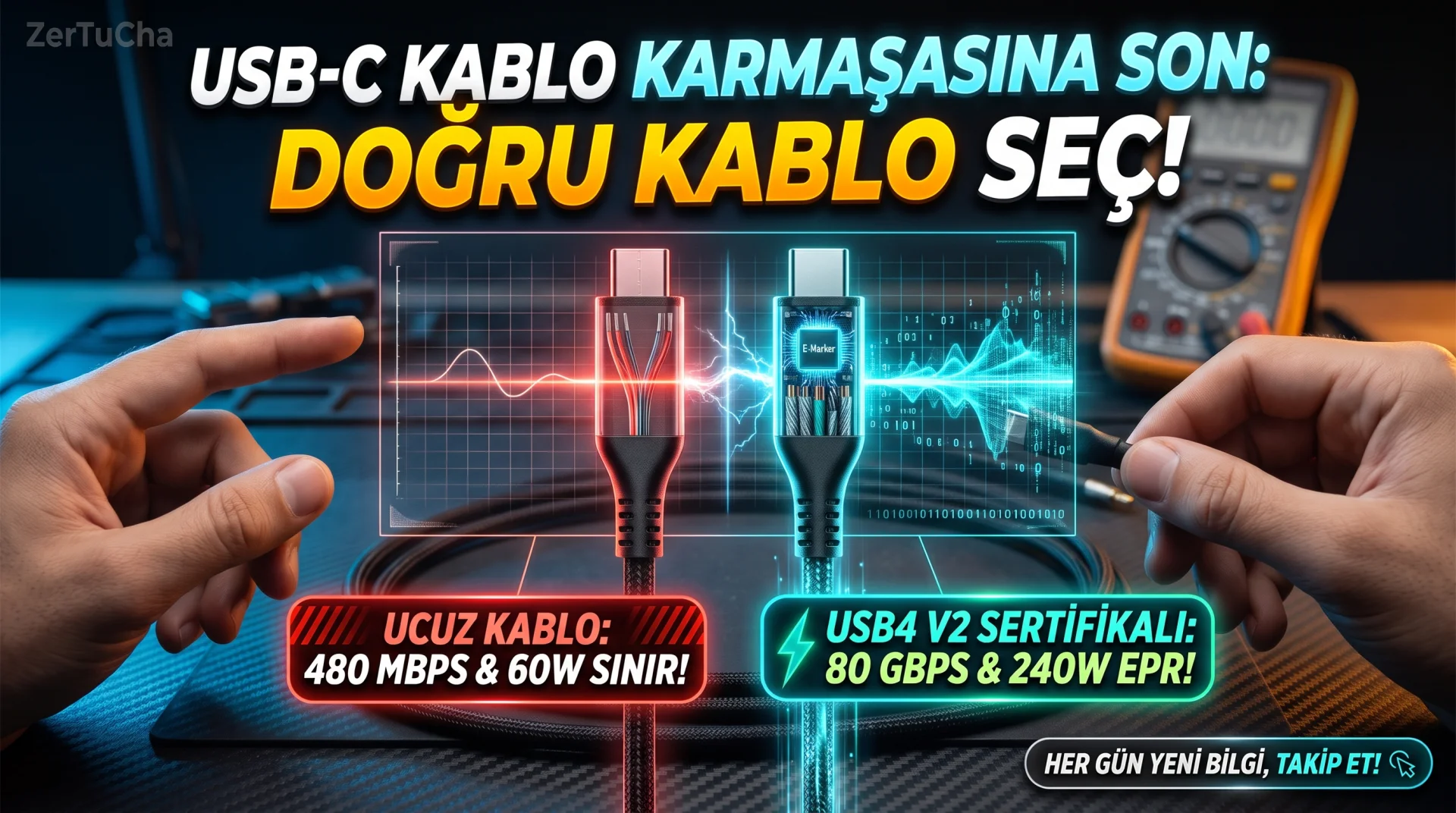
The drawer in your home is full of 5 different USB-C cables that look exactly like each other, but you can never tell from the outside which one charges your laptop at 100W or 240W, which one transfers images to an external 4K monitor, and which one carries data at the USB 2.0 speed (480 Mbps) of only 20 years ago! Moreover, when you buy a new generation SSD or 4K monitor, you can use it for months without realizing that the device runs 10 times slower due to the wrong USB-C cable. Here's how to end this global cable chaos USB-IF (USB Implementers Forum) features both the new mandatory power/speed imprint logos on the cables and USB4 Version 2.0 and 240W EPR standards implemented! Before buying a new cable, charging adapter or dock, the guide to catching fake labels from the official database is right below!
Brief Summary: USB-C is just the shape of the physical plug; real speed and charging power inside USB-IF certification logos (240W EPR, 40Gbps, 80Gbps USB4 v2). Before buying an expensive
Leave a Comment to Read the Rest of the Article
Did you find our content useful? We are curious about your thoughts on the subject.
laptop or SSD cable usb.org/products.
What is USB4 v2 and USB PD 3.1 (240W EPR) Standard?
USB4 Version 2.0 over a standard USB-C cable 80Gbps bidirectional (or simplex 120Gbps) is the most current wired connection standard that provides data transfer. USB PD 3.1 EPR (Extended Power Range) can even power gaming laptops with a single USB-C cable 240 Watt standardizes power transmission.
Old confusing nomenclatures like "USB 3.2 Gen 2x2" are now out of the question; directly in new generation certified cables and boxes speed (Gbps) and power (60W / 240W) numbers must be written clearly.
USB-C Cable Types: Speed, Power and Image Transfer Chart
You can compare the actual technical limits of USB-C cables that look the same from the outside in the table below.
| Cable Standard | Maximum Data Rate | Maximum Charging Power | 4K / 8K Monitor Display |
|---|---|---|---|
| Standard Charging Cable (USB 2.0) | 480 Mbps (Too slow) | 60W – 240W (if with E-Marker chip) | Not Support |
| USB 10Gbps / 20Gbps | 10 – 20 Gbps | 60W – 240W | Mostly 4K 60Hz supported |
| USB4 40Gbps / Thunderbolt 4 | 40Gbps | 100W – 240W | Dual 4K 60Hz or Single 8K |
| USB4 v2 (80Gbps) / Thunderbolt 5 | 80 Gbps (120 Gbps Asymmetric) | 240W EPR | Multiple 4K 144Hz / 8K monitor |
5 Steps to Select and Verify the Correct USB-C Cable
Follow these steps to avoid slow charging or slow SSD speed due to wrong cable:
- If you are purchasing the cable only for phone/laptop charging 240W USB-C (with E-Marker security chip); These cables are both economical and flexible.
- If you are going to connect an external NVMe SSD, 4K monitor or Thunderbolt dock, be sure to have the picture 40Gbps or 80Gbps (USB4).
- The model code of the brand you are considering buying (Anker, Ugreen, Belkin, Baseus, Cable Matters, etc.) is on the picture https://www.usb.org/products in the database.
- Fast charging cable over 100W must be E-Marker chip must be present; Cheap cables without chips are locked at the 60W (3A) limit for safety reasons and cannot charge your laptop at full speed.
- To avoid confusing the cables in your home, put a small label on the end of your high-speed 40/80Gbps cables and separate them from the charging cables!
Safety and Device Protection Note
Cheap USB-C cables with uncertified, thin wires and incorrect resistance values may cause overheating at the socket end at high Watt values (65W–240W) and burn out the phone/laptop charging IC. Official USB-IF certified cables protect your device by passing overcurrent and temperature safety tests.
Frequently Asked Questions
Will the battery be damaged if I connect a 240W powered USB-C cable to my 25W phone?
Absolutely not. USB Power Delivery (PD) protocol makes smart handshake; Even if the cable is capable of carrying 240W, the phone only draws the 25W power it requires.
Are USB4 80Gbps and Intel Thunderbolt 5 compatible?
Yes. Thunderbolt 5 is built directly on the USB4 v2 specification; cables and devices are backwards and compatible with each other.
Why aren't 2–3 meter passive USB-C cables available for 40Gbps or 80Gbps speeds?
At very high data frequencies, signal loss increases as the cable is longer; That's why passive 40/80Gbps cables are physically produced in lengths of 0.8–1 meter, longer distances require expensive "Active (Optical/Chip)" cables.




No comments yet. Be the first to comment!
Leave a Comment