

They Fitted a Windows Computer Inside the Keyboard: Interesting Design of HP EliteBoard G1a
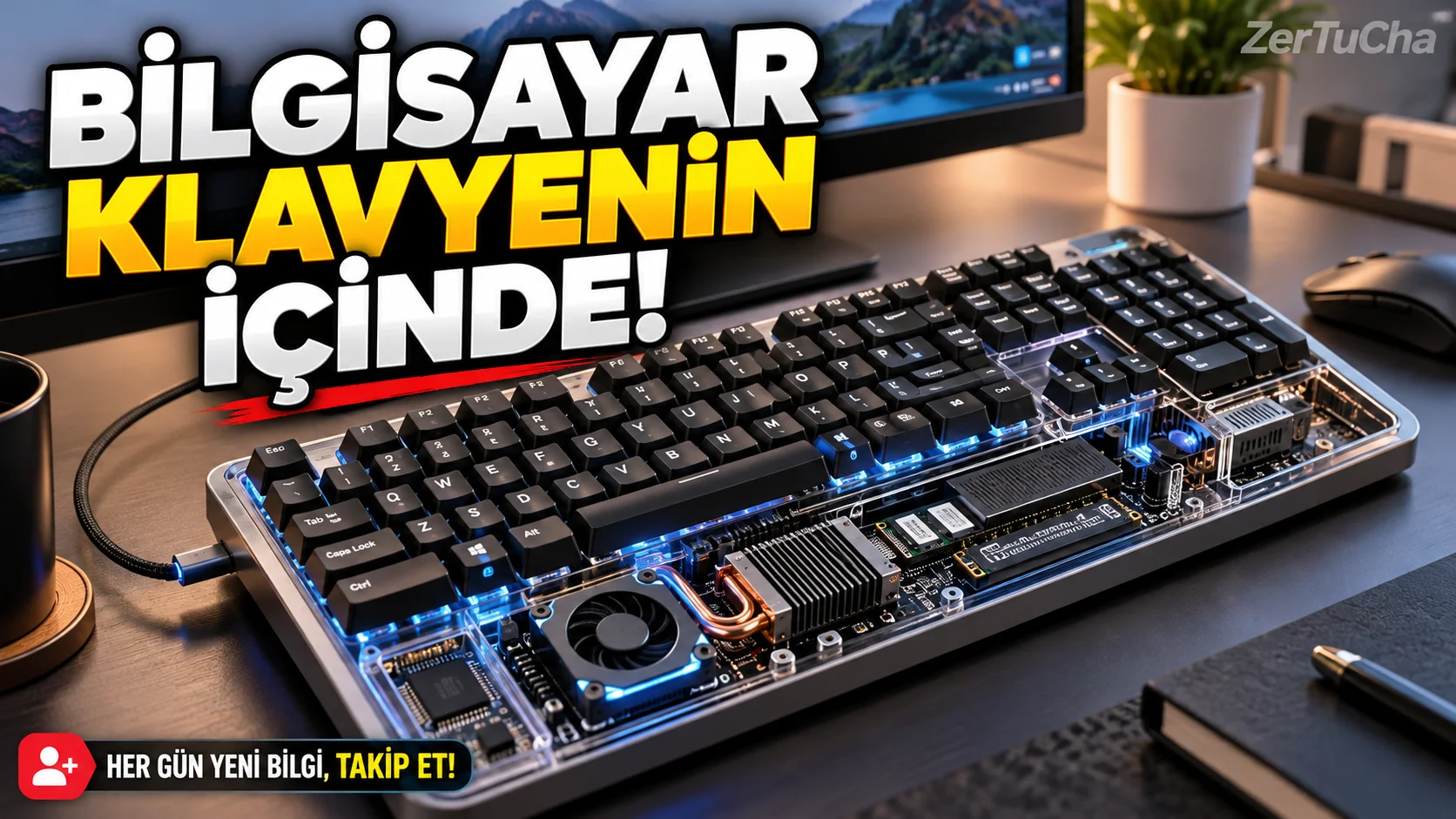
Is it possible to lift the computer case off the table and place it inside the keyboard?
In desktop computers, the case, screen and keyboard are generally separate parts. Mini PCs made the case smaller; Laptops, on the other hand, gathered all the components in a single body.
HP EliteBoard G1a takes this idea a little further: The computer's core hardware is housed inside a full-size keyboard.
According to the ComputerBase test reported in TechRadar's news dated October 14, 2026, the device was examined with a configuration containing AMD Ryzen AI 7 PRO 350 processor, 32 GB DDR5 memory and 1 TB SSD. The keyboard can work as a Windows computer on its own when connected to the monitor.
This approach is especially interesting for co-working spaces, corporate offices and users who do not have much desk space.
What's inside the keyboard?
The configuration reviewed has an eight-core AMD processor, integrated Radeon graphics, a 50 TOPS class NPU and a 1 TB PCIe 4.0 SSD. NPU is a special processing unit designed for artificial intelligence workloads.
The device has two USB-C connections; one of them offers USB4 and DisplayPort support. Additionally, connectivity features such as Wi-Fi 7 and Bluetooth 6.0 are also stated.
Since the keyboard is the computer itself, it can be used by connecting it to a normal monitor, television or compatible display. However, since the number of ports is limited, some users may need additional hardware such as a USB-C hub.
What does liquid resistant mean?
HP states that the keyboard is designed to be spill-resistant and easy to clean. In the test reported by TechRadar, it is reported that the keyboard generally supports these claims.
But there is an important difference here: A liquid-resistant keyboard does not mean a waterproof computer.
Spilling a drink on the device is not the same as submerging it in water. For such products, the manufacturer's cleaning and liquid contact instructions must be followed; Methods such as washing the keyboard directly under the tap should be avoided.
How is its performance?
In the test reported by TechRadar, it is stated that the processor operates at a lower power level due to temperature management after a short-term high power consumption. The review mentions a limit of around 25 watts under long-term processor load.
This doesn't mean the device is bad. However, using a powerful processor in a small body comes with a price: There is not as much space to dissipate heat as in larger desktop cases.
In the review, it is stated that the local artificial intelligence performance is also limited. Therefore, just because the product contains an NPU does not mean that it will run every artificial intelligence application quickly.
For whom does such a computer make sense?
If different employees use the same desk in an office, it may be easy to move the keyboard computer. It is also possible to connect the computer to a single display and take it to another work area.
However, for gamers, those who use high-performance graphics applications or those who want to upgrade hardware frequently, a classic desktop or mini PC may be more suitable.
In the test reported by TechRadar, it is stated that the price is a significant disadvantage, and the upgrade flexibility of the device is limited.
Quick conclusion: The EliteBoard G1a is an interesting design that shows that a computer case does not necessarily have to be a separate box. However, it is not suitable for everyone due to small size, high price and heat management limits.



Henüz yorum yapılmamış. İlk yorumu siz yapın!
Bir Yorum Bırakın