



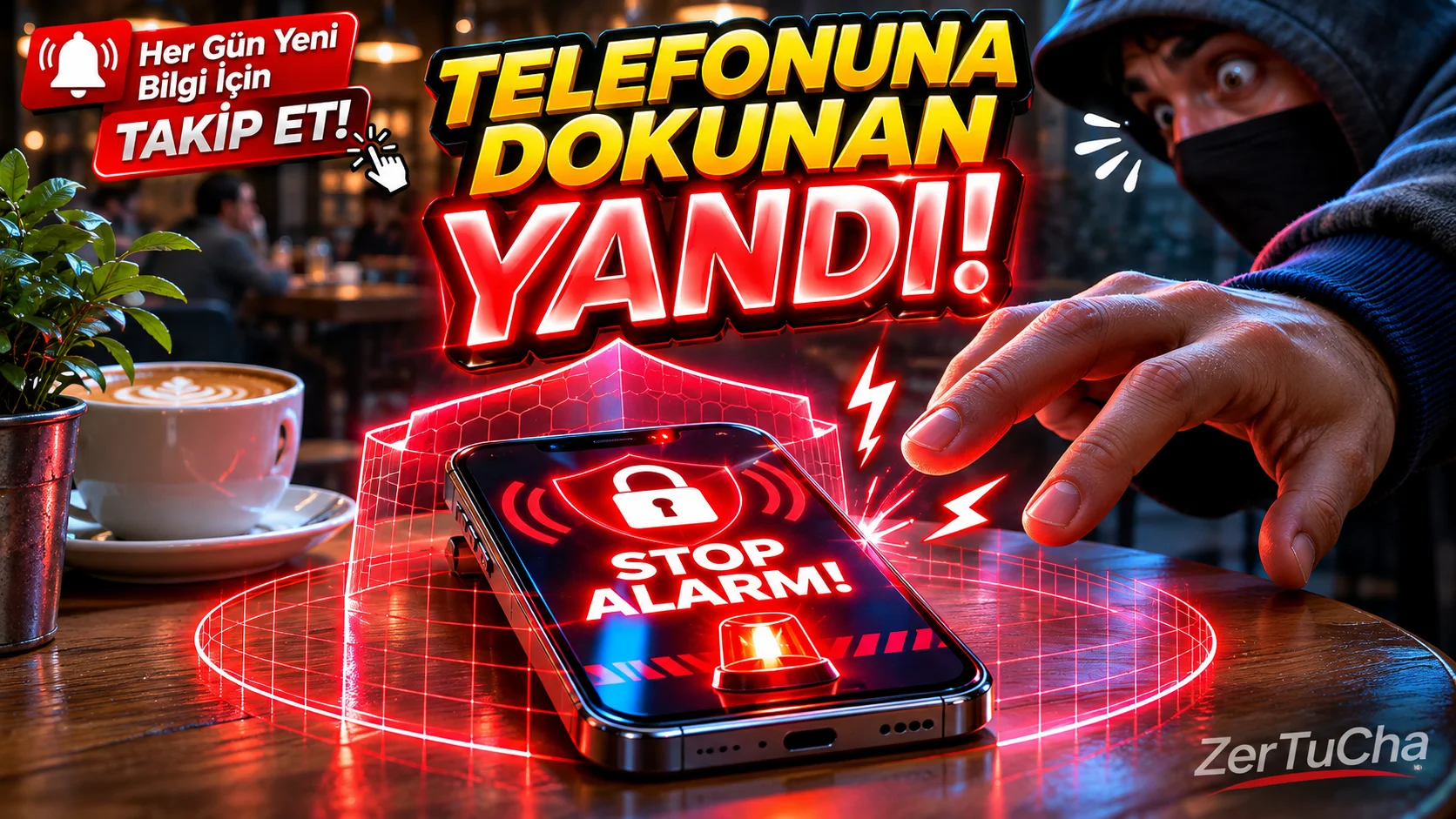
When you leave your phone on the table and go to another room for two minutes, you wonder, "I wonder if someone is secretly reading my messages right now?"" or "Is he going into the gallery and looking at my photos?"? Or in a crowded cafe, Do you remember those tense moments when you plugged your phone into the charger in the library and couldn't take your eyes off the socket even for a second? Here are his curious friends, I am here with a pocket-sized security guard that allows you to freeze phone-scrambling people and pickpockets in their tracks and catch them red-handed: Don't Touch My Phone!
What is Don't Touch My Phone and What Does It Do?
Don't Touch My Phone, works by using motion sensors (accelerometer and gyroscope) inside your smartphone is an advanced anti-theft and motion-sensitive alarm application.
The working logic is just like the security alarms of luxury cars: Open the app and click on the big "ACTIVATE" button and it gives you a few seconds countdown to put the phone down
Leave a Comment to Read the Rest of the Article
Did you find our content useful? We are curious about your thoughts on the subject.
on the table. The invisible protection shield comes into play as soon as you leave your phone on a stable surface!
What happens next time someone reaches into your phone without your knowledge?
-
Motion Sensor Alarm: If someone lifts or touches your phone even an inch from the table, phone is causing a stir an ear-alarming police siren, dog barking or burglar alarm starts playing!
-
Discharge Protection: You charged your phone at the library or airport. The alarm goes off in a split second when someone comes and pulls the charging cable!
-
Pickpocket (Pocket) Mode: You turn on this mode while putting your phone in your pocket or bag on a crowded bus or subway; The moment someone pulls your phone out of your pocket, the whole sentence becomes a disgrace!
-
Non-Off Siren Without Password: The most legendary part: The person who picked up the phone panicked and tried to lower the volume, tries to lock the screen or close the app can never silence that alarm without entering your PIN code or fingerprint!
Advantages (Why Should You Use It?)
-
Flash Light and Vibration Support: It doesn't just make sounds; While the alarm sounds, it flashes the phone's rear camera flash like a disco light (strobe) and makes the phone vibrate like crazy. Even in a dark environment, it is instantly obvious who is holding the phone.
-
Customizable Sensitivity: If you do not want it to beep immediately when someone lightly bumps the table, you can reduce the sensor sensitivity, or "Let me know even if a fly lands on it", you can raise it to the highest level.
-
Funny Alarm Sounds: If you are tired of the classic police siren; cat meow, rooster crowing, You can make unforgettable pranks on your friends by choosing train horn, whistle or funny sound effects.
-
Battery Friendly: Keeps watch in the background when the screen is off, consuming almost no battery.
-
Extremely Simple to Use: You can set the alarm with a single button and turn it off with a single button, without struggling with complex settings.
Disadvantages (What Can Upset Us?)
-
Ads in Free Version: Since the application is free, you may encounter full-screen advertisements when setting or disabling the alarm (Advertising when you need to silence it urgently may cause some sweat!).
-
Self-Caught Risk: You can make everyone in the house jump when you forget that you set the alarm with sleepy eyes or absent-mindedly in the morning and pick up your own phone from the table!
-
Background Permission Setting: Xiaomi, The battery saving modes of some phones such as Huawei or Samsung can make the application sleep in the background for a while after the screen is locked; That's why you need to give the application "No battery restriction" permission from the phone settings.
Who is it suitable for?
-
At home, dorm or office those who want to catch nosy roommates, siblings or co-workers secretly browsing through their phones,
-
In the library, in cafes or co-working spaces those who leave their phone on the table or charging and stay on their phone while going to the toilet,
-
When traveling on public transport Anyone looking for an extra layer of security against pickpockets!
Paid or Free?
Don't Touch My Phone app and Google Play Store (Android) and App Store (iOS)on100% FREE! You can use all the basic alarm, motion detection, charging protection and PIN lock features without paying a penny. If you say "I don't want to see ads and I want to turn on extra special siren sounds", you can switch to the ad-free Pro version within the application for a very small fee.



No comments yet. Be the first to comment!
Leave a Comment