

Unlock and Start Your Compatible Vehicle with Your Phone: Android Digital Car Key
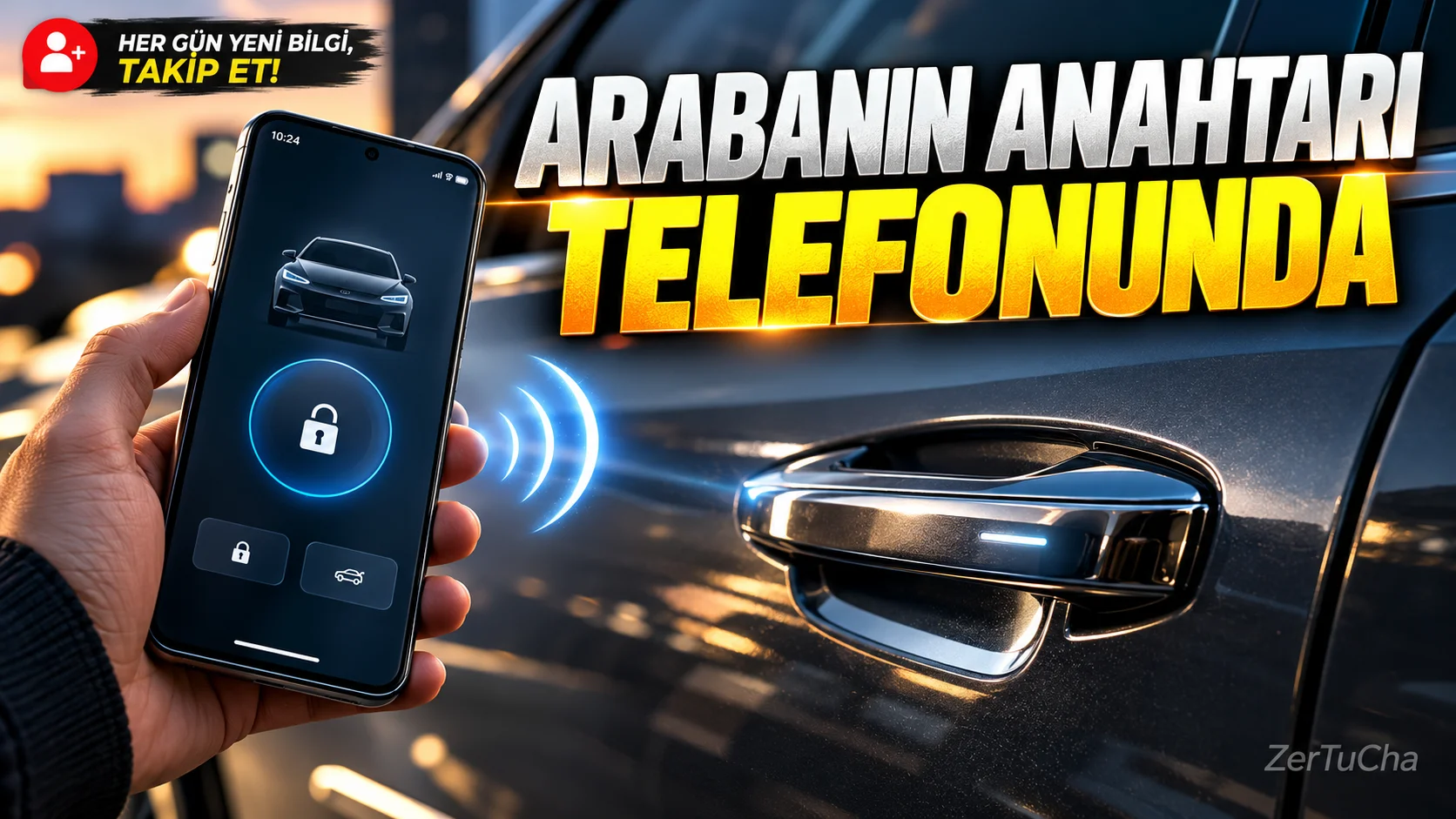
Can you access the vehicle without carrying the vehicle key?
Your phone can be used as a digital key if you have a compatible car. On supported vehicles it may be possible to unlock and lock the doors and start the engine. In some vehicles, thanks to the passive entry feature, you can access the vehicle without placing your phone near the door handle. Google Help
Important compatibility notice
This feature is not available on all vehicles and in all countries. Availability in Türkiye depends on the brand-model of the car, model year, the services offered by the manufacturer and the support of the phone.
Step by step installation
1. Verify vehicle compatibility.
Check your device and car model on Google's official Digital Car Key page. Also check out the automaker's support page in Türkiye.
2. Open the vehicle manufacturer's application.
If the app has an installation option named Digital Car Key or similar, follow the instructions.
3. Pair with Google account.
Sign in with your Google account on the prompted screen. Read and accept the terms of service.
4. Start pairing.
Start pairing and wait for the phone and the car to pair.
5. Check the key in Google Wallet.
Once the installation is complete, the digital key is added to Google Wallet. If you are using a Samsung phone, installation can be done via Samsung Wallet in compatible configurations.
6. Review security settings.
According to Google's guidance, passive input may be on by default. If you do not want the phone to be used without unlocking, you can turn off Passive entry from the Details menu on compatible keys or enable the Verification required option.
7. Prepare the lost phone scenario.
If the phone is lost, review options to suspend digital key access or erase the device via Google Find Hub. For remote operation, the phone must be turned on and connected to the network. Google Help
Expected result
You can use a digital key instead of a physical key in a supported vehicle and phone combination. On some models it is also possible to share the key with another user.
What should you do if it doesn't work?
- If there is no installation option, check the vehicle manufacturer's application and the supported model list.
- If passive input is not working, try holding your phone closer to the door handle.
- If commands such as remote locking do not work, check the vehicle's software and Bluetooth range.
- Follow the manufacturer's instructions if it is necessary to remove and re-pair the key.
Security, privacy and licensing
Google states that digital key information is stored in the device's secure hardware and that access may be suspended or deleted in case of a lost device. However, before you eliminate the physical key completely, learn about the emergency access methods your broker offers for low battery and connectivity issues. Android
Official sources:

Henüz yorum yapılmamış. İlk yorumu siz yapın!
Bir Yorum Bırakın