



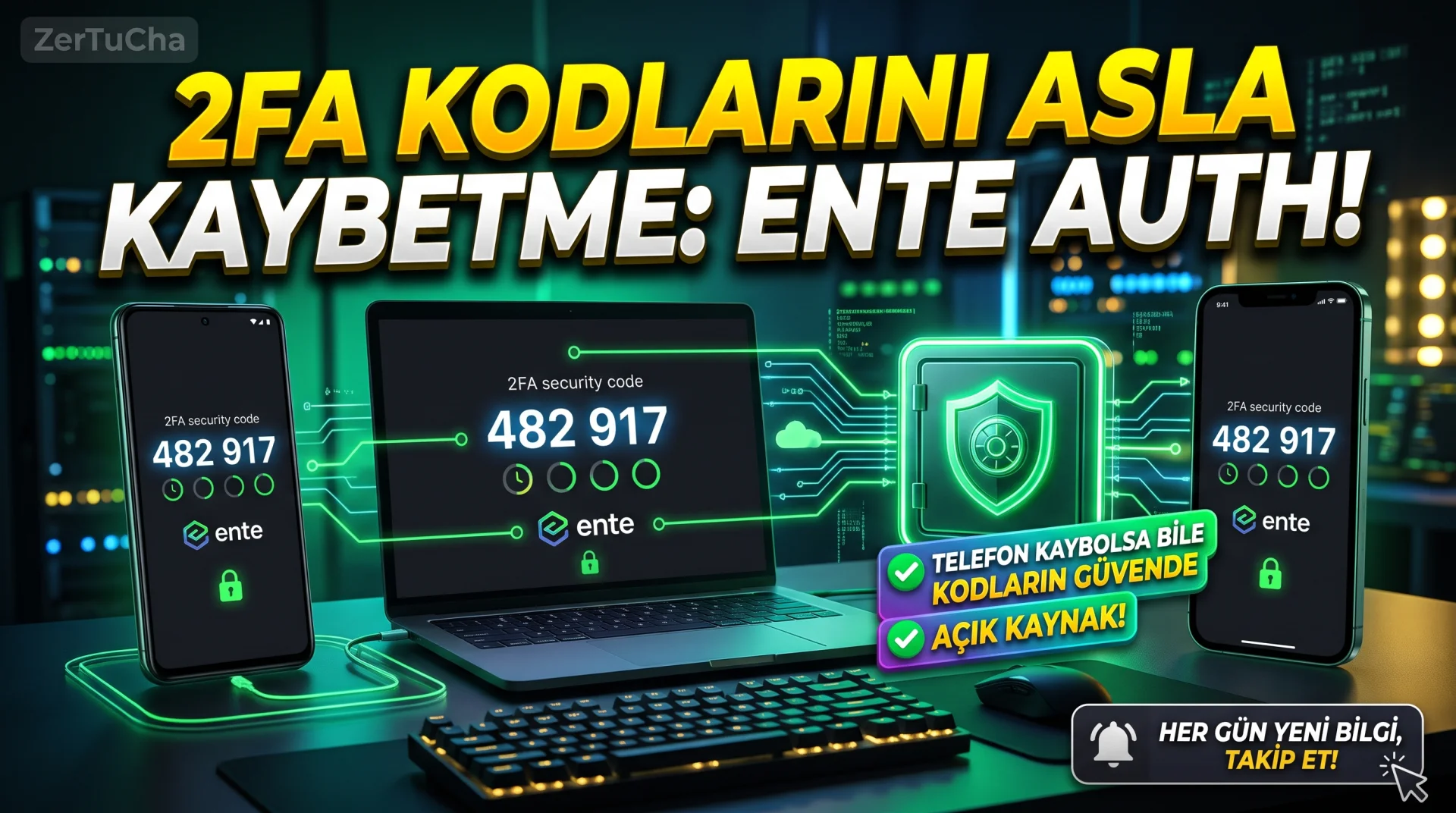
You have turned on 6-digit Two-Factor Verification (2FA / Authenticator) codes to protect your Instagram, Gmail, crypto exchange, GitHub or e-commerce accounts and you feel safe. Have you ever thought about what would happen if your phone suddenly fell to the ground, its screen went completely black, was stolen, or had to be reset? Since most of the classic authenticator applications do not make backups, the doors of all your accounts will be closed to you; A popular dev application that offers cloud backup is these codes without end-to-end encryption! Moreover, reaching for your phone and looking for a 6-digit code every time you sit in front of the computer is a waste of time. Well, 100% open source and end-to-end encrypted free new generation 2FA application? Details right below!
Brief Summary: Ente Auth (ente.io/auth) is a free 2FA (Two-Factor Authentication) application that has been independently security audited, 100% open source and end-to-end encrypted (E2EE). Even if your phone
Leave a Comment to Read the Rest of the Article
Did you find our content useful? We are curious about your thoughts on the subject.
is lost, you can instantly access all your verification codes from your computer or new phone, thanks to the encrypted cloud backup.
What is Ente Auth and what is its difference from Classic 2FA Applications?
Ente Auth is a modern authenticator application that generates 6-digit disposable TOTP security codes for your Instagram, Gmail, non-bank digital services, WordPress, Cloudflare and GitHub accounts.
The biggest difference from other popular validators is that both completely open source and cloud backup by end-to-end encryption (Zero-Knowledge) storage. Also Windows, macOS, Linux and Web (auth.ente.io) applications, you can copy the codes with a single click without taking your phone while working on the computer.
Comparison of Google Authenticator, Authy and Ente Auth
You can compare the security and platform flexibility differences of the three most used 2FA applications in the table below.
| Feature | Google Authenticator | Twilio Authy | Ente Auth |
|---|---|---|---|
| Open Source & Independent Audit | No (Closed source) | No (Closed source) | Yes (100% Open Source + Audited) |
| End-to-End Encrypted (E2EE) Backup | No (Standard cloud backup) | Yes | Yes (Zero Knowledge E2EE Encryption) |
| Computer (Win/Mac/Linux) & Web | None (Mobile only) | Desktop app removed | Full Support (Win, Mac, Linux, Web, iOS, Android) |
| Freedom to Export | QR code only | Restricted (Locks user) | One-click encrypted or plaintext backup |
How to Set Up Ente Auth in 5 Steps and Migrate Old Codes?
Follow these steps to reset the risk of losing your existing 2FA codes today:
- On your phone from App Store or Google Play Ente Auth app (https://ente.io/auth/).
- Create a free Ente account for end-to-end encrypted cloud backup and Recovery Key write it down on a safe piece of paper and keep it.
- Old Google Authenticator in the old app Export Accounts → Export is sent directly to Ente Auth's "Import Codes" screen; All your 2FA codes will be transferred in 10 seconds!
- When adding 2FA to a new site, "+" icon and scan the QR code provided by the site and verify that the codes are generated with a 30-second timer.
- From your computer https://auth.ente.io/ or the desktop app!
Privacy and Recovery Key Alert
Ente Auth uses zero-knowledge architecture, so you can use your password and Recovery Key key together, no one, including company employees, will be able to decipher the codes in your account. Therefore, be sure to keep the recovery key provided in the installation in a safe place offline; also with one click "Export" feature, taking an encrypted local backup once a year provides extra assurance.
Frequently Asked Questions
Why is Ente Auth completely free and ad-free, how does this company make money?
Ente.io derives its main revenue from its paid encrypted photo storage service Ente Photos derives from subscriptions; Ente offers Auth to the community as an open source, free security service.
Do 2FA codes work when my phone is in airplane mode or without internet?
Yes. Since the TOTP algorithm only uses the device's clock, it continues to generate all 6-digit verification codes even without an internet connection.
Can I share the 2FA code of the joint company account with my teammate?
Thanks to Ente Auth's "Share Code" feature, you can safely share a unique 2FA code with a timed encrypted link.



No comments yet. Be the first to comment!
Leave a Comment