



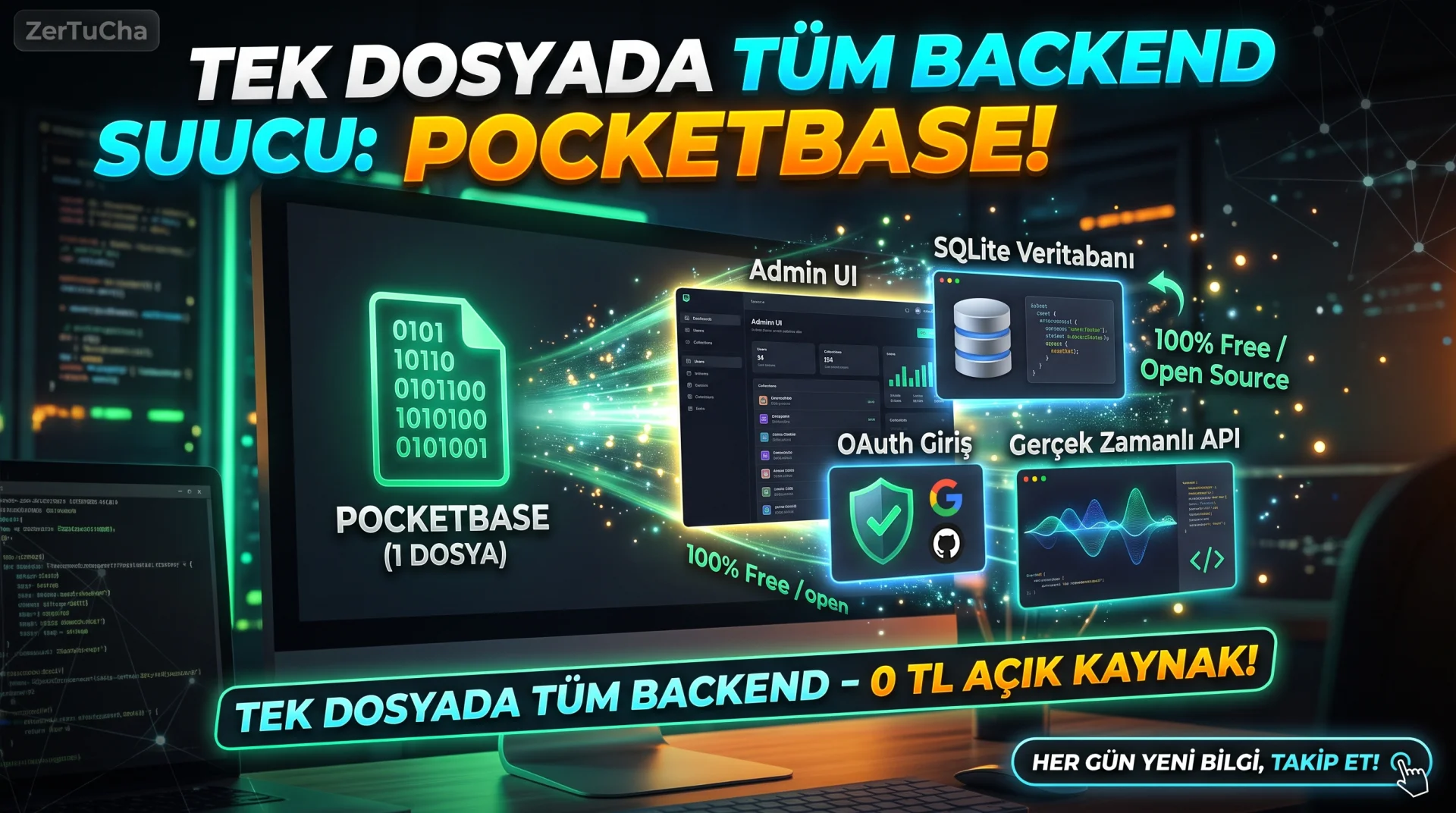
When you start developing a new web application, mobile application or SaaS initiative, you encounter the famous backend obstacle that takes you weeks before gaining even a single user: Setting up a separate database server, coding the user registration and e-mail verification system, writing a file upload infrastructure, designing the admin panel and connecting all of these to live APIs! When you switch to cloud services (Firebase or paid BaaS platforms), when the project gets some traffic, lock-in and unpredictable dollar bills begin. Well Only one executable written in Go; Did you know about the 100% free open source backend miracle that includes an embedded SQLite database, real-time data streaming, ready-made OAuth2 (Sign In with Google/Apple) system and a stylish visual Admin panel? This revolutionary tool, which takes 1 minute to install, is right below!
Leave a Comment to Read the Rest of the Article
Did you find our content useful? We are curious about your thoughts on the subject.
Brief Summary: PocketBase (pocketbase.io) is a 100% free and open source Backend-as-a-Service (BaaS) platform consisting of just a single file, featuring a WAL-mode SQLite database, real-time subscriptions, user authentication (Auth), file storage and a modern Admin panel.
What is PocketBase and how is it different from Classic Backend Installation?
PocketBase is an all-in-one backend server built with the Go programming language, requiring no external database installation (MySQL/PostgreSQL etc.) or heavy runtime. In the second you run the single downloaded file, both your REST API and visual management panel will be ready.
Optimized in background WAL (Write-Ahead Logging) mode SQLite, it can handle thousands of concurrent connections and requests per second on a single modest VPS server (e.g. 2 vCPU / 4 GB RAM) with zero additional licensing cost.
Firebase, Supabase and PocketBase Comparison Chart
Below are the cost and deployment differences of three popular backend architectures for modern web and mobile applications.
| Feature | Google Firebase | Supabase (Self-Host) | PocketBase |
|---|---|---|---|
| Installation Complexity | Cloud dependent | Requires 10+ Docker containers | Only 1 file (Zero dependency) |
| Minimum RAM Requirement | Cloud pricing | At least 2–4 GB RAM | Flies even with 256–512 MB RAM |
| Automatic HTTPS (Let's Encrypt) | Cloud internal | External proxy required | Built-in (Single parameter auto SSL) |
| Data Ownership and Backup | Locked to platform | PostgreSQL dump | Copying a single folder/file is enough (S3 automatic backup) |
How to Start and Use PocketBase in 5 Steps?
Follow these steps to get the backend of your own web or mobile app up and running in 2 minutes:
- https://pocketbase.io/docs/ page and extract it to the folder.
- Enter the folder in the terminal and run the following command:
./pocketbase serve(To open automatic SSL with your own domain name on the live server:./pocketbase serve api.yoursite.com). - From browser
http://127.0.0.1:8090/_/. - Visual from Admin panel "+ New collection" you can edit your tables (e.g. Products, Orders, Blog Posts) and define API access rules in seconds.
- Image in your Frontend project (React, Vue, Next.js, Flutter or pure JS)
pocketbaseSDK!
Zertucha Engineering Perspective and Limitations
As Zertucha Creative Studio, we consider PocketBase architecture as a highly efficient alternative to eliminate the cost of heavy database maintenance in rapid MVP (Minimum Viable Product) initiatives, small-medium SaaS panels and internal company tools. For your custom software and SaaS infrastructure projects Zertucha software development services. Technical Limit: PocketBase is focused on vertical scaling (single powerful server); It is designed for projects that feed tens of thousands of users on a single server, instead of giant corporate systems that require horizontal clustering distributed across 20 different servers at the same time.
Frequently Asked Questions
Is PocketBase safe in real production projects because it uses SQLite?
Yes. Configured in WAL mode, SQLite handles millions of reads and tens of thousands of writes per day on a good NVMe SSD with great stability.
Can PocketBase back up the database automatically?
Yes. Settings → Backups menu.
Can I use PocketBase for free in a commercial mobile app or SaaS product?
Yes, MIT is open source licensed; It can be used in commercial projects completely free of charge and without license restrictions.



No comments yet. Be the first to comment!
Leave a Comment