




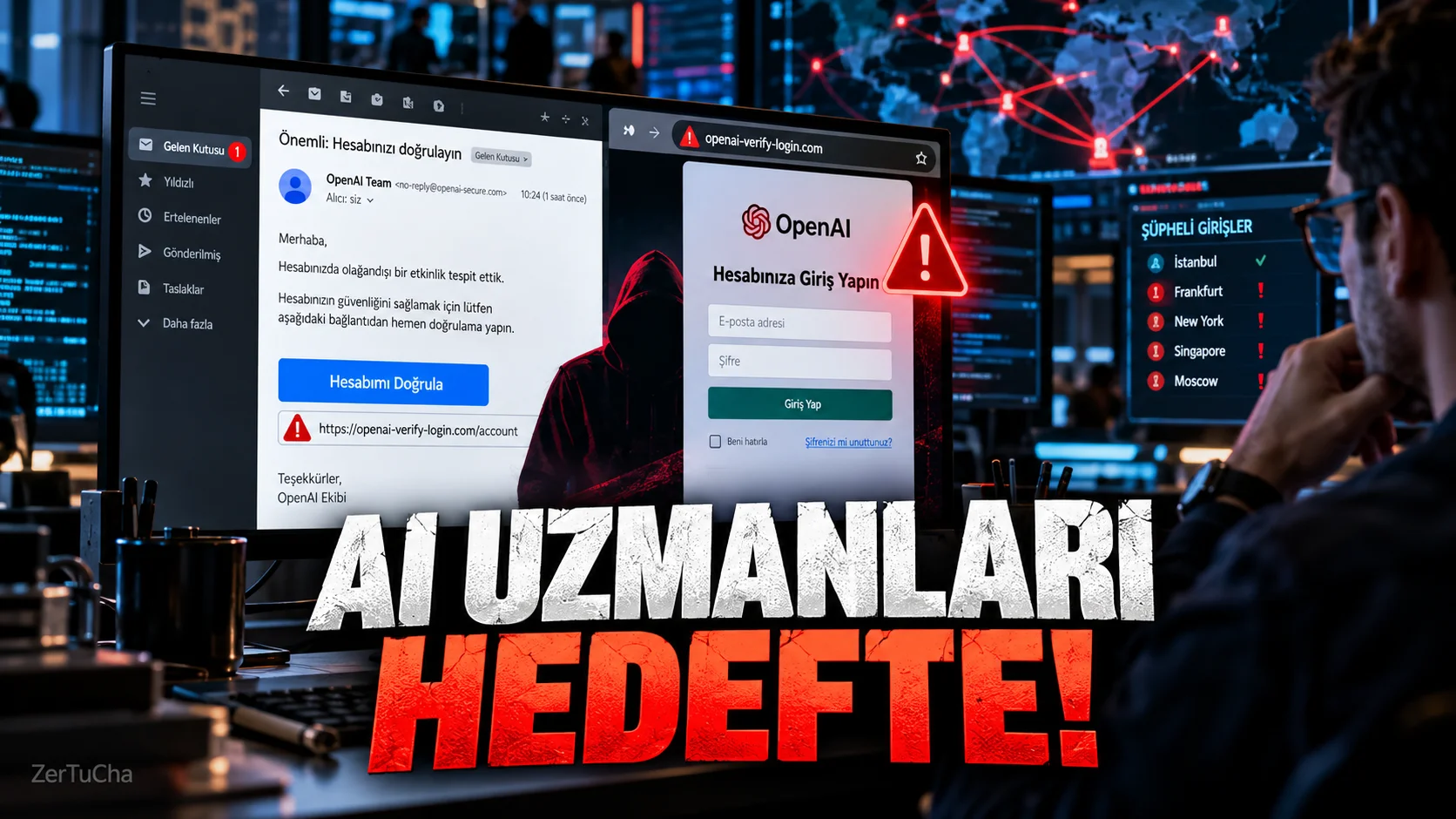
When you receive a strangely extended or shortened link in your email, social media inbox or WhatsApp, you wonder: "Is this link a real shipping/invoice page, or is it a phishing trap that will open a fake login screen and hunt my IP address and browser as soon as I click it?" Classic blacklist sites only tell you about known addresses that have been reported before; Doesn't see what's inside a brand new fake page opened 10 minutes ago! Here is cybersecurity analysts' favorite virtual sandbox urlscan.io, suspicious link opens it in an isolated virtual Chrome browser in Germany, without touching your computer at all, and takes a photo of everything inside and brings it to you!
When you paste the address and wait 10 seconds; You will see a full screen shot of the site! If the link, while apparently a shipping link, redirects 3 times in the background and turns into a fake bank password screen, you can catch this without risking your own device. It also reports with full transparency the server
Leave a Comment to Read the Rest of the Article
Did you find our content useful? We are curious about your thoughts on the subject.
in which country the page is hosted, how many days ago the domain name was purchased, and what suspicious JavaScript codes are running in the background!
SITE NAME AND LINKS:
-
Site Name: urlscan.io
-
Official URL: https://urlscan.io/
-
Origin / Service Language: Germany (urlscan GmbH – Aachen) / English
-
About and Privacy Policy: https://urlscan.io/about/ and https://urlscan.io/about/privacy/
-
STEP BY STEP USE:
-
When you encounter a suspicious link, click never left click; right click (or press and hold) "Copy link address".
-
From your browser https://urlscan.io/ (No membership required).
-
Paste the suspicious address you copied into the middle box and click the green "Public Scan" button (If there is a special code for you in the link, first log in for free and make it visible Unlisted.
-
Wait for the live virtual browser visit to complete, which takes approximately 10–15 seconds.
-
On the right side of the analysis screen that opens, "Screenshot" frame; "Summary"in summaryDomain Age (Whether the domain name was opened "2 days ago" for example!) to the last URL it redirected to and the red "Malicious / Phishing Verdict"!
-
-
REQUIREMENTS AND LIMITS: Scans without membership are free. By default, the system visits the site with the desktop browser ID (User-Agent); "Options" button and open the site with iPhone / Android mobile browser view (because some fraudulent sites only open the fake screen when accessed from a mobile phone!).
-
PRIVACY AND SECURITY: is a GDPR compliant security company based in Germany (European Union). Very Important Privacy Notice: What you did without being a member "Public Scan" scans
urlscan.io! Therefore DO NOT scan the "Password Reset Link", "Private Google Docs / Invoice Access Token" or private session links containing your personal information sent to you with Public Scan; scan only general suspicious websites and phishing links! -
ADVANTAGES, DISADVANTAGES AND WHOM IT IS SUITABLE FOR:
-
Advantages: Seeing the inside of the site with a photo, without the risk of infecting your computer with a virus or giving your IP address to a scammer, instantly capturing evidence of phishing such as "new domain in 3 days", mobile User-Agent simulation, free and ad-free.
-
Disadvantages: The interface is in English and the HTTP/DOM tabs contain advanced technical details aimed at cybersecurity professionals (but Summary and Screenshot part is very clear to everyone).
-
Who is it suitable for: Internet users, cybersecurity students, SOC analysts and IT administrators who receive suspicious SMS/email/text links.
-
-
BRIEF CONCLUSION: When you wonder where a link you don't recognize leads to, instead of clicking on your own phone, click on the address
urlscan.io; Let the isolated virtual browser open the risky door for you!


No comments yet. Be the first to comment!
Leave a Comment