

You can protect your account even if your password is compromised! 2FAS Authenticator Updated
Platform: Android, Apple / iPhone
Application: 2FAS Authenticator
Using the same password for all accounts you use online is a big security risk. However, using a different and strong password for each account does not eliminate all risks.
Here it is two-step verification comes into play.
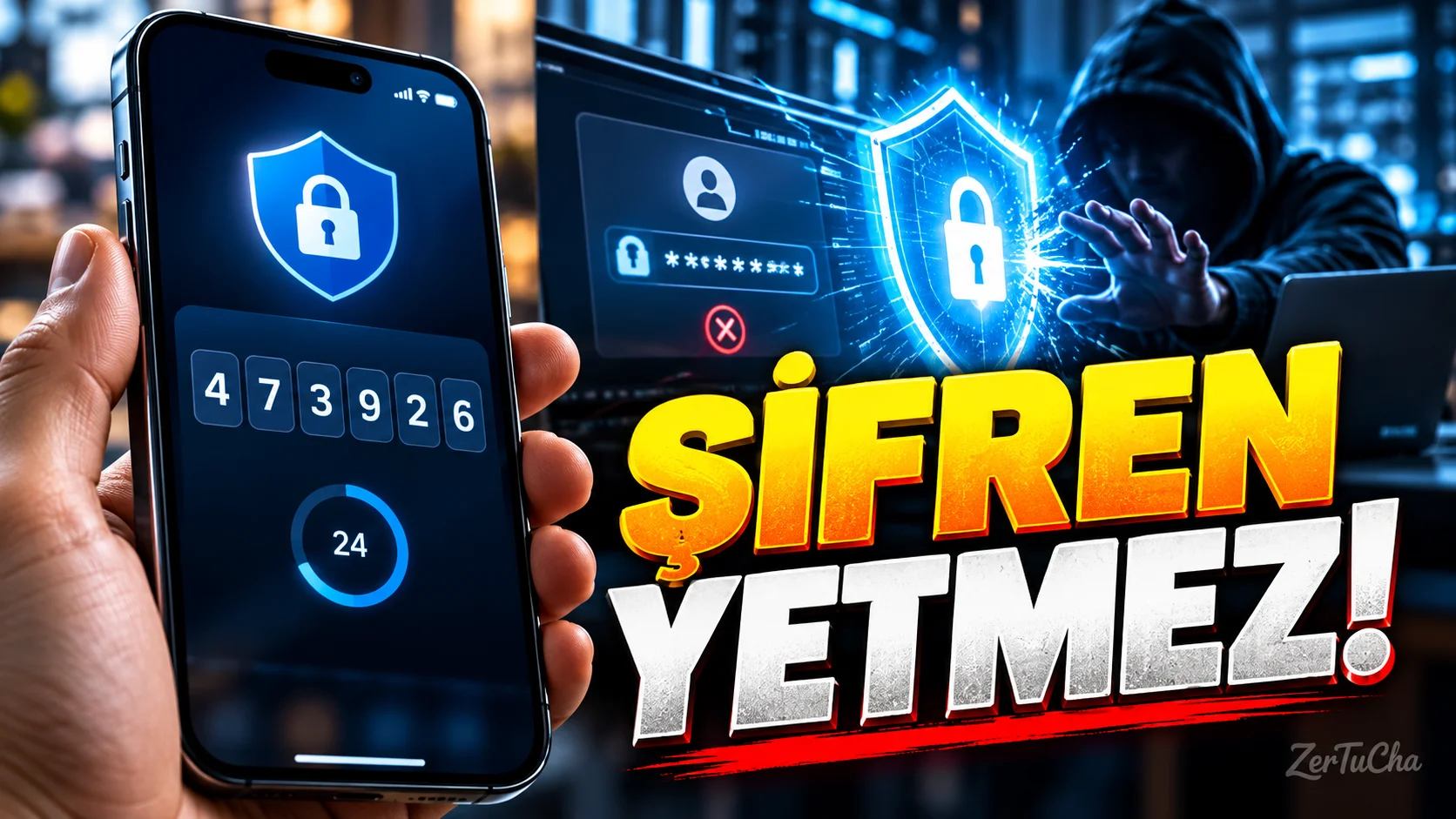
2FAS Authenticator is an authentication application used to create a second verification step for your online accounts.
For example, when you log in to a service with your username and password, the system may also ask you for the temporary verification code that appears in the application on your phone.
These codes change periodically. So even if someone only gets your password, they still have to go through the second verification step to get into your account.
2FAS supports verification codes that comply with standards such as TOTP and HOTP. Therefore, it can be used in many services that support these standards. It also offers a local use-oriented approach that does not require creating an application account.
How to install?
-
Open the security settings of the service you use.
-
Enter the two-step verification section.
-
Scan the QR code displayed by the service with 2FAS.
-
Enter the resulting verification code in the field requested by the service.
-
Keep the recovery codes provided by the service in a safe place.
2FAS's 6.0.3 Android release September 29, 2026 has been released. In this update, the interface has been renewed, different view options have been added for the code list, and performance and stability improvements have been made. The new version requires Android 9 and above.
A word of warning: If you lose your phone, your access to verification codes may also be affected. For this reason, it is important to examine the backup or export options offered by the application in advance.
Additionally, two-step verification is not a substitute for using a strong and unique password; It is a security layer added on top of it.
In short: A tool worth considering for Android and iPhone users who want to increase account security.



Henüz yorum yapılmamış. İlk yorumu siz yapın!
Bir Yorum Bırakın