

Save an Entire Web Page in One Image on iPhone: Long Screenshot
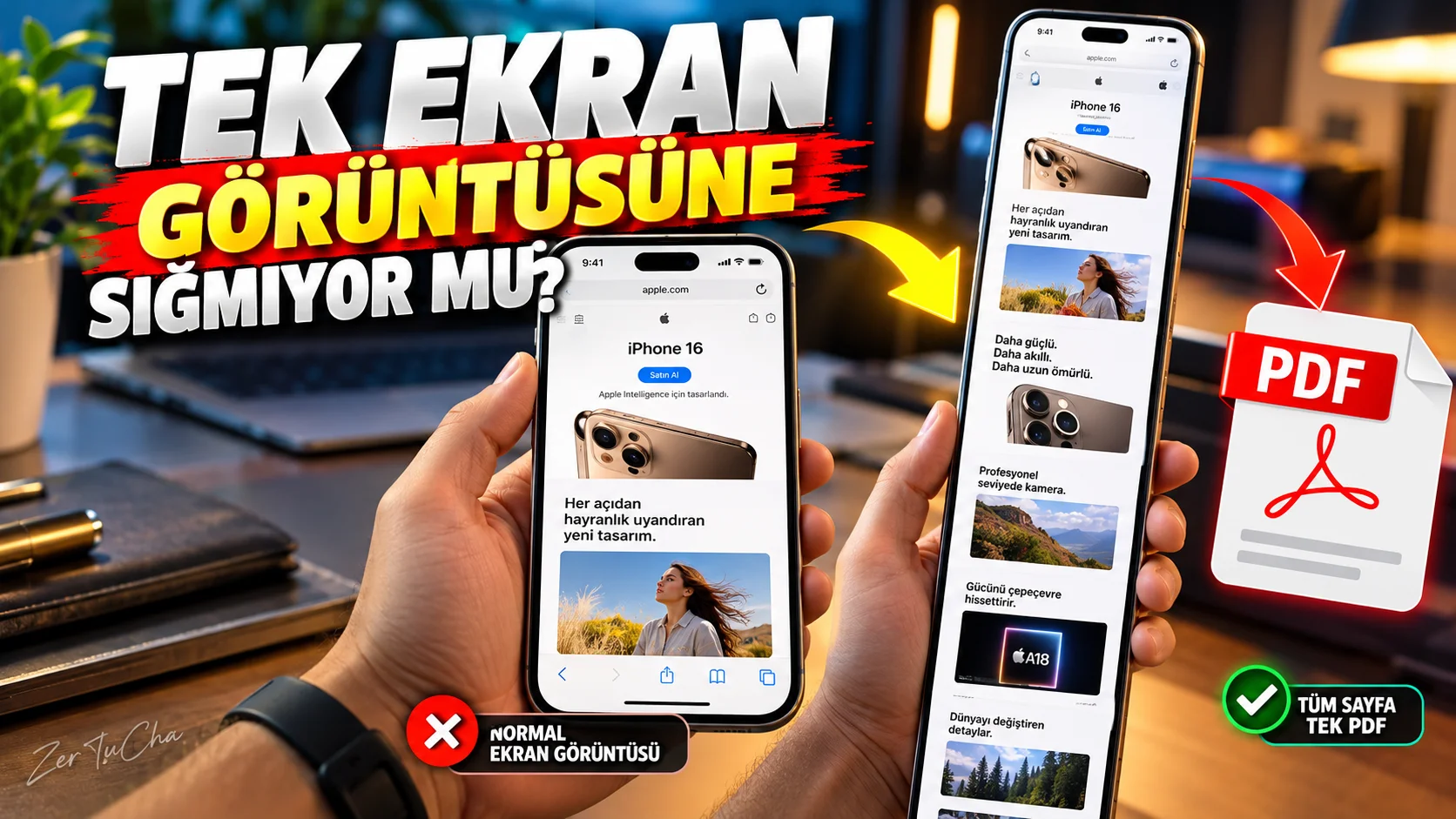
There is a very long article on a website.
When you take a normal screenshot, you only record the part that is visible on the screen.
But in supported content such as Safari on iPhone:
you can save the entire page as a single screenshot.
After taking a screenshot according to Apple's current iOS 26 documentation Full Page option can be used and long content can be saved as PDF in Files. Apple Support
How to do it?
On iPhone with Face ID:
- Side button.
- simultaneously Volume Up button.
- Quickly release the two buttons. Apple Support
After the screenshot is taken, the editing screen opens.
Select Full Page
Supported long content:
Full Page
.
Then you can see the entire page in preview. Apple Support
Save as PDF
According to Apple's current iOS 26 documentation:
Full Page → Share/Save → Save PDF to Files
What does it do?
Specifically:
- Long web articles
- Recipes
- Technical documentation
- Web-based invoices
- Long forum posts
- Instruction sheets
- Reservation information
.
For example, storing a recipe from a website
In normal screenshot:
5-6 individual photos
.
With Full Page:
single PDF
.
Does it work in every application?
No.
The feature documented by Apple can be used especially on supported content, such as long web pages. Apple Support
Don't assume that every app will automatically make its infinite scrolling screen into a single PDF.
Screenshot experience has also changed in iOS 26
According to Apple's current documentation, in iOS 26, just after the screenshot:
- Edit
- Clipping
- Marking
- Sharing
- Do not save
tools can be used more directly. Apple Support
Why is it better to save as PDF?
Because it's a long article:
A huge image in the Photos app
, you can keep it as PDF in Files.
This also makes it easier to send the document to other devices.
Extra useful for content creators
When doing research:
web page → Full Page → PDF
.
Then PDFs:
- Notebook
- Note applications
- Cloud storage
- Document archive
.
This is a good method, especially when producing content.


Henüz yorum yapılmamış. İlk yorumu siz yapın!
Bir Yorum Bırakın