

Don't Mix Work and Private Life in Safari: Creating a Profile on iPhone
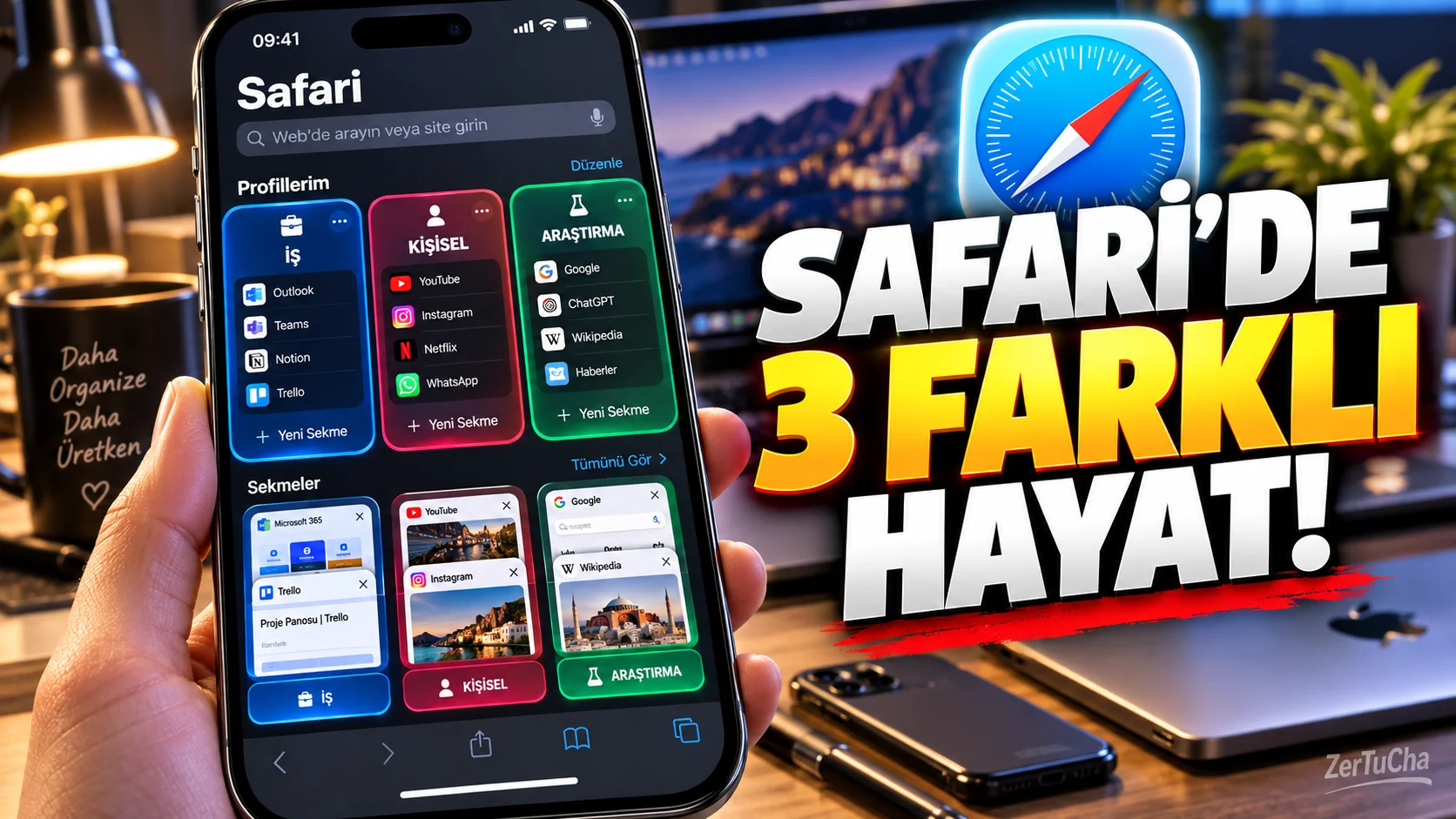
If you use both work and personal internet accounts on your phone, Safari can become a mess over time.
On one side:
-
Job sites
-
Company accounts
-
Email
-
Workbookmarks
on the other side:
-
Social media
-
Shopping
-
Personal sites
could be.
In Apple's Safari 17 and later Profiles feature is used to make exactly this distinction.
What does the Safari profile do?
Each profile separately:
-
History
-
Cookies
-
Website data
-
Tabs
-
Tab Groups
-
Favorites
possible.
For example:
Personal
and
Work
.
How to create a profile on iPhone?
-
Settings application.
-
Applications.
-
Safari.
-
New Profile.
-
Specify a name for the profile.
-
Select an icon and color.
-
If desired, specify a different Favorites folder for the profile.
Why is there color and icon?
This little detail is actually useful.
For example:
Work → blue
Personal → green
Research → orange
you can.
So you can quickly understand which profile you are on.
Separate profile for job account
For example in your work profile:
-
Company portal
-
Work email
-
Work tools
-
Operation panels
-
Documentation
available.
In your personal profile:
-
YouTube
-
Shopping
-
News
-
Social media
may take place.
In this way, the browser history and site data of the two usage areas do not interfere with each other.
Are profiles separate user accounts with passwords?
No.
This distinction needs to be made specifically.
Safari profiles:
“Completely separate user account on the computer”
.
According to Apple's documentation, some information continues to be shared between profiles.
For example:
-
Autofill information
-
Password information
-
Security settings
-
Privacy settings
-
Some website settings
is among the shared areas.
Safari profiles may also appear across devices
Profiles can be synced on devices signed in to Safari 17 or later with the same Apple account and if Safari is enabled in iCloud.
This means:
Create Work profile on iPhone → Also use on Mac
may be possible.
What happens if you delete a profile?
According to Apple, when you delete a profile, the profile belongs to:
-
History
-
Cookies
-
Website data
is deleted.
Favorites and other bookmarks are preserved.
Therefore, it makes sense to check important data before deleting a profile.
Who is it particularly useful for?
-
Freelancers
-
Those using company accounts
-
Students
-
Content creators
-
Those who run multiple projects
-
Those who want to separate business and personal internet use
.



Henüz yorum yapılmamış. İlk yorumu siz yapın!
Bir Yorum Bırakın