



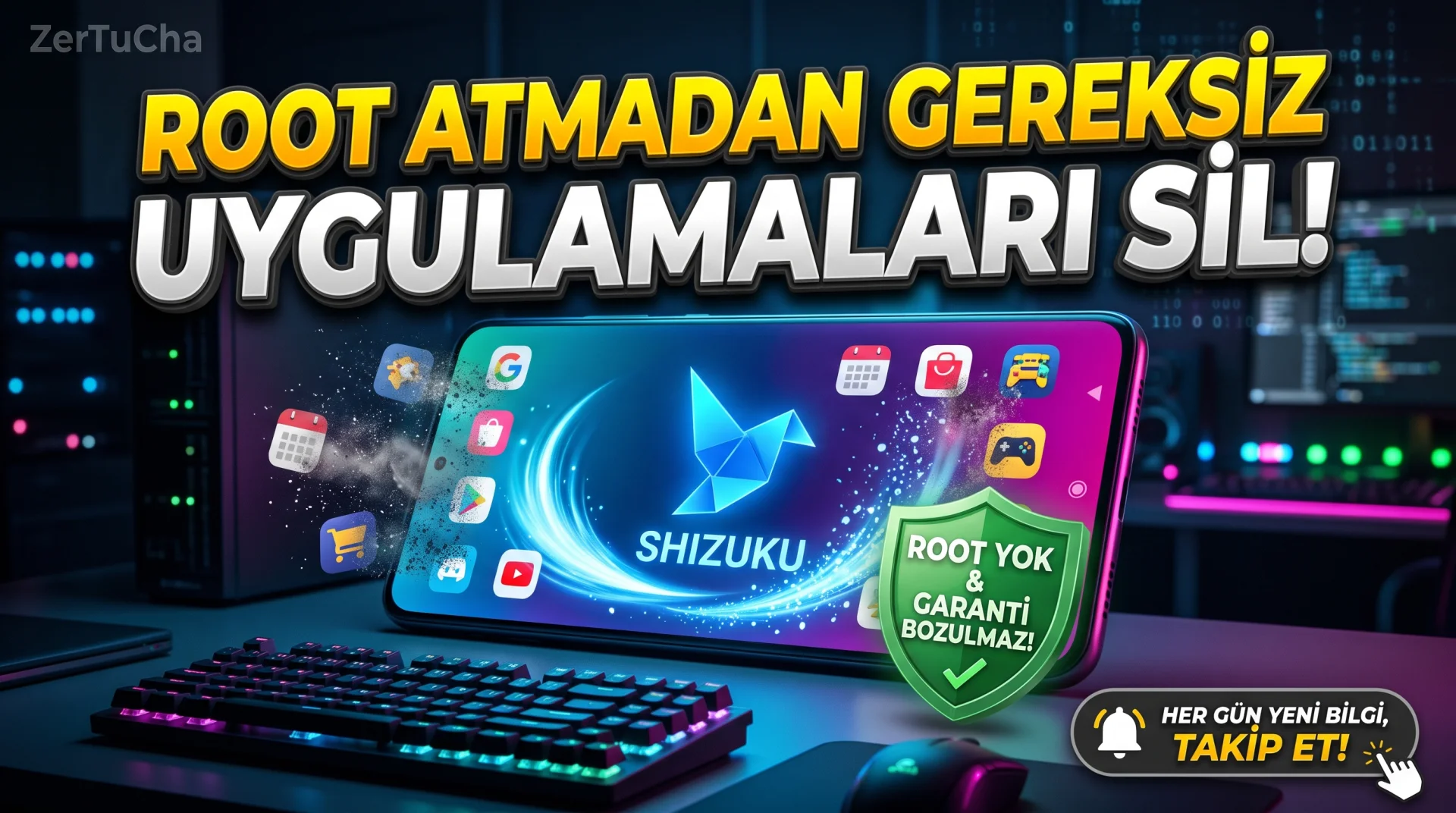
You must have experienced that when you buy a new Android phone and take it out of the box, the screen is full of dozens of unnecessary pre-installed applications (bloatware), these applications constantly consume battery and RAM in the background, but when you press the "Uninstall" button, the system does not allow it! For years, the only way to overcome this restriction is to use the phone Root or connecting a cable to the computer and typing complex ADB commands; Moreover, rooting not only voided the device warranty but also could prevent mobile banking and e-Government applications from working. Well without rooting your phone, without voiding the warranty and without even needing a computer is an open-source bridge application that unlocks advanced system privileges directly using Android's own Wireless Debugging infrastructure? The installation steps of this system, which will bring your phone back to its first day's speed, are just below!
Brief Summary: Shizuku (shizuku.rikka.app
Leave a Comment to Read the Rest of the Article
Did you find our content useful? We are curious about your thoughts on the subject.
) is an open source tool that provides secure ADB system privileges via Wireless Debugging to Android phones without rooting and without breaking the device warranty. It allows you to disable unnecessary system software without a computer with compatible applications.
What is Shizuku and how is it different from rooting?
Shizuku is an open-source bridge that runs Android's built-in developer interface (ADB) as a native service within the phone itself, granting system-level API access only to apps you approve.
The biggest difference from rooting is that it does not open the bootloader of the device and does not permanently change the system partition. In this way, mobile banking applications do not issue security warnings and your phone's official manufacturer's warranty is fully protected.
Root, Computerized ADB and Shizuku Comparison Chart
The risk and practicality differences of the three basic methods of advanced optimization on Android devices are listed in the table below.
| Feature | Root (Magisk / KernelSU) | Wired ADB from PC | Shizuku (Android 11+) |
|---|---|---|---|
| Warranty and Banking Compliance | It may void the warranty, a bank warning will appear | Completely safe | Completely safe (Does not void warranty) |
| Computer Must | PC required for installation | PC + USB cable required for each operation | Not required (Direct from phone) |
| Ease of Use | High technical risk | Requests command line information | Easy with compatible applications with visual interface |
| After Restart | Permanent | Need to reconnect | Reopens in 5 seconds with one click on Wi-Fi |
Computer-Free Installation and Cleaning in 5 Steps with Shizuku
Follow these steps to activate the Shizuku service in 2 minutes on your Android 11 and above phone:
- On your phone Settings → About Phone → Build Numbertapping the line 7 timesDeveloper Options.
- https://shizuku.rikka.app/ or download and install the Shizuku app from the official GitHub Releases page.
- Turn on Shizuku and "Start with wireless debugging → Pairing" button; Wireless Debugging switch and "Pair device with pairing code" on the notification screen.
- Return to the Shizuku main screen and "Start" button; in a few seconds "Shizuku is working" confirmation.
- Now open source Bag (safely remove unnecessary pre-installed apps) or advanced file managers to clean up the bloatware load on your phone!
Important Safety Notice and Limitations
Shizuku authority provides powerful system access; Therefore, you should only allow applications whose source code is open and verified by the community (e.g. Canta, Hail, DarQ). When uninstalling unnecessary apps, never delete core search, system interface, or security components of Android (only Recommended green label bloatware pens are safe to choose).
Frequently Asked Questions
Can I restore an app I uninstalled with Shizuku and Canta if I regret it?
Yes. This process simply disables and removes the app from the user profile; You can instantly restore it by clicking on the "Restore" tab in the bag or by returning to factory settings.
Why does the Shizuku service stop when I restart the phone?
Due to Android security architecture, the wireless ADB service is turned off at every reboot; however, any settings you previously removed or changed are retained permanently.
Does the Shizuku application work on Apple iPhone devices?
No, Shizuku has been developed exclusively for the ADB infrastructure of the Android operating system.




No comments yet. Be the first to comment!
Leave a Comment