

Turn On This Mode If Your MacBook's Battery Is Not Enough: Reducing Power Consumption on Mac
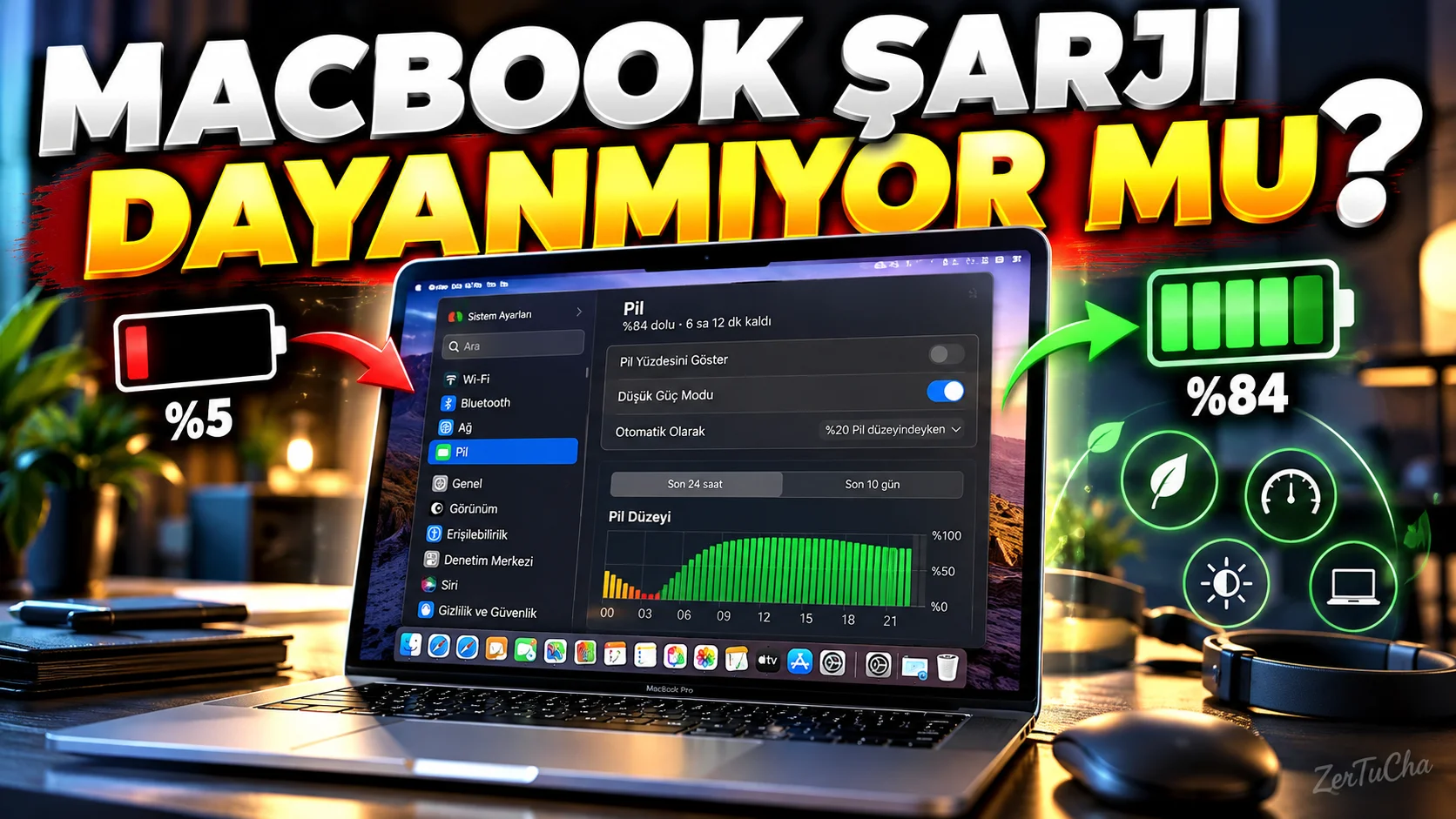
If your MacBook's battery runs out during the day, the first reflex is usually to turn down the brightness.
But Apple has a direct Low Power Mode is located.
This mode helps increase battery life by reducing the Mac's energy usage. According to Apple's current documentation, it can also help reduce fan noise and power consumption on some supported Macs in macOS Sequoia 15.1 and later.
How to turn on Low Power Mode?
on macOS Ventura and later:
-
From top left Apple menu.
-
System Settings.
-
Battery section.
-
Energy Mode section.
-
Low Power Mode.
Menu on the desktop model of your Mac Energy.
You can use different settings when on battery and when plugged in
Energy mode in Apple's current macOS build:
-
When using batteries
-
When connected to power adapter
can be adjusted individually.
For example:
Battery → Low Power Mode
Charging → Auto
.
This makes perfect sense for everyday use.
What does automatic mode do?
Apple's default approach Auto mod.
The aim is to strike a balance between performance and energy consumption.
So if the computer does not need to run at maximum performance all the time, Automatic mode is a good start.
What is High Power Mode?
On some powerful Mac models High Power Mode is also available.
However, this option is not available on every Mac.
Apple's current documentation states that High Power Mode can be used specifically on certain MacBook Pro and Mac Studio models.
This mode:
-
Long term intensive operations
-
Video processing
-
Professional manufacturing
-
Multi-core heavy duty
.
Can High Power Mode be used on battery?
Technically, energy mode options vary depending on the model.
But the logic here is simple:
If you want to save battery → Low Power
Daily use → Auto
Long term heavy duty → High Power if Supported
.
What options are available on your Mac?
You may not see High Power Mode in the menu if your Mac does not support it.
This is normal.
Apple's current documentation states that energy options vary by Mac model and macOS version.
Can the fan noise also be reduced?
On supported models and macOS Sequoia 15.1 or later, Low Power Mode can help reduce fan noise on active-cooling Macs.
With this feature:
-
In the Library
-
In Meeting
-
In the quiet office
-
When working at night
may be useful.
Important for content creators
For heavy tasks such as video editing, 3D rendering, or long rendering, turn on Low Power Mode and then:
“Why isn't Mac as fast as it used to be?”
.
Because the purpose of the mod is to reduce power consumption.
When you are going to do heavy work, it makes more sense to switch to the appropriate performance mode.
Best daily setting
For most users:
Battery → Low Power Mode
Socket → Automatic
a very logical start.




Henüz yorum yapılmamış. İlk yorumu siz yapın!
Bir Yorum Bırakın