

Mpv Instead of VLC: A Simpler Media Player
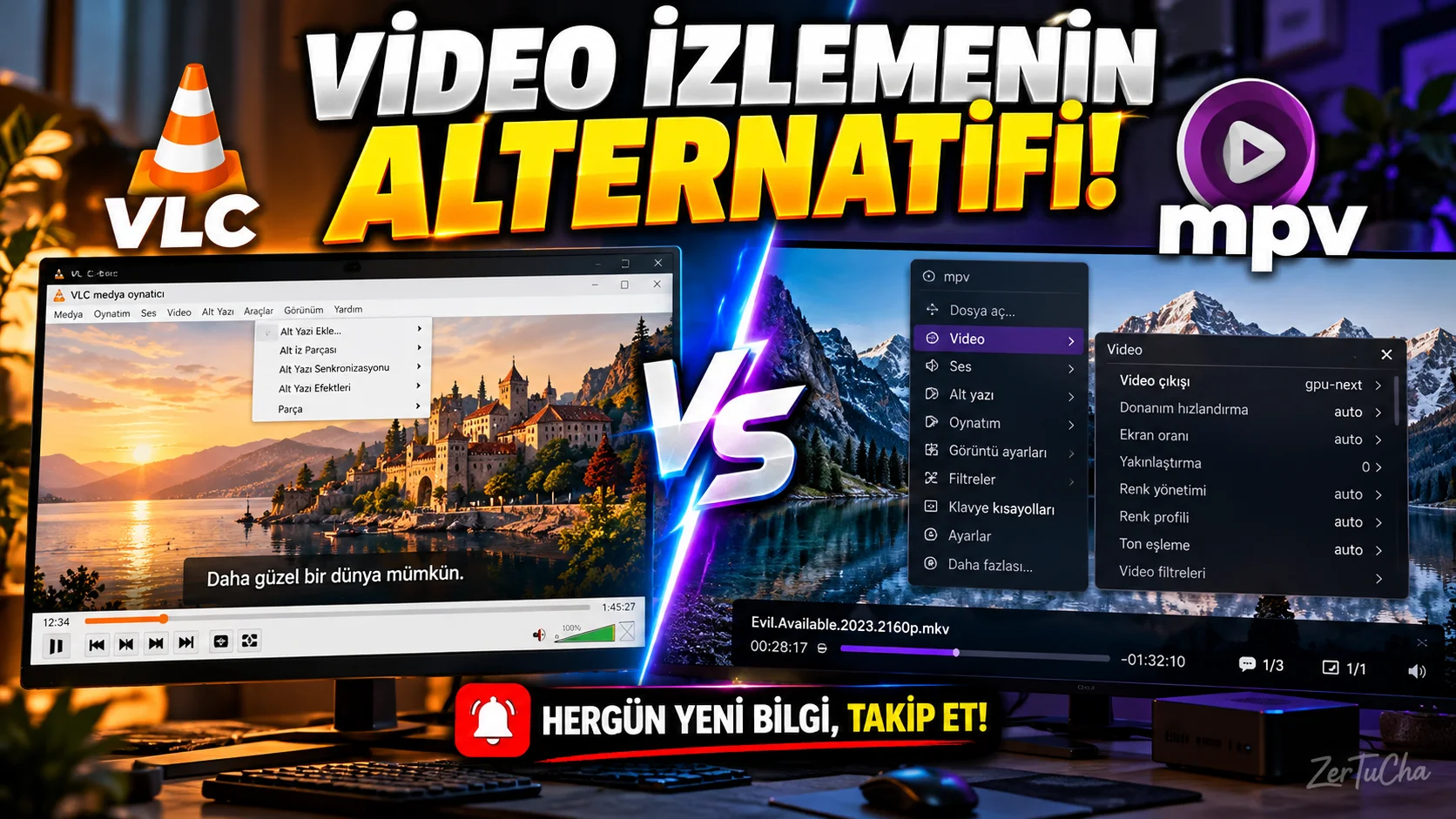
Main Program/Application
VLC media player
Recommended Alternative
mpv
Supported Systems
- Windows
- macOS
- Linux
- There is an mpv based application for Android.
Important detail: A significant portion of the packages listed on mpv's official download page for Windows and macOS are prepared by third parties. It is necessary to choose the download source carefully. mpv
Fee Status
- mpv: It is free and open source.
- VLC: It is free and open source.
mpv is a customizable media player that supports a variety of video and audio formats. mpv
What Does It Do?
Can be used to watch videos on your computer, use subtitles, change playback settings, and control image quality.
Advantages
- Free.
- Supports multiple video and audio formats.
- Provides advanced options such as image scaling, color management and frame timing.
- Can be customized with scripts.
- Available from the command line. mpv
Disadvantages
- The user interface is not as comprehensive and easy to understand as VLC.
- It may be necessary to use the command line or configuration files to change some settings.
- When choosing a download source for Windows and macOS, it is important to pay attention to the nature of third-party packages.
Why Use?
If you are looking for a simple interface, advanced image settings and customization options in a media player, you can try mpv.
Although it does not provide every feature that VLC offers, it is a strong alternative for those who want detailed control of the video viewing experience.
Better for Whom?
Those who frequently watch videos on their computers, those who use subtitles, those who care about image quality, and technical users who want to customize player settings.
Detailed Explanation
“You probably use VLC to watch videos on your computer. So what can you do if you're looking for a simpler player?
Today I want to show you mpv.
mpv is a free and open source media player. It supports many video and audio formats. However, unlike VLC, it adopts an interface approach that is as simple as possible.
For example, you are watching a high-definition video on your computer. You want to adjust subtitles, change image scaling, or customize playback behavior. mpv offers very detailed options on these issues.
Another advantage is that it can be extended with scripts. Technical users can customize the player's behavior according to their needs.
Moreover, the program is free. So you don't have to buy a subscription just to try it.
But there is an important detail here. mpv's interface may not be ideal for everyone. Some operations that you can easily perform from the menus in VLC may require additional settings in mpv.
There is also the issue of downloading. Especially Windows and Mac users should review the download page on the official MPV site and choose reliable packages. Not every link directly implies an installation file prepared by the mpv project.
My suggestion is this: If VLC is enough for you, you don't have to change it. But if you are looking for a player that is simpler, customizable and offers advanced display settings, you can give MPV a chance.
Try it with a few video files first, check the subtitle settings and see if the interface suits your usage habits.”

Henüz yorum yapılmamış. İlk yorumu siz yapın!
Bir Yorum Bırakın