



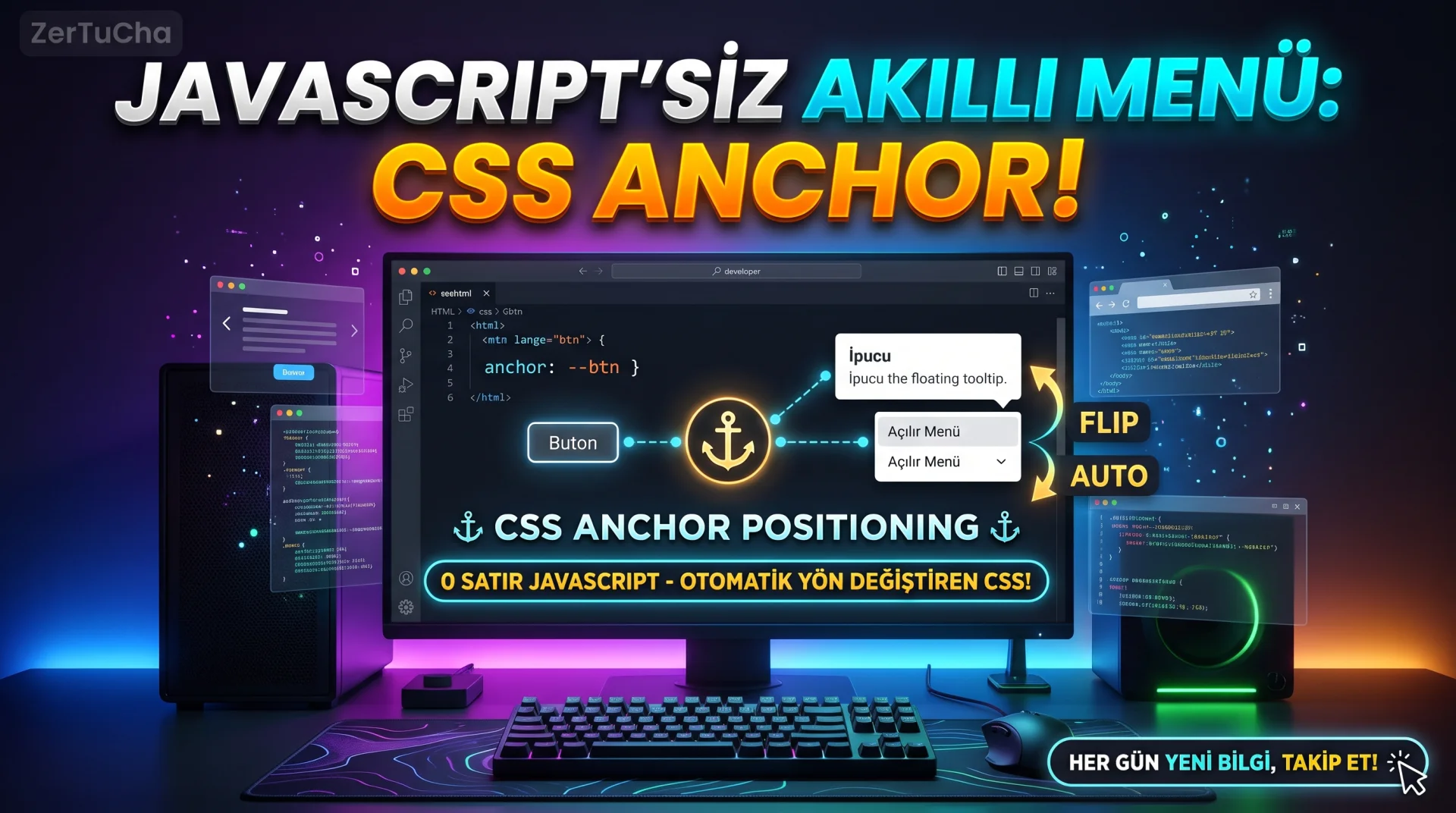
What is the biggest pain that front-end developers have faced for years when creating a menu that opens right under a button in a web interface, a tooltip that appears above an icon, or a small transaction card connected to a table row? That pop-up box extends beyond the screen when the user scrolls down the page or approaches the right edge of the screen! To solve this tiny alignment problem, we have been adding kilobytes of external JavaScript libraries such as Popper.js or Floating UI to every project for years, and making coordinate calculations that exhaust the processor with every scrolling movement. Here, W3C's new generation CSS Anchor Positioning API standard completely closes this era: You can now attach any box to another button like a magnet, without writing a single line of JavaScript, and if the box hits the screen edge, you can have the CSS rotate and fit itself! Code examples are right below!
Leave a Comment to Read the Rest of the Article
Did you find our content useful? We are curious about your thoughts on the subject.
Brief Summary: CSS Anchor Positioning API is the next generation W3C CSS standard that allows you to anchor a drop-down menu, tooltip or popover box to another element (anchor) on the page without writing a single line of JavaScript and have it automatically change direction when it hits the screen edge.
What is CSS Anchor Positioning API and Why is it Important?
CSS Anchor Positioning adds anchor-name and another item position-anchor and position-area is a modern CSS layout system that locks it directly to its right, left, top or bottom with its rules.
The most revolutionary feature position-try-fallbacks rule: If your drop-down menu hits the bottom edge of the screen and gets cut off, the browser will automatically replace the box with the button without running JavaScript to the top!
Popper.js / Floating UI and CSS Anchor Positioning Comparison
The differences between dynamic positioning methods in modern web applications are summarized in the table below.
| Feature | Popper.js / Floating UI (JS) | CSS Anchor Positioning |
|---|---|---|
| Additional JavaScript Size | 10–30 KB external library | 0 KB (Pure embedded CSS) |
| Page Scroll Performance | Continuous calculation on main thread | Smooth 60–120 FPS on browser composite engine |
| Screen Edge Overflow Protection | JS flip() plugin required |
Single line: position-try-fallbacks: flip-block; |
| HTML Popover API Compatibility | Additional link code required | Natural binary (Full dropdown with zero JS) |
Making a Smart Dropdown Menu with Zero JavaScript in 5 Steps
Follow these steps to combine the HTML Popover API with CSS Anchor Positioning to make a modern popup box that doesn't extend beyond the screen edge:
- Define a unique anchor name for your reference button:
anchor-name: --menu-button; - In the box to open
position: fixed;(orpopover) andposition-anchor: --menu-button;. - Single line for the box to be centered just below the button
position-area: bottom center;. - To prevent the box from extending beyond the screen when you scroll to the bottom of the page
position-try-fallbacks: flip-block;. - Conventions to provide safe replacement (progressive enhancement) for older browsers
@supports (anchor-name: --a)block and publish it!
Working Modern CSS Anchor Positioning Example
.target-button {
  anchor-name: --information-capasi;
}

.open-balloon {
  position: fixed;
  position-anchor: --info-capasi;
  position-area: bottom span-right;
  position-try-fallbacks: flip-block, flip-inline;
  margin-top: 8px;
}
Zertucha Frontend Engineering Note and Browser Compatibility
As Zertucha Creative Studio, we are transitioning to modern CSS standards by reducing unnecessary JavaScript dependencies in the high-speed web interfaces we develop with the zero-bloat principle. Our current projects From the Zertucha portfolio. According to Can I Use data, this feature, which is fully supported in Chromium-based browsers (Chrome, Edge, Brave, Opera), is also rapidly becoming widespread in the Safari and Firefox ecosystem; @supports control or light polyfill is recommended.
Frequently Asked Questions
Does CSS Anchor Positioning really prevent overflow on narrow mobile screens?
Yes. position-try-fallbacks: flip-block, flip-inline; rule, if the box will extend from the right or bottom of the screen, it will automatically fold in the opposite direction.
Does HTML Popover API and CSS Anchor Positioning work together?
Yes, they are exactly designed to complement each other; By using both together, you can create professional dropdown menus with 0 lines of JavaScript.
Will this CSS rule give an error in an old browser?
No, CSS rules are silently ignored when not recognized; @supports block, secure viewing is ensured in all browsers.



No comments yet. Be the first to comment!
Leave a Comment