



Platform: Windows
Program: WinMerge 2.16.58.2
When you have two different versions of a document, how do you find out which lines have changed? Opening two files separately and comparing the texts wastes a lot of time, especially in long documents or software files.
WinMerge is a free and open source tool that allows you to compare the contents of two files or folders to see the differences between them.
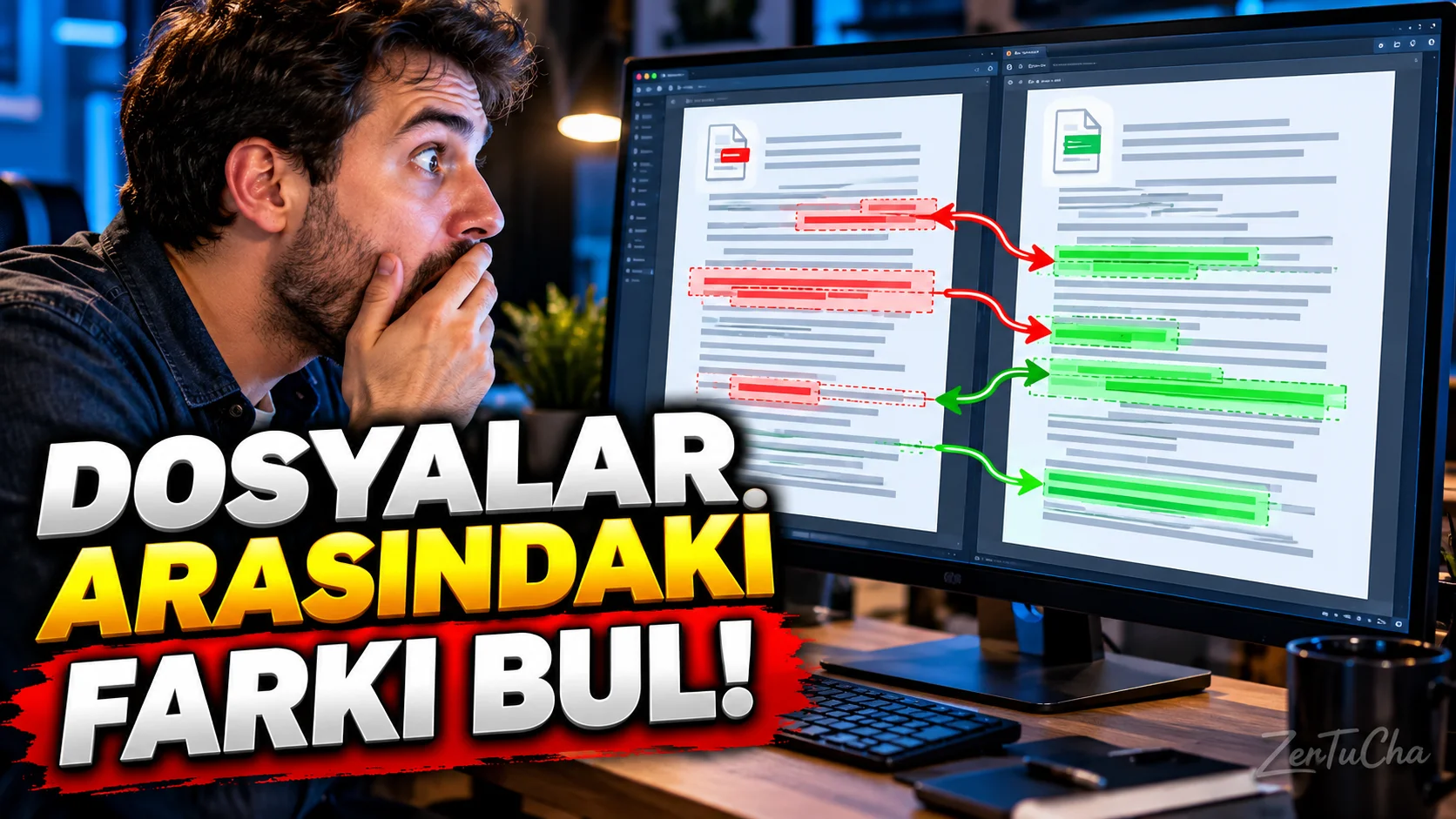
The program visually marks the differences. Thus, you can easily see which row was added, which was deleted, or where changes were made.
Let's say your website has an old and a new config file. You can add files to WinMerge instead of individually searching for changes between two versions. The program shows the changed lines side by side.
The same method can be used for text documents, software source codes and folder comparisons.
Featured areas of use:
-
Comparing the old and new version of a document.
-
Finding changes in website files.
-
To examine the edits made to the software code.
-
Seeing which files
Leave a Comment to Read the Rest of the Article
Did you find our content useful? We are curious about your thoughts on the subject.
are different in two folders.
-
Checking whether files have changed before backup.
WinMerge released in August 2026 2.16.58.2 release fixes a bug with calculating word differences in hidden lines and improves the drawing speed of some large comparison views. An issue with folder sorting has also been fixed.
To use the program, just select two files or two folders. You can examine the differences from the comparison screen and edit the contents according to your needs.
A small but serious time-saving tool, especially for website administrators, software developers, technical support workers and those dealing with a large number of documents.


No comments yet. Be the first to comment!
Leave a Comment