



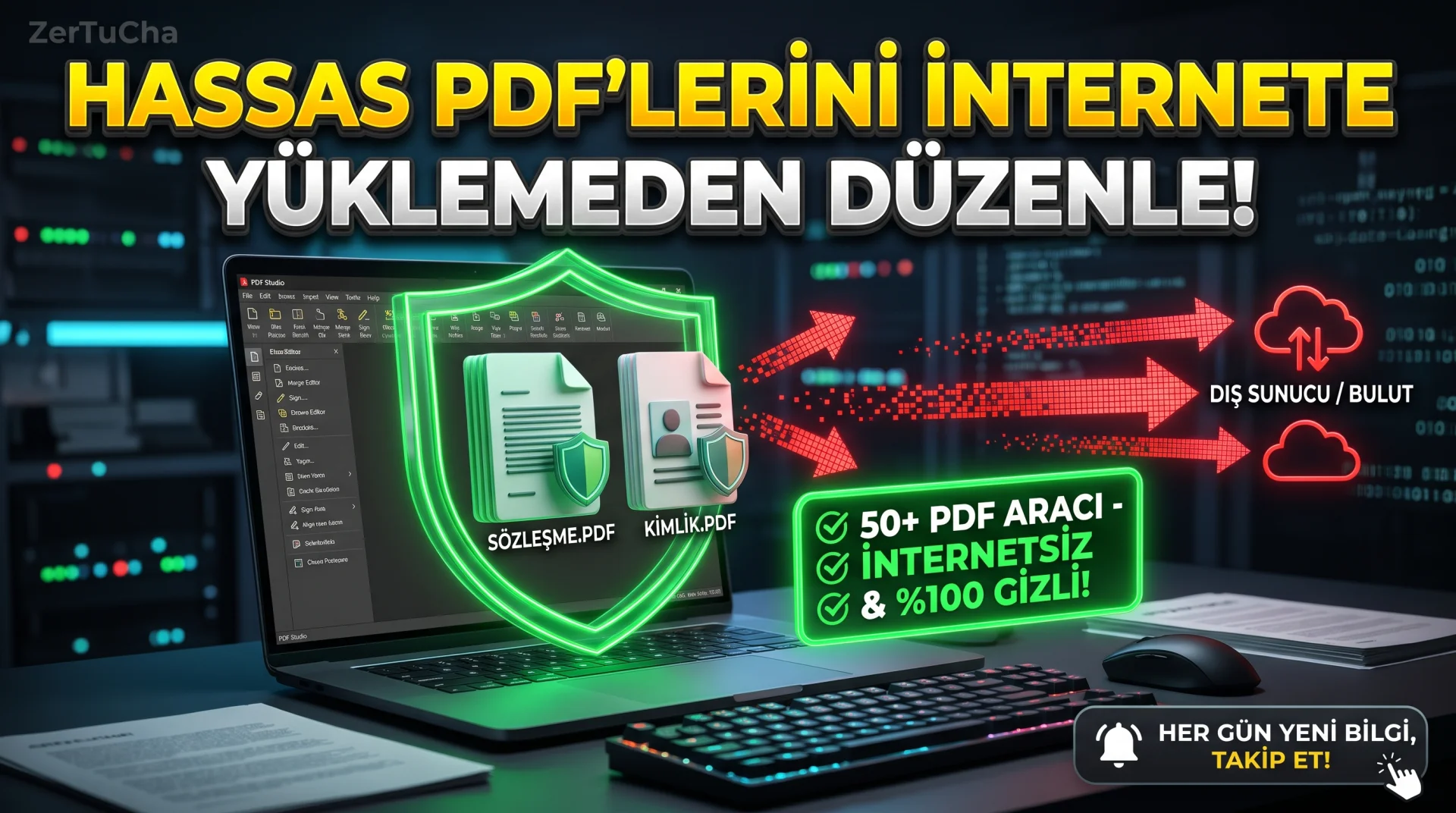
When you want to combine, remove the password, split the pages or reduce the size of your highly sensitive PDF files such as an ID photocopy, payroll, company contract, invoice or title deed document, you upload those documents to the popular "Free Online PDF" sites on the internet without even thinking! However, you never know how long those documents are kept on the server in which country and whether they are used in artificial intelligence training; Moreover, these sites require a monthly dollar subscription immediately after the second transaction! Well in 50+ professional PDF tools (merge, split, OCR text recognition, censoring, add watermark, Word/Excel conversion, e-signature) and 100% private running on your own computer or company server without internet open source giant PDF studio? This solution, which you can install without paying a single penny, is right below!
Brief Summary: Stirling-PDF is an open source PDF studio with a Turkish interface that allows you to perform more
Leave a Comment to Read the Rest of the Article
Did you find our content useful? We are curious about your thoughts on the subject.
than 50 PDF operations, including merging, splitting, compression, OCR, censoring and format conversion, on your own computer or server for free, without uploading your sensitive documents to any foreign cloud server.
What is Stirling-PDF and How is it Different from Online PDF Sites?
Stirling-PDF is an open source web and desktop application that runs almost all the advanced operations offered by Adobe Acrobat Pro and paid online PDF sites completely locally (first).
The biggest difference is data privacy and unlimited: You won't have to send your customer contracts, ID scans or accounting documents to a server you don't recognize; Moreover, you will never encounter annoying quotas such as "maximum 2 files per day" or "maximum 10 MB".
Stirling-PDF Comparison with Paid Online PDF Sites
Below is the security and cost difference of the two options for offices, accountants and individual users.
| Feature | Classic Online PDF Sites | Stirling-PDF (Local / Self-Hosted) |
|---|---|---|
| Document Confidentiality (KVKK Compliance) | File goes to foreign cloud server | 100% stays on your device / own server |
| Daily Transaction and Size Limit | Typically 2 processes / 15MB limit | Totally unlimited |
| Vehicle Variety | Advanced OCR and censorship for money | 50+ tools (OCR, Censor, Signature, Word/PDF) for free |
| Turkish Interface and Advertisement | With advertising and subscription printing | Full Turkish and zero advertising |
How to Install Stirling-PDF on Your Computer or Server?
Follow these steps to set up your own secure PDF lab in 2 minutes:
- From your browser https://www.stirlingpdf.com/ or https://github.com/Stirling-Tools/Stirling-PDF.
- For Standard Home/Office Users: From the download page for Windows (
.exe) or download the macOS desktop installation package and install it like a regular program. - Server / For Developers (Docker): Start the server that the entire office can use from the local network with a single command:
docker run -d -p 8080:8080 --name stirling-pdf frooodle/s-pdf:latest - When the interface opens, select the language from the world icon at the top right Turkish.
- Merge PDF, Compress PDF, Auto Censor (Redact), PDF to Word or OCR tools without internet and unlimited!
Zertucha KVKK Perspective and Limits
Uploading documents to random cloud sites poses a serious legal risk for law firms, accounting offices and agencies that process customer ID, health reports or commercial contracts within the scope of KVKK No. 6698 in Türkiye. For on-premises native open source tool installations From Zertucha enterprise system solutions. Its only limitation is that complex PDF to Word conversions use the open source LibreOffice engine behind the scenes, so there may be minor shifts in very complex magazine layouts.
Frequently Asked Questions
Does Stirling-PDF work without internet after installation?
Yes. After completing the desktop or local Docker installation, all 50+ PDF tools continue to work smoothly even if you completely disconnect your internet connection.
Can Stirling-PDF perform OCR (text recognition) on scanned Turkish documents?
Yes. Tesseract OCR Turkish language pack (tur) converts scanned Turkish documents into selectable and searchable PDF.
Is there a watermark in the free version of Stirling-PDF?
No. No advertisements or watermarks are added to any printed PDF documents.



No comments yet. Be the first to comment!
Leave a Comment