

For Those Bored with Chrome: Design Your Own Browser with Vivaldi 8
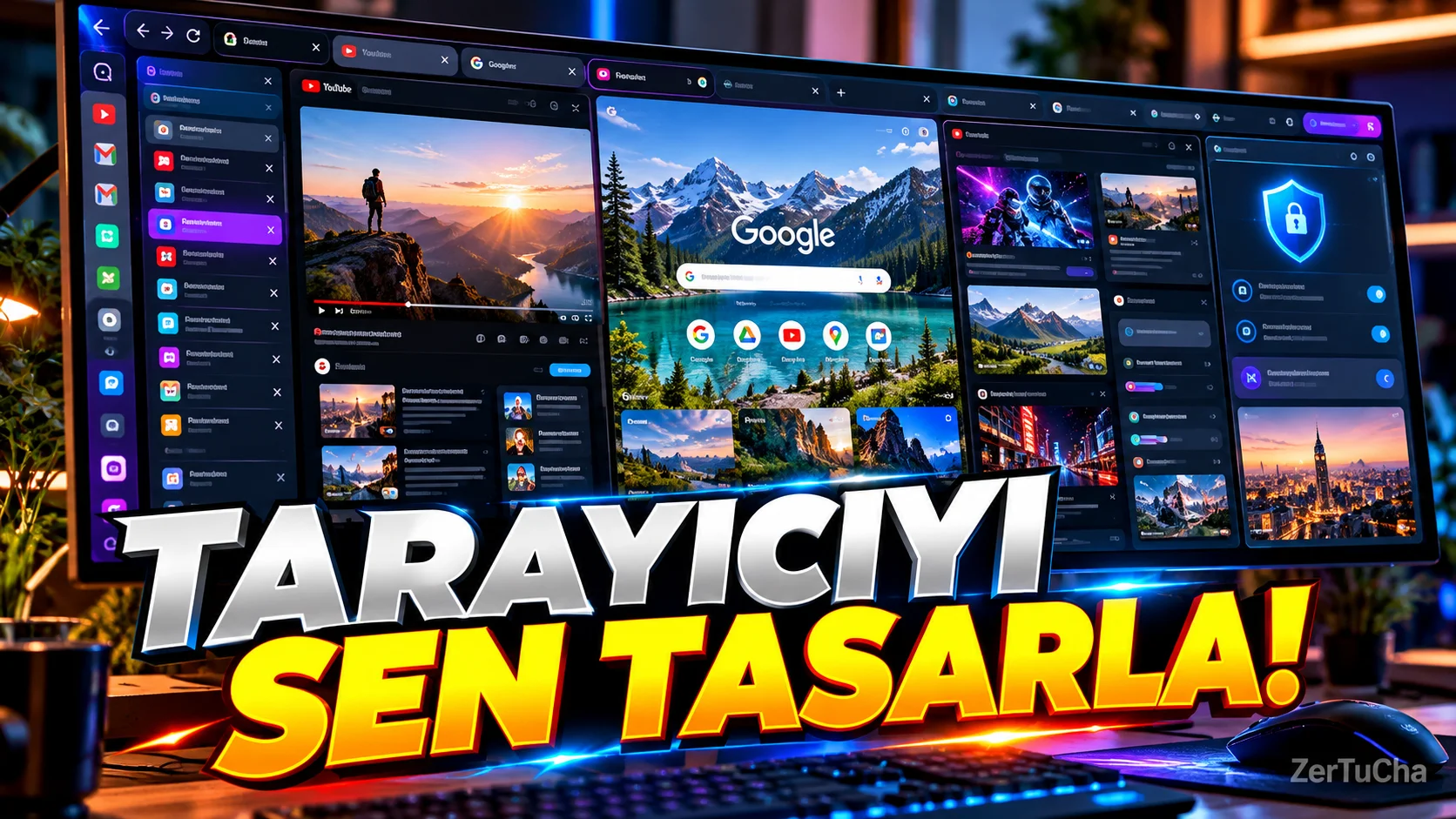
Most Internet browsers look similar. Tabs up, address bar up top, a few buttons and that's it.
Vivaldi says "I make my own scanner" in this regard.
The most important feature of Vivaldi is customization. You can move tabs, move browser panels to different regions, open tabs side by side, and create an interface according to the way you work.
arriving in 2026 Vivaldi 8.0. The new Unified interface brings different parts of the browser into a more integrated view. There are also different preset layouts that can be selected at startup.
Another useful feature tab tiling.
For example, you are doing research on the internet. You might have a news site open on one side and your Google Doc or another source on the other. You can work on the same screen by placing tabs side by side.
Vivaldi also has built-in ad and tracking blocking features. Additionally, since the browser is Chromium-based, it can use many websites and extensions in the Chrome ecosystem.
In full screen with updates in 2026 UI Auto-hide feature also attracts attention. It can temporarily hide the browser's tabs, address bar and other interface sections, leaving more space for the web page.
This is particularly convenient when doing research or reading long texts, especially on large screen monitors.
In short, the point of Vivaldi is more than saying "I'm faster than Chrome":
“You decide how your browser works.”
saying.


Henüz yorum yapılmamış. İlk yorumu siz yapın!
Bir Yorum Bırakın