



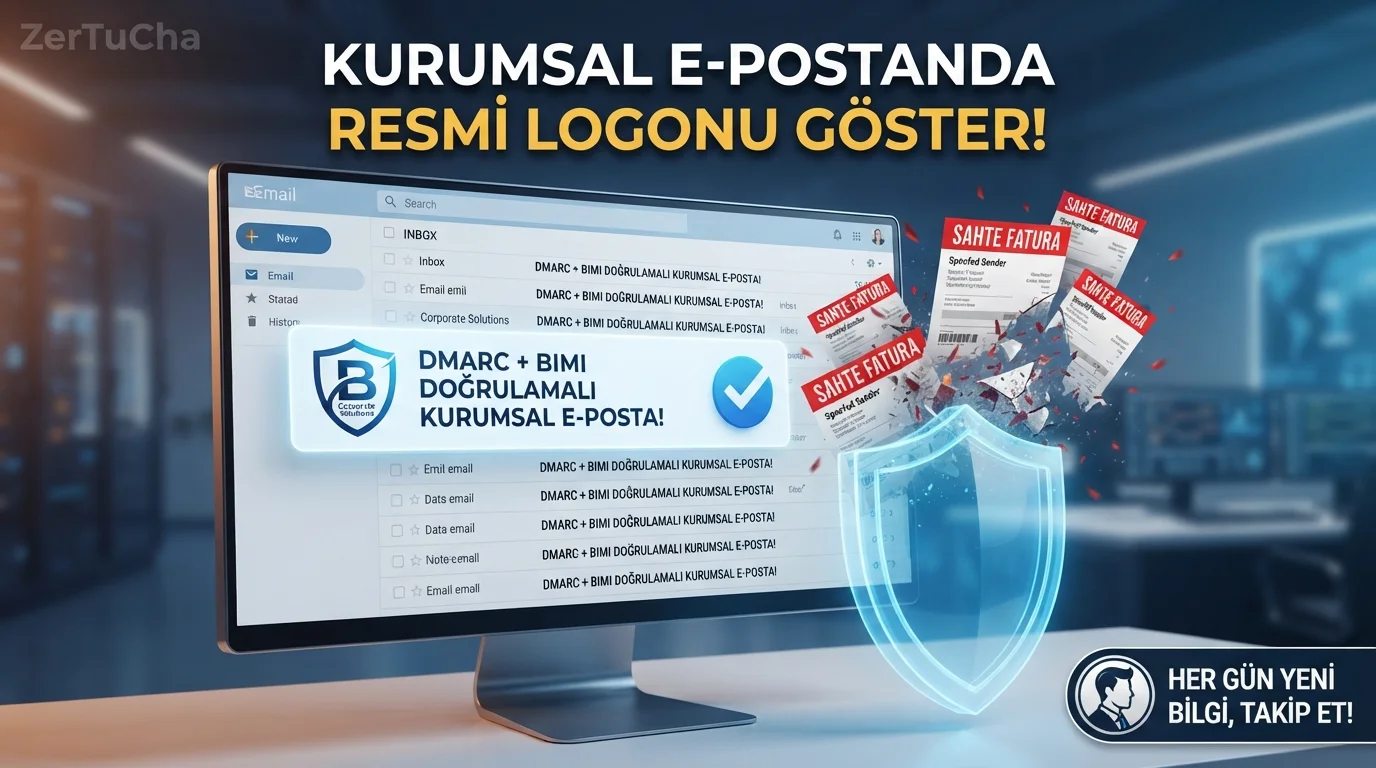
Notify your customers from your company's corporate email address ([email protected]) a regular round letter icon appears next to your name in the Gmail or Apple Mail inbox when you send a quote or invoice, while official colored company logo and blue verification tick appears? Even worse, if you have a strict DMARC (p=reject) shield is not installed, cyber crooks can imitate your company's name and email address exactly (Email Spoofing) tell your customers "Our IBAN number has changed, make the payment here!" He can send fake invoices! Here is the next generation security standard that both prevents 100% fake corporate email scams and displays your brand's official logo in your customers' inboxes BIMI (Brand Indicators for Message Identification) is spreading fast! The installation and free audit tool are right below!
Brief Summary: BIMI (Brand Indicators for Message Identification), strict DMARC is a new generation cybersecurity and brand trust standard that allows brands that have
Leave a Comment to Read the Rest of the Article
Did you find our content useful? We are curious about your thoughts on the subject.
completed email security to display official company logos in Gmail and Apple Mail inboxes.
What is BIMI and DMARC Email Security Standard?
DMARC is a cryptographic verification rule that ensures that unauthorized and fraudulent e-mails (spoofing) sent using your domain name are rejected by recipient servers. BIMI this maximizes DMARC security (p=quarantine or p=reject) is a visual security seal that displays the verified company logo in the recipient's inbox.
In this way, fraudsters are prevented from sending fake invoices to your customers under your company's name, and the opening rate and corporate prestige of the real e-mails you send increase significantly.
DMARC Policy Levels and BIMI Compliance Table
The spoof protection level and BIMI compliance according to the current DMARC status of your domain name are below.
| DMARC Policy | Spoofed Email Behavior | BIMI Logo Support |
|---|---|---|
p=none |
Only monitors, does not prevent fake e-mails | Not Support |
p=quarantine |
Sends fake emails to the recipient's Spam folder | Supports (pct=100) |
p=reject |
Completely rejects fake emails at the door (Most secure) | Full Support (Recommended) |
Check the DMARC and BIMI Status of Your Domain in 5 Steps
Follow these steps to take your company or blog's email security to enterprise level:
- Before https://dmarcian.com/dmarc-inspector/ and enter your domain name (for example
yourcompany.com) and check if you have a valid DMARC record for free. - After making sure that your SPF and DKIM records are working properly,
_dmarcTXT record beforep=noneand thenv=DMARC1; p=reject; pct=100;. - Your brand logo in pure vector in accordance with the BIMI standard SVG Tiny P/S format and upload to an accessible URL over HTTPS.
- In your DNS panel
default._bimi.yourcompany.com:v=BIMI1; l=https://yourcompany.com/logo.svg;(For Gmail/Apple Mail blue tick alsoa=parameter). - https://bimigroup.org/bimi-generator/!
Zertucha Enterprise Security Approach and Limits
As Zertucha, the first thing we do for all our B2B customers is DMARC p=reject activates the shield; Thus, we prevent your customers from receiving fake IBAN or phishing emails with your name. For enterprise web and server security configuration Zertucha our technical services. The limitation with BIMI is that a paid VMC or CMC certificate from authorities such as Digicert/Entrust is required for the logo to appear in Gmail (Yahoo and some other providers may also support non-certified SVG recording).
Frequently Asked Questions
If I set the DMARC policy to p=reject, will my own emails be blocked?
If the SPF and DKIM signatures of all the e-mail servers you use (Google Workspace, Yandex, WordPress SMTP, newsletter tool) are defined correctly, your own e-mails will arrive without any problems; so a few weeks first p=none and then p=reject.
Is Turkish Patent trademark registration required to display a logo in Gmail?
VMC (Verified Mark Certificate) requires registered trademark; but new CMC (Common Mark Certificate) option allows brand logos that have been actively used for at least 1 year to appear in Gmail, even if they are unregistered.
Will adding a BIMI record work without a paid VMC certificate?
Yes. Free DMARC only p=reject + Even SVG BIMI registration completely blocks spoofed mail attacks and ensures that your logo appears in mail clients that support uncertified BIMI.

No comments yet. Be the first to comment!
Leave a Comment