



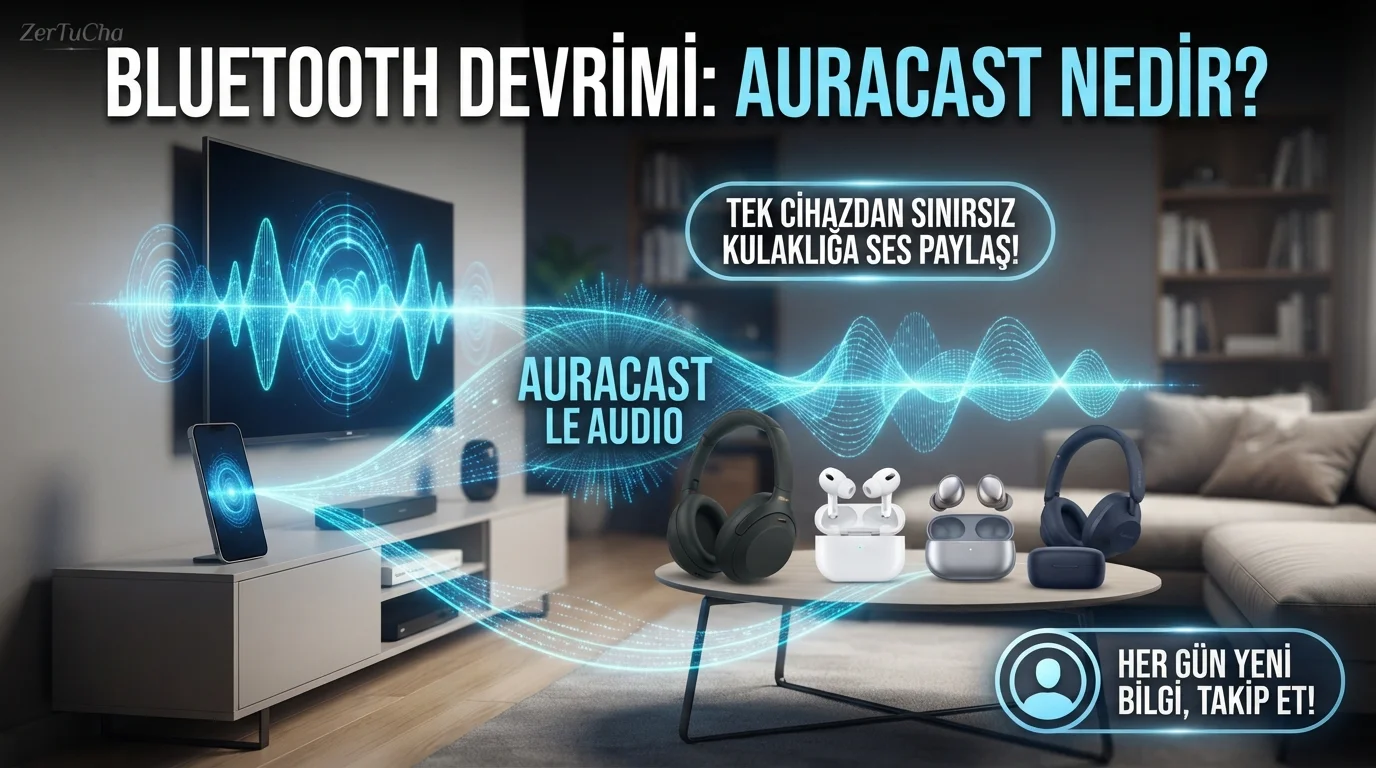
Do you remember those moments when you wanted to watch the same movie with your friend next to you on a plane or a bus, and you gave him one wireless headset and tried to put on the other one yourself? Or those times when you struggled to read subtitles in the airport waiting room, at the gym, or in a cafe because you couldn't listen to the sound of the TV on mute through your own headphones? Classic Bluetooth technology has been confined to the "one phone, one headset" boundary for years, requiring phones of the same brand or complex adapters to share audio. Here is Auracast (Bluetooth LE Audio) standard removes this limit completely! Now you can connect from a single smartphone, tablet or public television just like connecting to a Wi-Fi network unlimited number of different brands of headphones simultaneously can stream crystal clear audio! These standards and installation steps, which you should definitely look at when buying a new headset or phone, are right below!
Brief Summary: Auracast
Leave a Comment to Read the Rest of the Article
Did you find our content useful? We are curious about your thoughts on the subject.
(Bluetooth LE Audio) is the next generation open Bluetooth standard that enables a single smartphone, computer or television to stream its audio to an unlimited number of compatible headphones and hearing aids simultaneously without the hassle of pairing.
What is Auracast (Bluetooth LE Audio) and How Does It Work?
Auracast is a next-generation audio technology built on the Bluetooth LE Audio architecture, broadcasting audio encrypted or clear (Broadcast Audio) like a radio station to all nearby compatible headphones.
While in a traditional Bluetooth headset connection, each device must be paired individually, in Auracast you turn on an audio broadcast on your phone; Your friends next to you also join the broadcast with their headphones, just like choosing a Wi-Fi network. Also new generation LC3 audio codec, clearer sound transmission is provided with lower battery consumption.
Classic Bluetooth vs. Auracast (LE Audio)
The main differences between classic Bluetooth and Auracast supported hardware when buying a new wireless headset or phone are listed in the table below.
| Feature | Classic Bluetooth (SBC/AAC) | Auracast (Bluetooth LE Audio) |
|---|---|---|
| Number of Headphones at the Same Time | Usually 1 (Maximum 2 for brand) | Unlimited number of different brands of headphones |
| Audio Codec and Battery Life | SBC (Higher power consumption) | LC3 (Lower battery consumption, higher clarity) |
| Public Area (TV / Airport) | Not Support | Listening to the sound of silent screens through headphones |
| Hearing Aid Accessibility | Limited | Glass-free announcement transmission directly to hearing aids |
How to Share Audio on Auracast Supported Devices?
Follow these 5 steps to start audio streaming with a compatible Android phone (e.g. current Samsung Galaxy or Google Pixel series) and Auracast supported headphones:
- First of all, make sure that your current or future headset supports Auracast https://www.bluetooth.com/auracast/products/ page.
- On your phone Settings → Connections → Bluetooth menu and select "Cast audio with Auracast" (Broadcast sound using Auracast).
- A name for your post (for example "Travel Movie") and set a password so only your friends can connect and start broadcasting.
- Your friend can use the Bluetooth settings on their compatible phone "Find Auracast broadcast" tab (or scanning the QR code on your phone) and entering the password.
- Now both headphones can listen to the same movie or music with independent volume control, with zero delay!
Privacy, Security and Current Limits
Auracast broadcasts can be locked with a password by default; When you set a password, strangers around you will never be able to listen to the music or movie playing on your phone. The most important limit is the hardware requirement: Both the sound emitting device and the headset Bluetooth 5.2+ and LE Audio / Auracast chip; Old headphones cannot gain Auracast with software update.
Frequently Asked Questions
Do iPhone devices support the Auracast standard?
In the Apple ecosystem, on-device audio sharing has long been limited to AirPods models; Universal Auracast support is rapidly expanding, primarily on Android (Android 13/14/15+) and Windows 11 devices.
Does using Auracast drain headphone battery faster than regular Bluetooth?
No, on the contrary, it saves battery compared to classic Bluetooth because LE Audio (Low Energy Audio) and the LC3 codec deliver high quality at a lower bit rate.
Can JBL, Samsung and Sony headphones be connected to the same stream at the same time?
Yes. Auracast is an open global standard; Regardless of the brand, all Auracast certified headsets can participate in the same broadcast simultaneously.

No comments yet. Be the first to comment!
Leave a Comment