



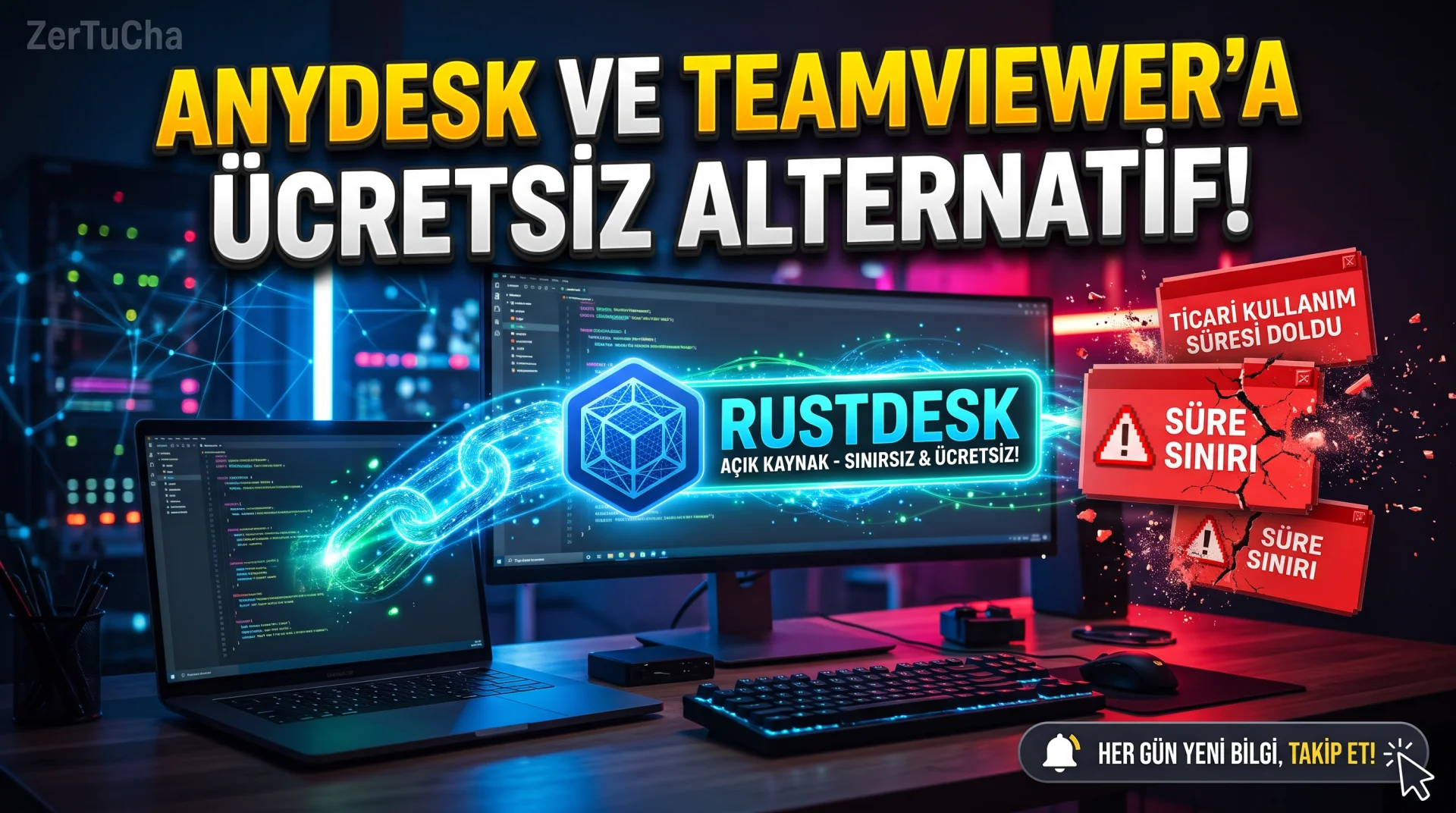
Are you tired of that famous red warning when you open popular remote desktop programs (TeamViewer, AnyDesk) to connect to your home computer from the office, remotely solve a problem on your parents' computer, or provide technical support to your customer? "Commercial use detected, your session will be terminated in 60 seconds!" or “Wait 120 seconds for an ad to connect!” Moreover, commercial license prices are increasing exponentially in foreign currency every year for small businesses and individual users, and all your screenshots pass through closed servers of foreign companies! Well Written in the Rust programming language, runs at lightning speed, and imposes no time or commercial use restrictions and the open source new generation solution that anyone can install on their own cheap VPS server in 2 minutes and turn it into a 100% private remote desktop network? Details right below!
Brief Summary: RustDesk (rustdesk.com) is an open source, Turkish-interface remote desktop software developed
Leave a Comment to Read the Rest of the Article
Did you find our content useful? We are curious about your thoughts on the subject.
against the time constraints and high license fees of TeamViewer and AnyDesk. You can either use it directly for free or create a 100% confidential remote support infrastructure by installing it on your own VPS server.
What is RustDesk and How is it Different from TeamViewer / AnyDesk?
RustDesk is an open-source remote desktop platform that offers low-latency screen sharing, file transfer, and remote control. Its biggest advantage is that it can work instantly with public servers and can be installed on your own server (Self-Hosted), ensuring that your data does not pass through any third-party company.
When you make frequent connections in closed systems such as AnyDesk and TeamViewer, you will be subject to mandatory interruptions of 1–5 minutes due to "suspicion of commercial use". RustDesk, which you use with your own server, has none of these restrictions.
TeamViewer, AnyDesk and RustDesk Comparison Chart
Below are the technical differences of three popular software for individual and corporate remote support needs.
| Feature | TeamViewer / AnyDesk (Free) | RustDesk (Open Source) |
|---|---|---|
| Time and Commercial Use Restriction | Frequent 1–5 min interruption and standby warning | Zero limit on your own server |
| Self-Host | None (Closed cloud mandatory) | Yes (Free in 2 minutes with Docker) |
| Encryption and Source Code | Sealed source | Open source + End-to-end NaCl encryption |
| Platform Support | Win, Mac, Linux, Mobile | Win, Mac, Linux, Android, iOS (Turkish) |
How to Use and Install RustDesk on Your Own Server in 5 Steps?
Follow these steps to establish a secure and uninterrupted remote desktop connection:
- Only the official address https://rustdesk.com/ (GitHub Releases link).
- Interface auto Turkish will open; 9 digit ID number and one-time password to the other party (or entering the other party's ID).
- To Set Up Your Own Private Server: with Docker on a Linux VPS server with at least 1 GB RAM
rustdesk/rustdesk-server(hbbsandhbbr) containers. - Produced by the server
id_ed25519.pub; Settings → Network → ID / Transport Server boxes. - Now you can access both your own company computers and your customers zero waiting, zero downtime and 100% encrypted over your own network connect without limits!
Zertucha Enterprise Support Perspective and Security
As Zertucha Creative Studio, we prefer our own encrypted RustDesk relay infrastructure to prevent customer data from passing through external cloud servers in the businesses we provide software support for. For enterprise server and special support infrastructure installation Zertucha system solutions. Security Notice: Download RustDesk only from its official website and never give your ID + password to people you do not know; When setting a fixed password for permanent access, use a complex password of at least 12 characters.
Frequently Asked Questions
If I don't have a VPS server, can I still use RustDesk for free?
Yes. Once you download and open the app, it works directly with RustDesk's free community servers; but for the highest speed and complete privacy during peak hours, it is much more efficient to connect your own small VPS server.
Can I connect my iPhone or Android phone to my Windows computer at home?
Yes. You can manage your computer through RustDesk's mobile applications, and also provide remote support to Android devices from the computer.
Can large files be sent between two computers with RustDesk?
Yes. You can quickly transfer files between two computers using the drag-and-drop method with the "File Transfer" tab in the connection menu.

No comments yet. Be the first to comment!
Leave a Comment