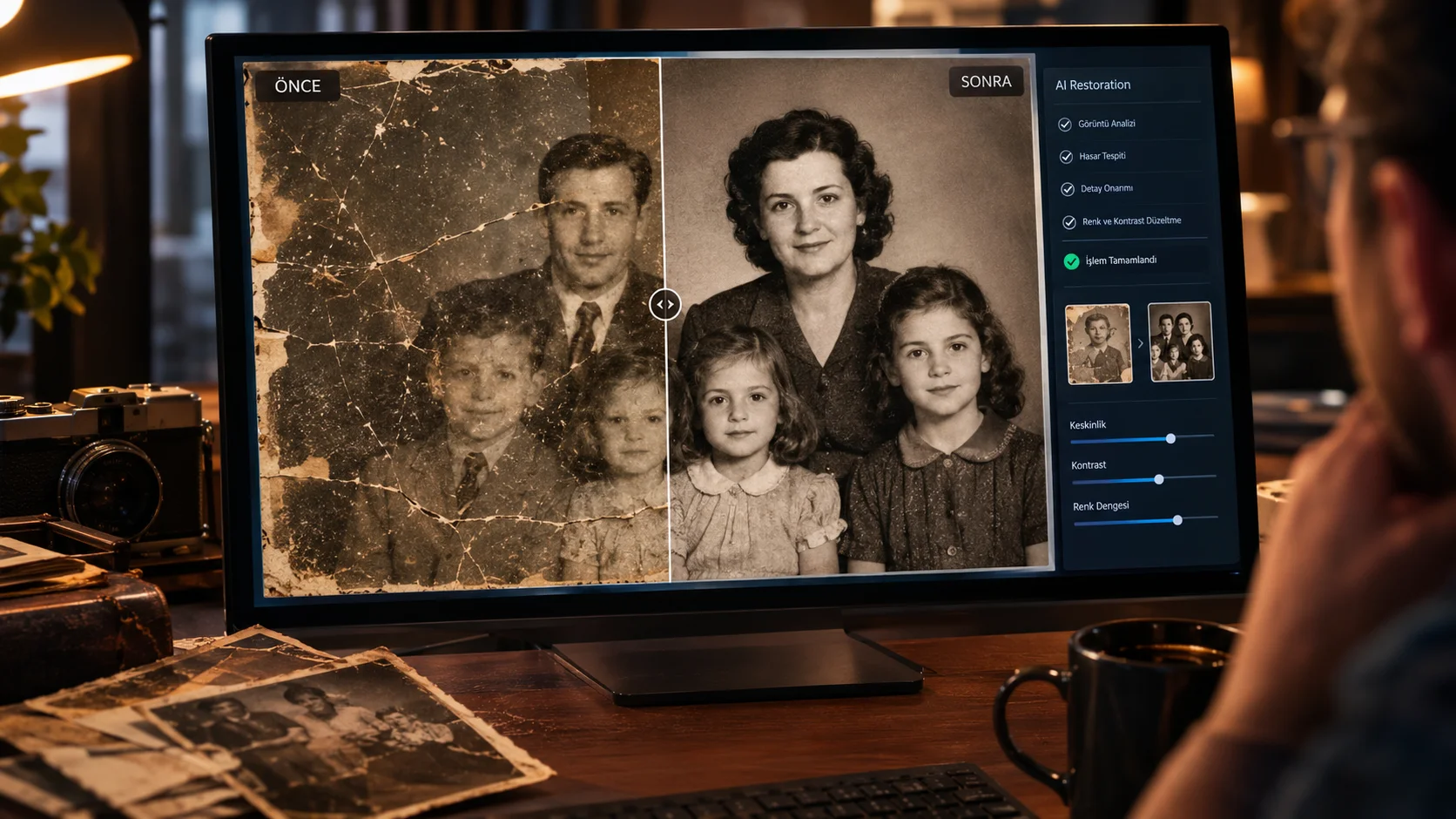
Fotoğraftaki İstenmeyen Nesneleri Tek Komutla Sildiren AI Promptu
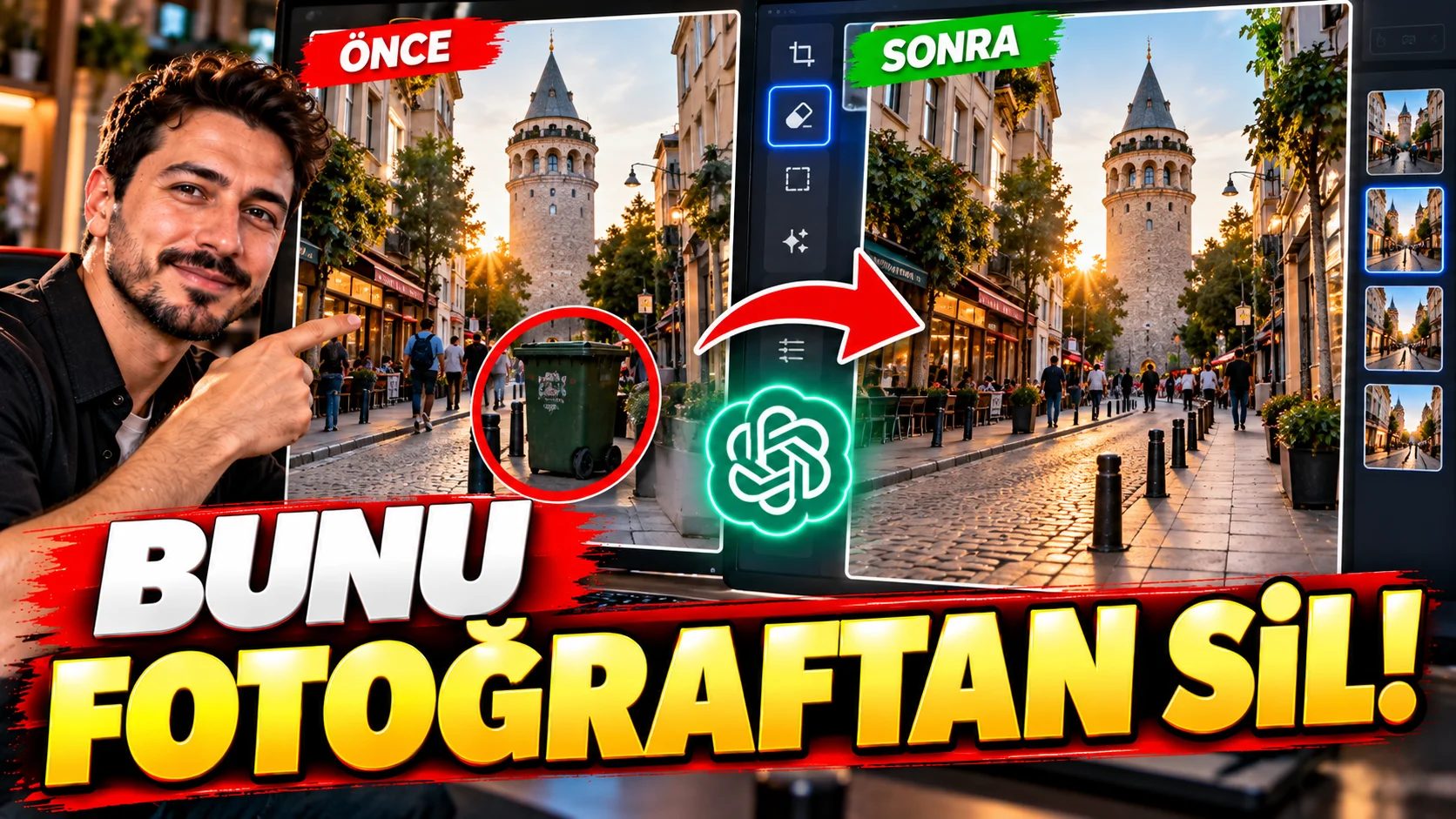
Bazen fotoğrafın tamamı harikadır fakat arkadaki bir tabela, çöpe atılmış bir eşya, kablo veya kadraja yanlışlıkla giren bir kişi görüntüyü bozabilir.
Bu prompt, fotoğraftaki tek bir istenmeyen nesneyi kaldırıp arkasındaki alanı doğal şekilde tamamlamak için kullanılabilir.
Nasıl kullanılır?
Fotoğrafınızı yükleyin ve [OBJECT TO REMOVE] bölümüne silmek istediğiniz nesneyi yazın.
Kullanabileceğiniz prompt:
"Remove the [OBJECT TO REMOVE] from the uploaded photograph and naturally reconstruct the area behind it. Preserve the original scene, perspective, lighting, textures, shadows, people and all other objects exactly as they are. Fill the removed area using surrounding visual information so the edit becomes invisible and photorealistic. Do not crop the image or change the composition. Do not modify any other part of the photograph."
Değiştirilebilir alanlar:[OBJECT TO REMOVE] bölümüne silmek istediğiniz nesneyi yazın.
Örneğin:
street sign
plastic chair
person in the background
Kullanım püf noktası:
Tek bir nesneyi kaldırmak istiyorsanız “Do not modify any other part of the photograph” cümlesini bırakın. Böylece AI'nın istemeden başka nesneleri de değiştirmesi azaltılabilir.