Tek Fotoğrafa Drone Kamera Hareketi Ekleyen AI Video Promptu
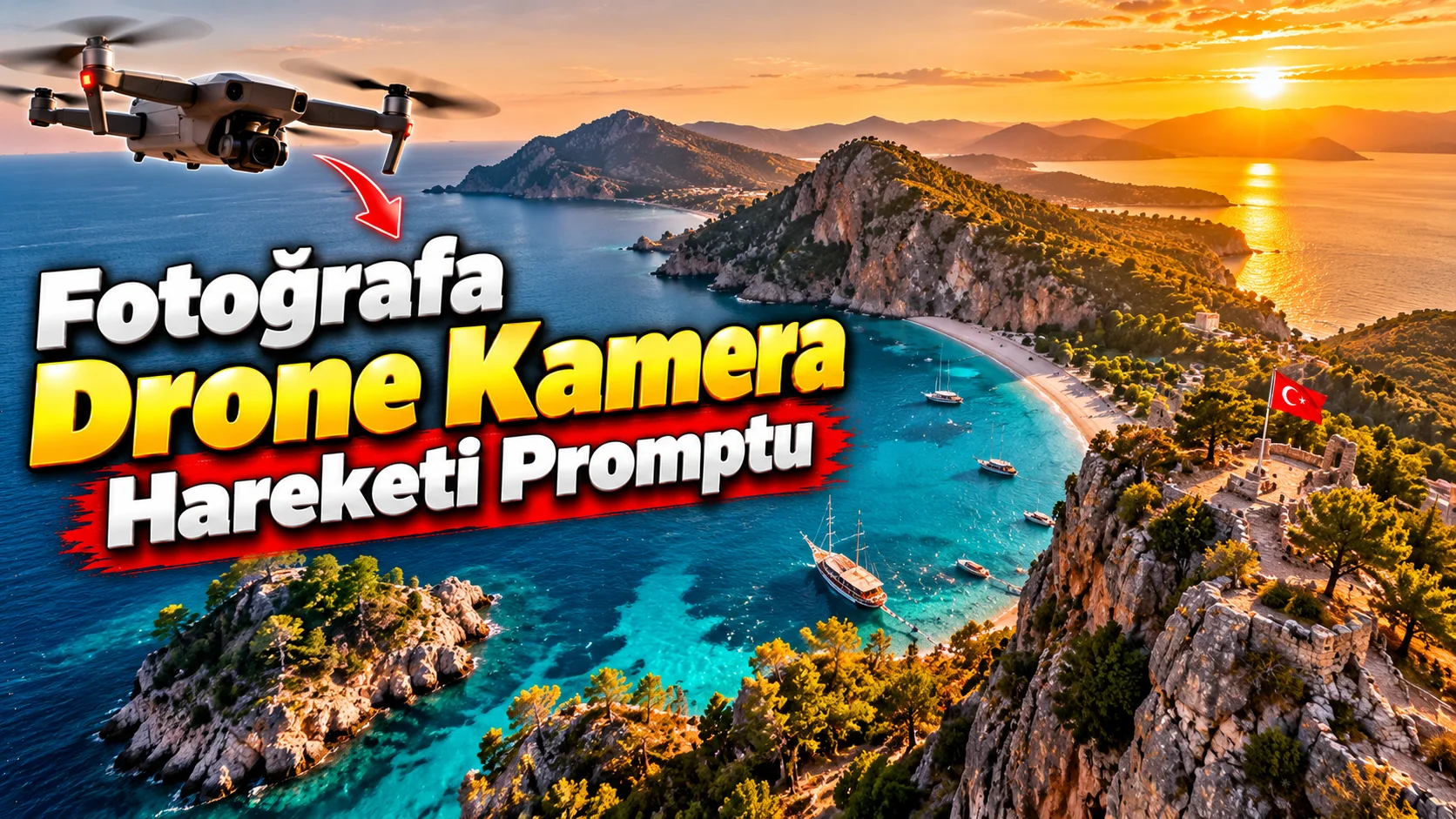
Güzel bir manzara fotoğrafınız var ama bunu hareketli bir seyahat videosuna dönüştürmek istiyorsanız, fotoğrafı baştan üretmek yerine kamera hareketi hissi ekleyebilirsiniz.
Bu prompt özellikle dağ, sahil, göl, şehir ve doğa görüntülerinde kullanılabilir.
Nasıl kullanılır?
Manzara fotoğrafınızı video üretim aracına referans olarak yükleyin ve aşağıdaki promptu kullanın.
Video Promptu ne işe yarıyor?
Sabit bir manzara fotoğrafına gerçekçi bir drone kamerası hareketi ekleyerek yaklaşık 10 saniyelik Shorts/Reels görüntüsü oluşturmayı amaçlar.
Kullanabileceğiniz prompt:
"Create a 10-second cinematic aerial drone shot based on the uploaded landscape photograph. Preserve the original geography, mountains, buildings, coastline, vegetation and overall composition. Simulate a smooth drone camera movement that slowly rises and moves forward above the landscape, revealing more depth without changing the original environment. Add subtle natural movement such as trees gently moving in the wind and realistic atmospheric haze. Maintain consistent lighting, realistic perspective and natural depth throughout the shot. Cinematic travel film aesthetic, smooth stabilized camera motion, photorealistic landscape, vertical 9:16 composition."
Değiştirilebilir alanlar:slowly rises and moves forward yerine:
slowly pans from left to rightgently descends toward the coastlinemoves forward above the valley
kullanabilirsiniz.
Kullanım püf noktası:
Manzara videosunda kameranın çok hızlı hareket etmesini istemeyin. Yavaş ve stabil drone hareketleri, özellikle 10 saniyelik kısa videolarda daha profesyonel görünür.