AI Video Prompt That Adds Drone Camera Movement to a Single Photo
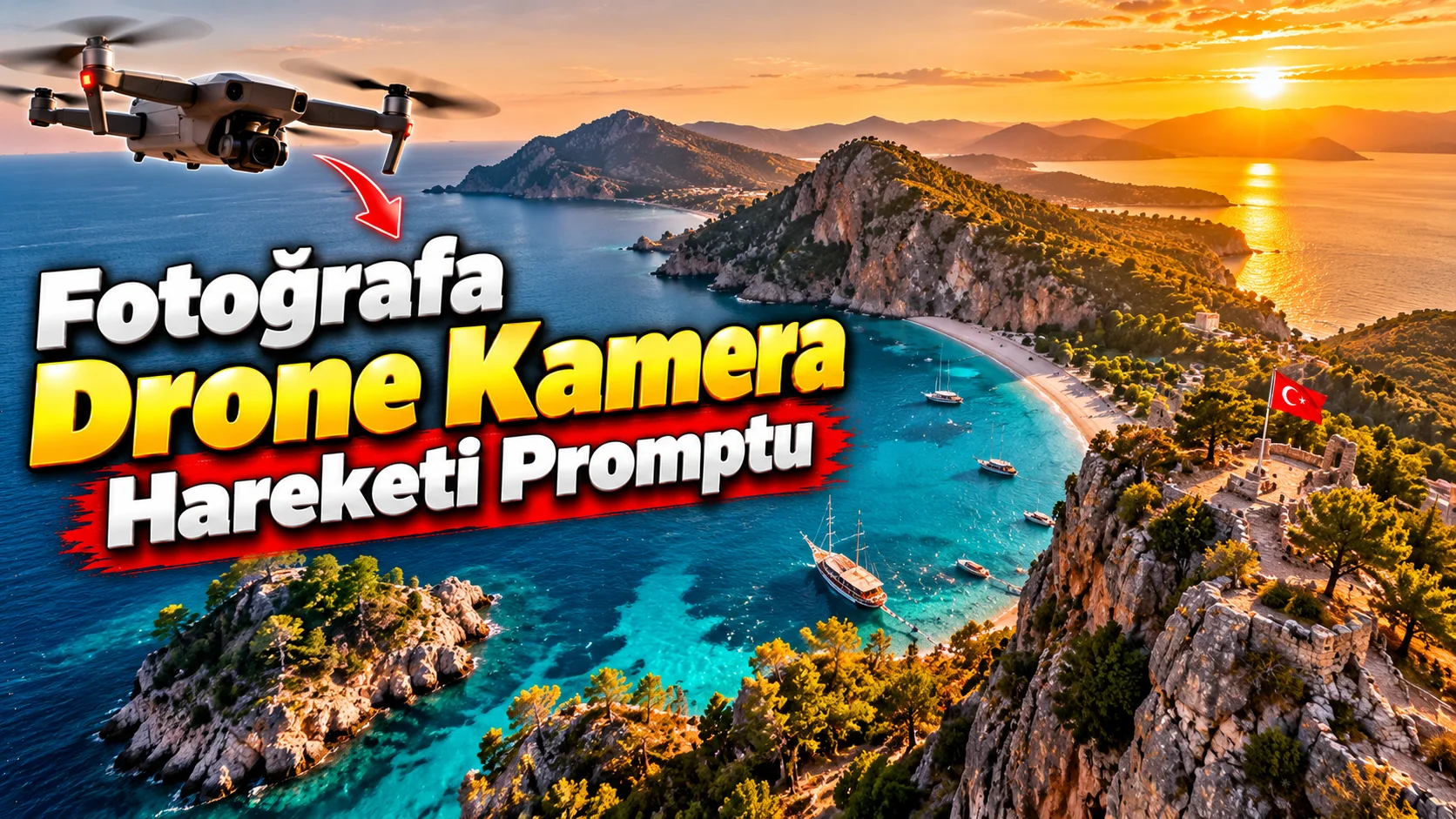
If you have a beautiful landscape photo but want to turn it into a dynamic travel video, you can add a sense of camera movement instead of generating the image from scratch.
This prompt is particularly effective for images of mountains, coastlines, lakes, cities, and nature.
How to use it?
Upload your landscape photo as a reference to the video generation tool and use the prompt below.
What does the video prompt do?
It adds realistic drone camera movement to a static landscape photo, creating approximately 10 seconds of footage suitable for Shorts or Reels. It aims to create
The prompt you can use:
"Create a 10-second cinematic aerial drone shot based on the uploaded landscape photograph. Preserve the original geography, mountains, buildings, coastline, vegetation and overall composition. Simulate a smooth drone camera movement that slowly rises and moves forward above the landscape, revealing more depth without changing the original environment. Add subtle natural movement such as trees slowly moving in the wind and realistic atmospheric haze. Maintain consistent lighting, realistic perspective and natural depth throughout the shot. Cinematic travel film aesthetic, smooth stabilized camera motion, photorealistic landscape, vertical 9:16 composition."
Changeable fields:slowly rises and moves forward instead of:
slowly pans from left to rightgently descends toward the coastlinemoves forward above the valley
.
Usage tip:
Do not want the camera to move too fast in landscape video. Slow and steady drone movements look more professional, especially in short 10-second videos.