

Ninite: Install Multiple Programs at Once on a New Computer
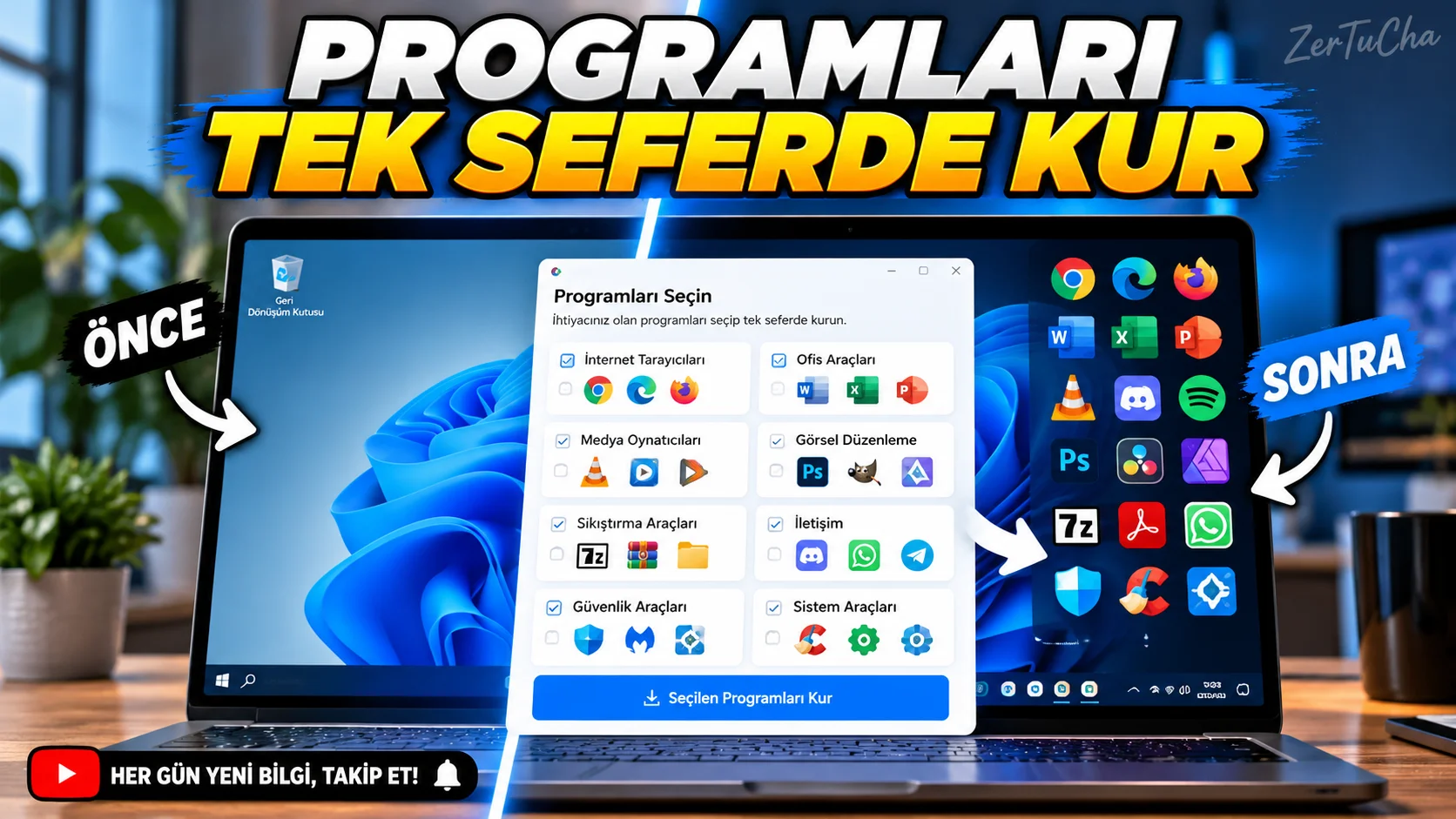
After reinstalling your computer, you do not have to download all the programs one by one
You bought a new computer or reinstalled Windows. You need to install the browser, communication program, archive manager and other basic applications.
It takes time to go to a separate site for each program, look for a download button, follow the installation screens and check for updates.
Ninite simplifies this process. You select the applications you want on the site, then download a single installation file. When you run this file, Ninite can automatically download and install the supported programs you choose.
Another benefit is that it automatically rejects offers to add extra toolbars or unnecessary software during installation. Ninite also tries to bypass outdated programs and update older versions. Ninite
Step by step usage
- Open Ninite home page.
- Examine program categories. Choose from browsers, communications tools, and other supported applications.
- Check the boxes next to the programs you need.
- Use the create installation file button at the bottom of the page.
- Run the downloaded file by checking that you have downloaded it from the official Ninite site.
- Wait for the installation to complete. Ninite will automatically attempt to download and install supported applications.
- Check which apps were installed or updated on the result screen.
- You can re-check whether supported programs are up to date by running the same installation file later.
Requirements and limits
- Windows computer and internet connection required.
- Only programs available in the Ninite catalog can be selected.
- Free version is for personal use; For commercial use, Pro terms must be reviewed.
- Ninite aims to install the latest versions of selected applications; Fixing a specific old version is not the main purpose of free home use. Ninite
Privacy and security
When creating the Ninite installation file, your selections are associated with an installation ID; Account information may also be available for Pro users. For the installation to work, it needs to connect to Ninite servers and download programs. Ninite
Download the installation file from the official site only. Do not run random files distributed on the Internet under the name Ninite.
Advantages, disadvantages and who is it suitable for?
Advantages
- Makes it easy to install multiple programs in a single installation process.
- Can make it easier to update supported programs.
- Provides automation to reject unnecessary installation offers.
Disadvantages
- Only works with supported programs.
- For Windows.
- Internet connection required for installation.
- Commercial use may be excluded from the free version.
Who is it suitable for? For those building new computers, frequently reinstalling Windows, and preparing family members' computers.
Quick result
If you have just installed Windows, first select a few basic programs you need from the Ninite catalog. This way, you won't have to deal with a separate installation process for each application.


Henüz yorum yapılmamış. İlk yorumu siz yapın!
Bir Yorum Bırakın