

It Voices the Text You Write with a Human Voice! RealVoice Text to Speech Review
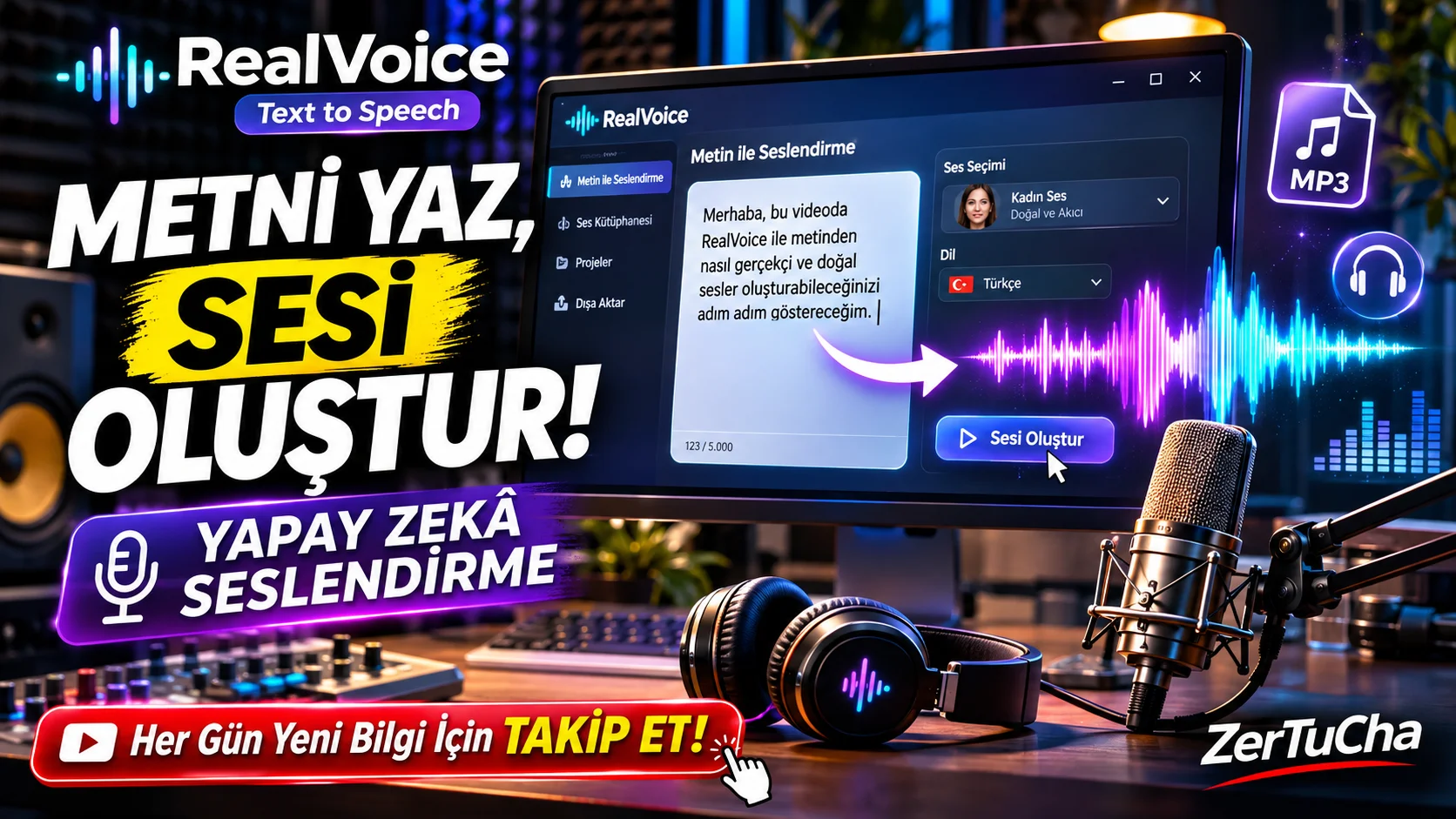
The text you type turns into speech!
Imagine that you are making a video. Your script is ready, but you don't want to do voice-over. Maybe you don't have a microphone, maybe you don't want to use your own voice, or maybe you don't want to spend the budget on a professional voice actor.
What if you could convert the text you type into a natural human voice on your computer?
RealVoice Text to Speech is a software developed exactly for this need.
The program converts written texts into speech using Microsoft's neural network-based voice technologies. In addition, it also offers features such as adjusting the speed and tone of the sound, listening to the created sound and combining it with background music.
What exactly does RealVoice Text to Speech do?
RealVoice TTS is basically a text-to-speech tool.
For example, you have a 5-minute YouTube video script. You paste this text into the program, select the voice you want to use and create a voice-over.
Moreover, the program is not limited to just reading the text. You can add background music to the sound you create and export it as a single MP3 file.
Now let's take a closer look at its features.
1. Natural voice with Microsoft Neural Voices
The most important feature of the program is that it uses Microsoft's neural network-based sounds.
As you know, voices can be heard quite mechanically in traditional text-to-speech tools. Neural Voice technologies aim to make speech sound more natural and closer to the human voice.
RealVoice allows you to choose from supported voices and have your text read with them.
This feature specifically:
-
YouTube video tutorials,
-
Training videos,
-
Presentations,
-
Informative contents,
-
Podcast drafts
may be of interest to the preparers.
2. Changing speaking rate and tone of voice
Let's say you want a calmer and slower narrative in a documentary video you are preparing.
In another video, you need a faster and more energetic voice-over.
You can change the speaking rate and pitch in RealVoice.
Thus:
-
You can create a slower speaking voice.
-
You can increase your speaking rate.
-
You can make the sound sound thicker or thinner.
-
You can compare the changes by listening.
There is an important detail here: Changing the pitch of the voice is not the same as completely changing the character of a real voice. At extreme settings, the sound may become artificial.
3. Instantly listen to the sound you create
You prepared a voice-over, but it did not turn out the way you wanted. Do you have to do all the steps from the beginning?
No. The program allows you to listen to the result in advance by changing the text, sound selection, speed and tone settings.
This is especially important with long texts. Because you can check whether the sound is suitable for the narration before exporting the entire scenario.
4. Adding background music
I think this is one of the more useful features of RealVoice.
Normally, after converting text to audio, you need to switch to another audio editing program to add background music.
RealVoice allows you to add a music file to your voiceover.
Moreover:
-
You can adjust the volume of the background music.
-
You can change the balance between speech and music.
-
You can use a soft ending effect for music.
-
You can export just the voiceover or a combination of voice and music.
For example, you prepared a narration for your YouTube video. You can add some light background music underneath and create a single MP3 file.
This can save time, especially for those who create fast content.
5. Export to MP3 format
You can save the sounds you create in the program in MP3 format.
So your audio file:
-
CapCut,
-
DaVinci Resolve,
-
Adobe Premiere Pro,
-
Audacity
.
However, let us point out that the program basically offers MP3 export. I couldn't find any reliable confirmation that it supports different formats like WAV.
6. Works with an internet connection and does not require an account
Another point that draws attention in the introduction of the program is that there is no obligation to open a user account.
The software's interface and file management work on your computer. However, it is stated that Microsoft's online Neural Voice services are accessed via HTTPS in voice production.
So there's an important distinction here: Even though the program is an application installed on your computer, don't assume that audio production takes place completely offline. Internet connection required.
Advantages
Easy to use
Aims to convert text to speech without knowledge of complex audio editing.
Microsoft Neural Voices
Uses neural network-based audio technologies to create more natural and fluent vocalizations.
Adding background music
You can combine voice-over and music in the same application.
Speed and tone control
You can adjust the voice expression style according to your needs.
Use without opening an account
According to the product description, you do not need to create a separate user account.
MP3 output
You can transfer the prepared voiceovers to video editing software.
Disadvantages — What you need to know before buying
1. There is uncertainty about Turkish voice support.
Microsoft Neural Voices supports different languages. However, I could not find an up-to-date and reliable voice list to verify which Turkish voices are offered in the Windows version of RealVoice.
If you are preparing Turkish YouTube content, be sure to test Turkish voices before purchasing.
2. It requires an internet connection.
Speech synthesis is based on Microsoft's online voice services. Therefore, you should not expect full functionality without an internet connection.
3. Does not offer advanced audio editing tools.
Do not think of this program as a professional audio editing station like Cubase or Audacity. Multi-track mixing, advanced noise removal and comprehensive audio processing tools are not the main purpose of this software.
4. Emotional expressive control may be limited.
Natural voice reproduction does not mean that every sentence will be emphasized like a human. You may not get the emotion you want in documentaries, stories or dramatic narratives.
5. Official release and support information is limited.
While the features of the Windows version are linked to the Microsoft Store link, there is no comprehensive independent information about the developer, update policy and support terms. Therefore, it is useful to be cautious about long-term use.
System requirements
|
Requirement |
Information |
|---|---|
|
Operating system |
Windows 10 or Windows 11 |
|
Minimum Windows version |
Windows 10 1809 (17763) |
|
Architecture |
64-bit Windows |
|
Internet |
Required |
|
Audio output |
Speaker or headphones |
|
Account |
Not mandatory according to the program introduction |
System information is based on the published description of the product. Detailed official hardware requirements could not be confirmed.
Is there a fee? Is it available for free?
RealVoice Text to Speech 2.0.0
Windows desktop application
Price: No reliably verified current selling price could be found.
License: Listed as a full version in third-party software catalogues. However, I could not verify the current price and license terms on Microsoft Store.
There is something I want you to pay particular attention to: Some download sites have installation files of 618 MB in size. I could not verify that these are safe and genuine. I recommend that you check the publisher and product information on Microsoft Store instead of downloading the installation file from unknown download sites.
Who is it suitable for?
|
User |
Compliance |
|---|---|
|
YouTube creators |
Suitable
|
|
Training video creators |
Suitable
|
|
Presentation creators |
Suitable
|
|
Podcast creators |
Suitable
|
|
Professional sound engineers |
Limited
|
|
Those who want advanced voice cloning |
Not applicable
|
Last review: Is RealVoice Text to Speech worth using?
My assessment is this:
The great thing about RealVoice is that it combines the ability to convert text to audio, as well as add background music and export as MP3, all in one simple interface.
It may be especially practical for those who want to prepare fast video voice-overs.
However, the inability to verify Turkish voice options, the uncertainty of price and license information, and the lack of advanced voice editing tools are important disadvantages.
What would I do?
First, I would check the version on Microsoft Store, test the Turkish voice-over quality and prepare a few minutes of sample video. If the result is satisfactory, I would consider using it.
I wouldn't buy it just because it does artificial intelligence voice acting. Because today, the most important issue in voice-over quality is not only the speaking of the voice, but also its ability to convey the content you are describing with the right emotion and emphasis.

Henüz yorum yapılmamış. İlk yorumu siz yapın!
Bir Yorum Bırakın