

VLC → MPV
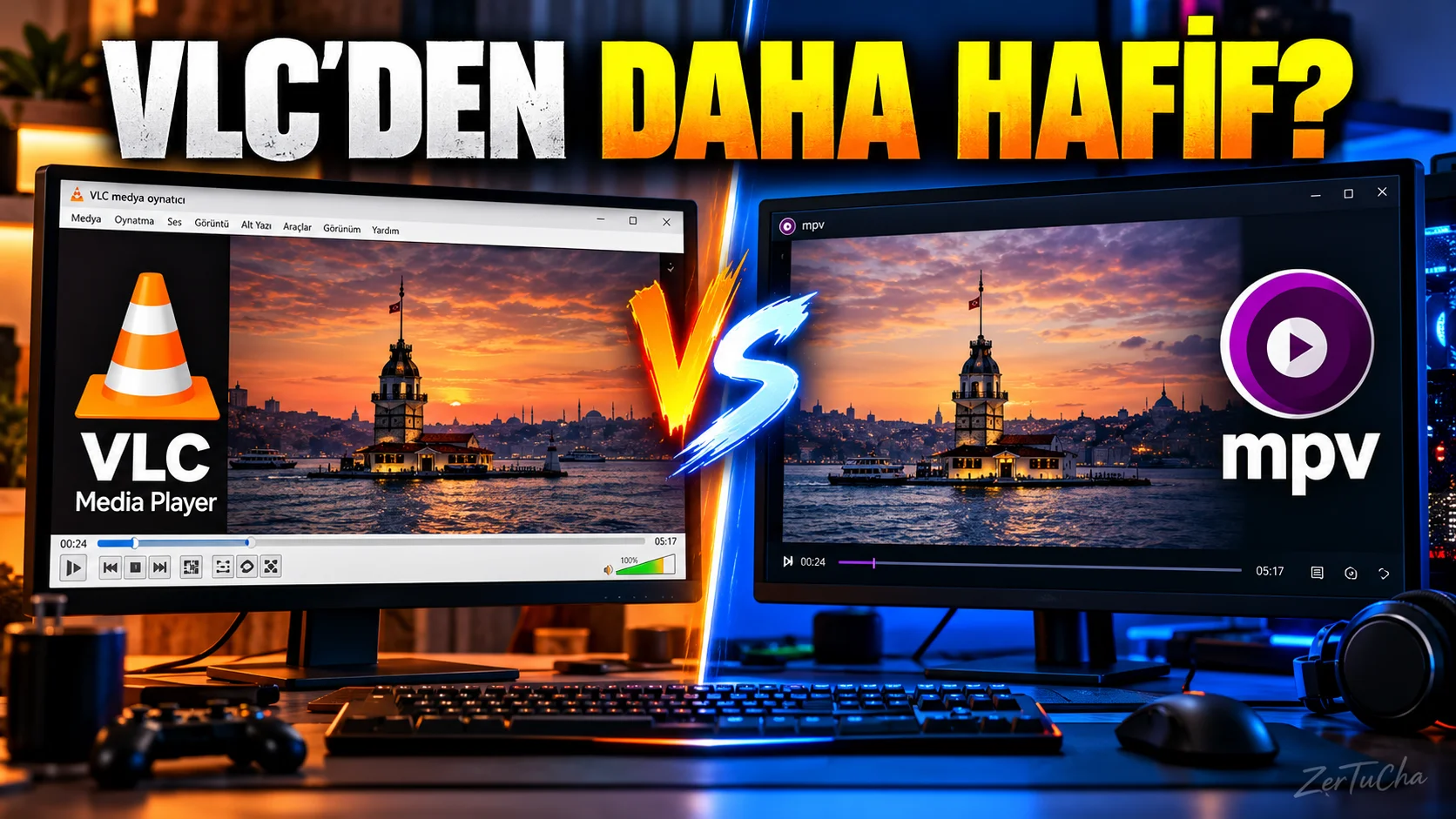
Main Program / Application
VLC Media Player
Recommended Alternative
MPV
Supported Systems
Windows, macOS and Linux. MPV's official project provides updated versions and builds for these platforms.
Fee Status
Free and free software.
MPV is a free media player developed under GPL license.
What Does It Do?
A lightweight and powerful media player used to play video and audio files, use subtitles, and play a wide variety of media formats.
“We all know VLC already.
The computer is formatted, one of the first programs downloaded is VLC.
But I'll show you a slightly different alternative: MPV.
Now things are changing a bit here.
MPV is a simpler, lighter media player that gives the technical user a little more freedom.
For example, if you just say 'let me double click on the video on my computer and it will open', VLC will look more familiar to you.
But if you say 'I want performance, I use keyboard shortcuts, tinker with the settings, customize the player', MPV is very interesting.
And it's completely free.
And it can be used on Windows, Mac and Linux.
So if you've been using VLC for years, make a note of MPV.
Maybe you won't delete VLC, but it can definitely come in handy as a second player.”
Advantages
It's free, has open development, and supports a wide range of media files and codecs. Current versions are available on Windows, macOS and Linux.
Disadvantages
The interface is not as beginner-friendly as VLC. The initial setup and settings may seem more technical for some users.
Why Use?
For users who want a minimal, powerful and customizable media player.
Better for Whom?
Advanced computer users, Linux users, media enthusiasts and those who want more control over the player.
Source
MPV official project and GitHub sources.

Henüz yorum yapılmamış. İlk yorumu siz yapın!
Bir Yorum Bırakın