



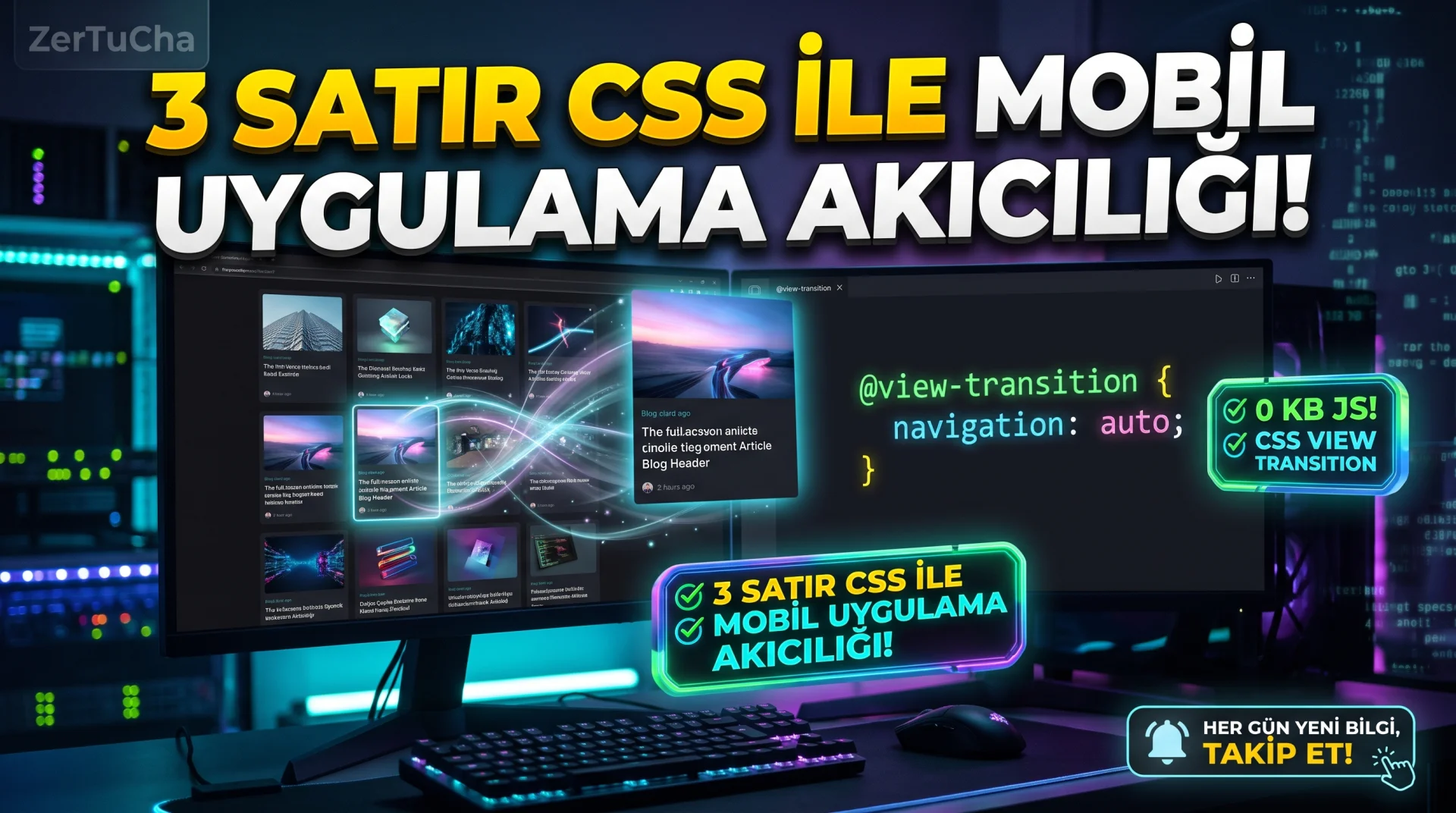
When you click on an article on a website or blog, the page turns white for a moment and refreshes sharply, which always gives the user the feeling of an "old style website". However, when you touch a card in modern iOS and Android mobile applications, the photo of that card enlarges smoothly and turns into the cover of the new page, and your eyes never get tired! In the past, to give a website that cinematic transition feeling, it was necessary to rewrite the entire site with a heavy Single Page Application (SPA) architecture such as React or Vue and load hundreds of kilobytes of JavaScript animation libraries. Okay now without writing a single line of JavaScript will simply add With a brand new 3-line W3C browser rule Did you know that you can make all your page transitions as smooth as a mobile application? This new standard, which is implemented by very few web designers in Türkiye, is right below!
Brief Summary: View Transitions API is the next generation W3C web standard that allows
Leave a Comment to Read the Rest of the Article
Did you find our content useful? We are curious about your thoughts on the subject.
you to create mobile app-quality smooth page transition animations with just a few lines of CSS rules, without writing a single line of JavaScript, even on traditional multi-page websites (MPA – WordPress, PHP, HTML).
What is the View Transitions API and Why is it Revolutionary?
View Transitions API is built-in web technology that allows the browser to perform a hardware-accelerated smooth transition (cross-fade or morphing) between a snapshot of the old page and the live view of the newly opened page.
Especially Cross-Document View Transitions feature, WordPress blogs, e-commerce stores and classic HTML sites can now achieve modern application fluency without going through heavy React/SPA complexity and compromising SEO.
Difference between View Transitions API and Traditional JS Animations
Below is the performance comparison of methods for adding page transition animation to websites.
| Criteria | Heavy JS / SPA Frameworks | CSS View Transitions API |
|---|---|---|
| Additional JavaScript Size | 50 KB – 250 KB+ | 0 KB (Only 3 lines of pure CSS!) |
| SEO and First Load Speed | Additional SSR configuration required | 100% preserves the natural HTML/SEO structure |
| WordPress / PHP Compatibility | The theme architecture needs to be rewritten | Added to existing theme in 1 minute |
| Outdated Browser Behavior | Risk of error or corruption | Incremental improvement (Opens like a normal page) |
How to Add View Transitions to Your Website with 3 Lines of CSS?
Follow these steps to smooth out all internal page transitions on your existing WordPress or custom HTML website in 1 minute:
- Your site's main CSS file (Appearance → Customize → Additional CSS field) below
@view-transition. - If you want the small image in the blog card to grow and flow towards the larger featured image on the post page, both images will have the same unique
view-transition-name: hero-visual;Assign CSS property. - Guideline for users with motion sensitivity (accessibility standard)
@media (prefers-reduced-motion: no-preference)block. - Save the page and click from one blog post to another in Chrome, Edge or the current Safari; See the white screen splash disappear and smooth transition take effect!
- To speed up or customize migration time
::view-transition-old(root)and::view-transition-new(root)pseudo-elements (e.g.0.25s) define.
Ready Copiable Cross-Document CSS Code
@media (prefers-reduced-motion: no-preference) {
  @view-transition {
    navigation:auto;
  }

  ::view-transition-old(root),
  ::view-transition-new(root) {
    animation-duration: 0.25s;
  }
}
Zertucha Design Approach and Limitations
To provide premium user experience with zero JavaScript cost in the new generation corporate websites and e-commerce interfaces that we have developed as Zertucha Creative Studio View Transitions API + Speculation Rules together. Our modern web design and software projects from our portfolio page. This feature only works for migrations within the same domain (Same-Origin); In older browsers that do not support it, it continues with the standard page refresh without producing any errors.
Frequently Asked Questions
Does using the View Transitions API affect my Google PageSpeed or SEO score?
No adverse effects; On the contrary, since it does not load any additional JavaScript files, Core Web Vitals preserves your scores and increases users' comfort in navigating the site.
Where should I paste the code files on my WordPress site without breaking them?
In the WordPress panel Appearance → Customize → Additional CSS box and click "Publish".
What should be the animation duration for the most natural mobile app feel?
In order not to keep the user waiting 0.2s to 0.3s (200–300 milliseconds) give the smoothest and most professional feeling.



No comments yet. Be the first to comment!
Leave a Comment